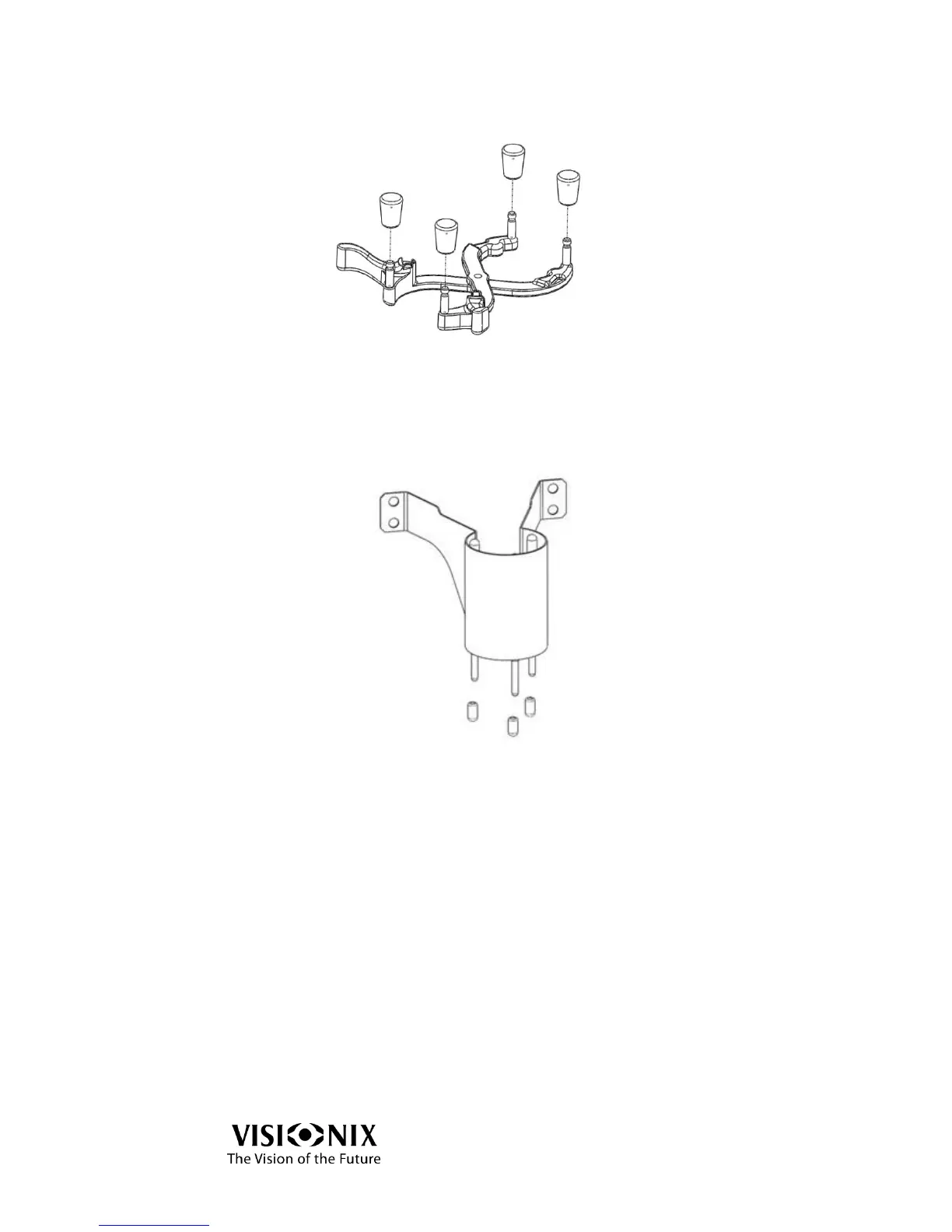
Holder Caps Replacement
Figure 8-3: Holder Caps
Remove the worn-out caps from the holder.
Replace them with new ones.
Blocker Caps Replacement
Figure 8-4: Blocker Pins and Caps
The blocker is located above the holder and moves downward when measurement
procedures start.
Move the holder leftward and close the arms of the holder.
Remove the worn-out caps from the pins by hand.
Put the new caps on the pins by hand.
Ensure that the pins do not move upward (you may use long-nose pliers to
secure the pins).
Verify that the caps are properly installed.
Return the holder to its normal position.



 To Next Page