7.3 The system stops, or if malfunctions are observed
Reset the system (see 6.13).
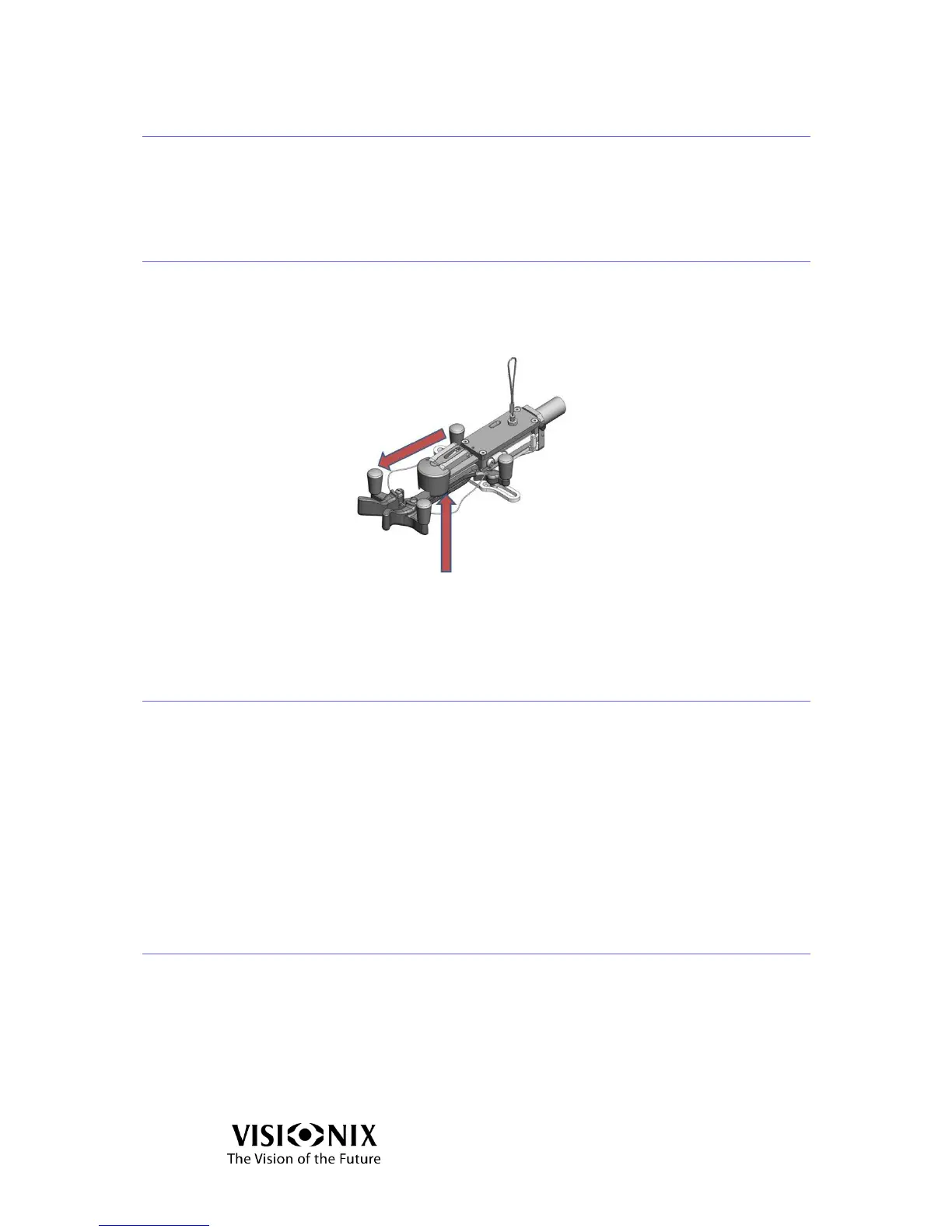
7.4 The nose of the frame holder is blocked
If the nose of the Frame Holder blocks:
Lift the nose gently and pull it toward the front.
Figure 7-2: Frame Holder Nose
7.5 I got a wrong measurement on trial lenses
Verify that the planest surface is on the top.
If this doesn’t help,
Reset the system (see 6.13) and restart the measurement.
Note:
Verify the Power Mapping Specifications listed in Table 9-3 match your
requirements.
7.6 I get wrong measurements
Go into settings mode (see 5.2).
Select the "Test Calibration" button.
Place the test frame in the holder and follow the on-screen instructions.



 To Next Page