Detector Caps Replacement
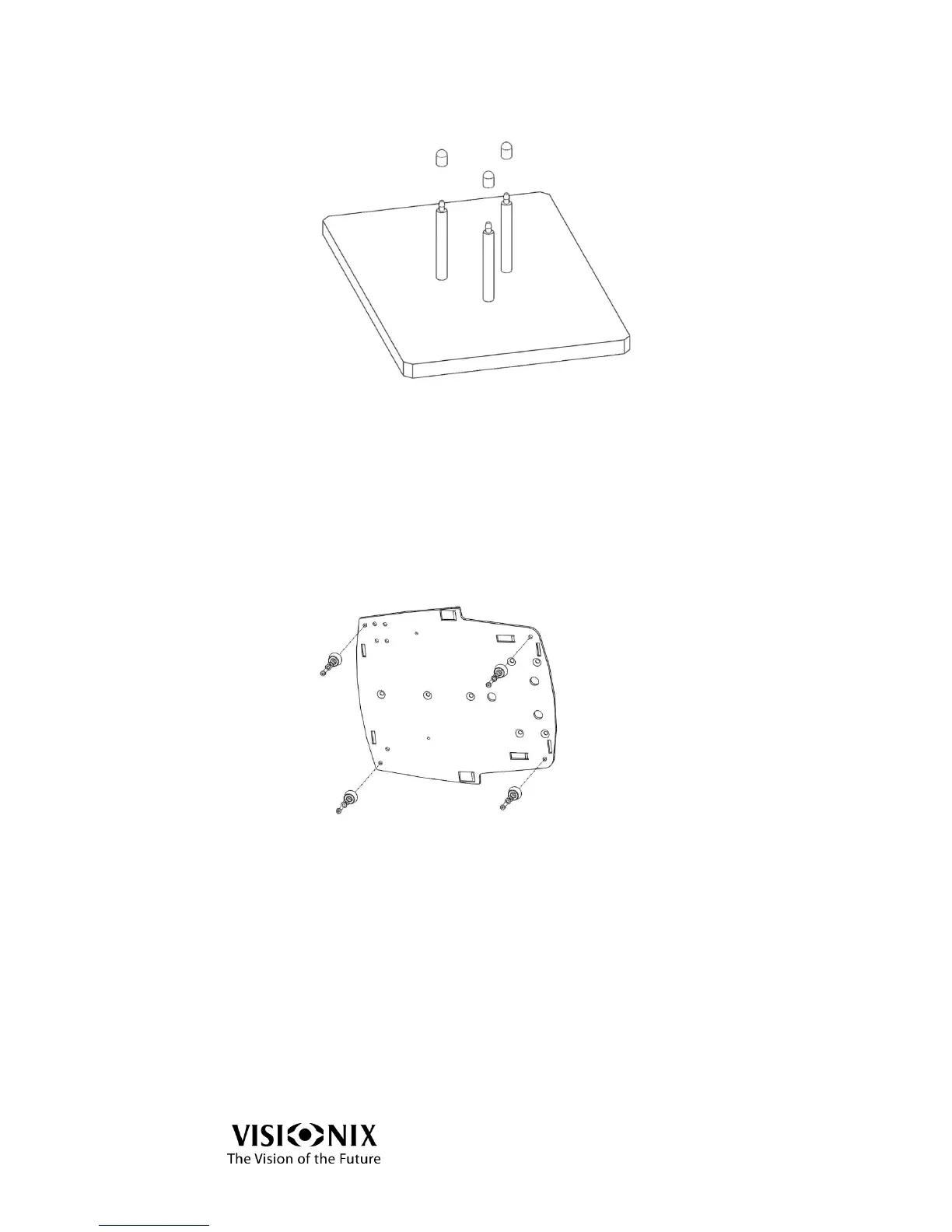
Figure 8-5: Detector Pins and Caps
The static detector is located below the holder to secure the frame or the lens.
Remove the worn-out caps from the pins by hand.
Put the new caps on the pins by hand.
Verify that the caps are properly installed.
Base Caps Replacement
Figure 8-6: Base Caps Replacement
The base of the device is protected by rubber caps.
Turn the main power switch OFF and disconnect the device from the main wall
outlet.
Use an LN key: 2.5 millimeter to release the fastening nuts.
Turn the device on its side.
Unscrew the nuts and release the washers fastening the caps.
Place the new caps in position.
Insert the nuts and washers to fasten the caps.
Fasten the nuts with an LN key: 2.5 millimeter.



 To Next Page