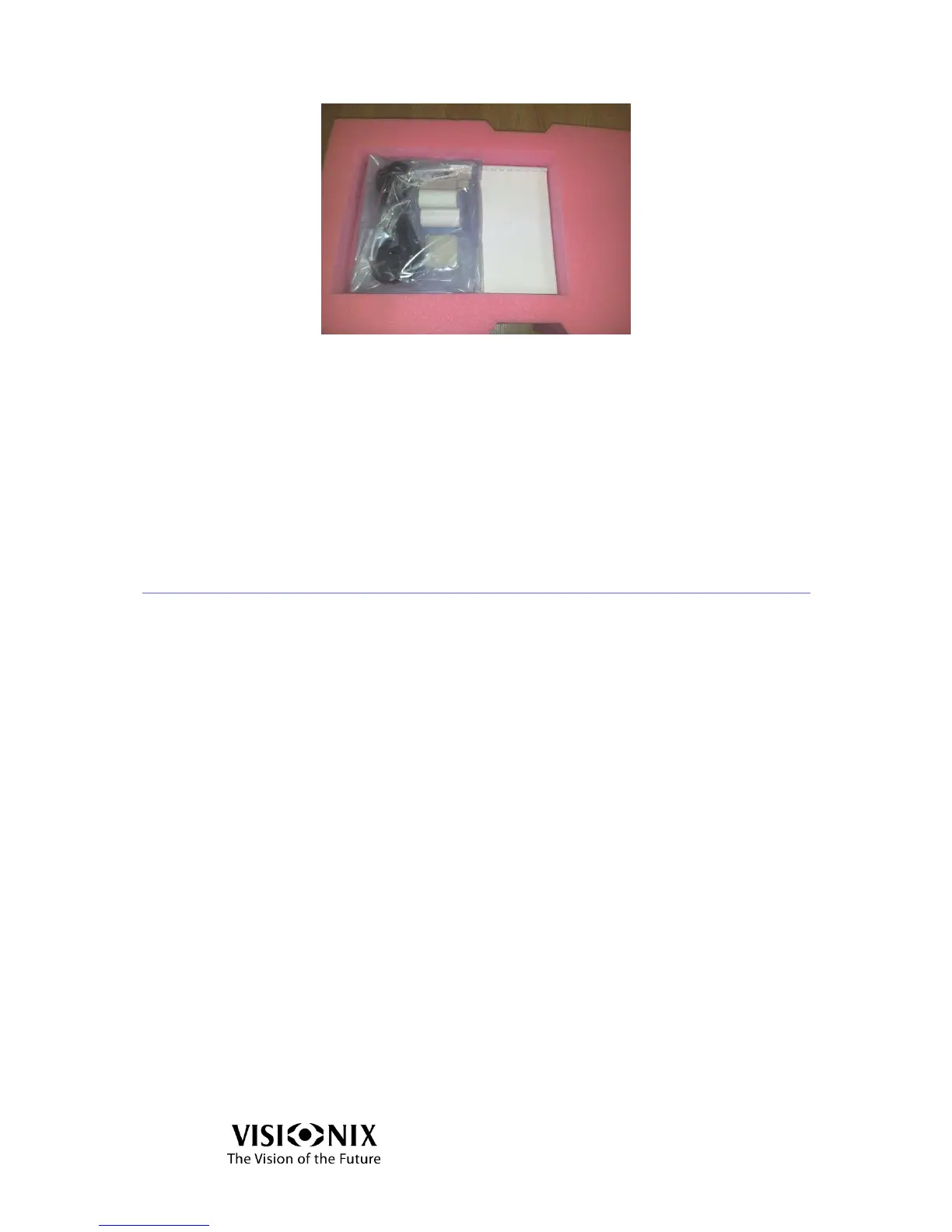
Figure 3-6: Accessories Bag
Electrical connection
Check that the power supply voltage corresponds to that required by the
equipment (see the identification label on the back of the unit).
Insert the connector of the cord into the power receptacle of the device.
Connect the power plague into the main wall outlet.
3.4 Starting and shutting down the device
Starting
Set the Main Power Switch to ON (Position 1).
Press the power button located at the rear of the VX40.
Wait until the software starts.
Shut Down
Press the power button located at the rear of the VX40.
Wait until the software shuts down.
Set the Main Power Switch to OFF (Position 0).



 To Next Page