EasyManua.ls Logo

Visionix VX40 - Select the Option of Measurement; Start the Measurement; Abort the Measurement; Extract the Frame

Visionix VX40
53 pages
Print Icon
To Next Page IconTo Next Page
To Previous Page IconTo Previous Page
Loading...
How to?
VX40 User Guide
31 / 53
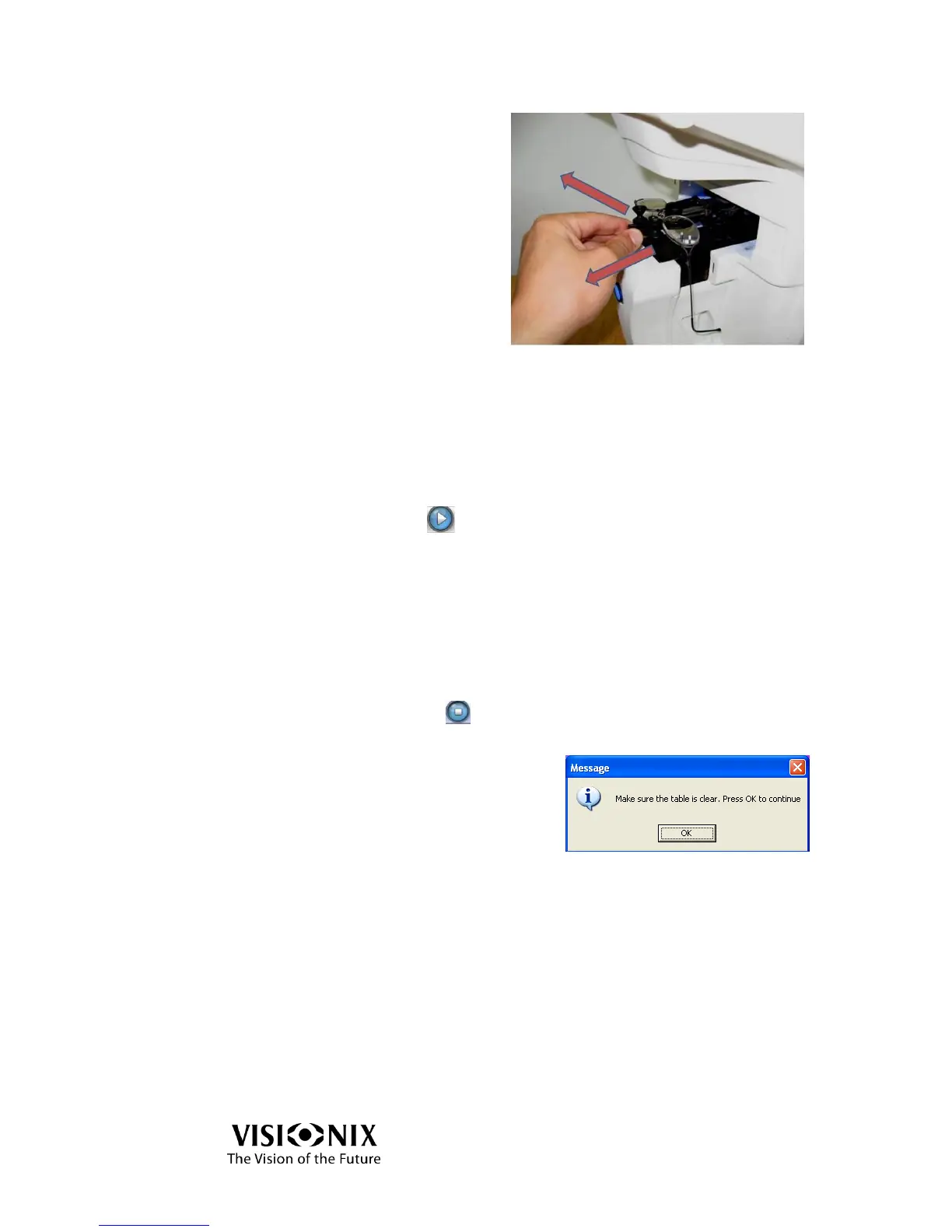
Release the holder in the direction
of the arrows until you hear a
“click”.
Select the option of measurement
Select the lens(es) you want to measure (right, left or both).
Start the measurement
Start the measurements:
Click on GO ( ),
Or press the measurement start/stop button.
The measurement is performed completely automatically.
Abort the measurement
To abort the measurement:
Stop the measurement.
Click on STOP ( )
Or press the measurement start/stop button.

Choose OK to skip the current measurement
and go to the main interface.
Extract the frame
Release the holder until you hear a “click.
Extract the frame.

Table of Contents

Other manuals for Visionix VX40

Related product manuals