8.1 General
Important!
Switch off and unplug the VX40 before cleaning.
8.2 Cleaning
Clean the VX40 daily using a clean cloth before turning it on.
Clean the optical detector and the collimation lens as well. The collimation lens is
installed above the blocker.
8.3 Printer paper replacement
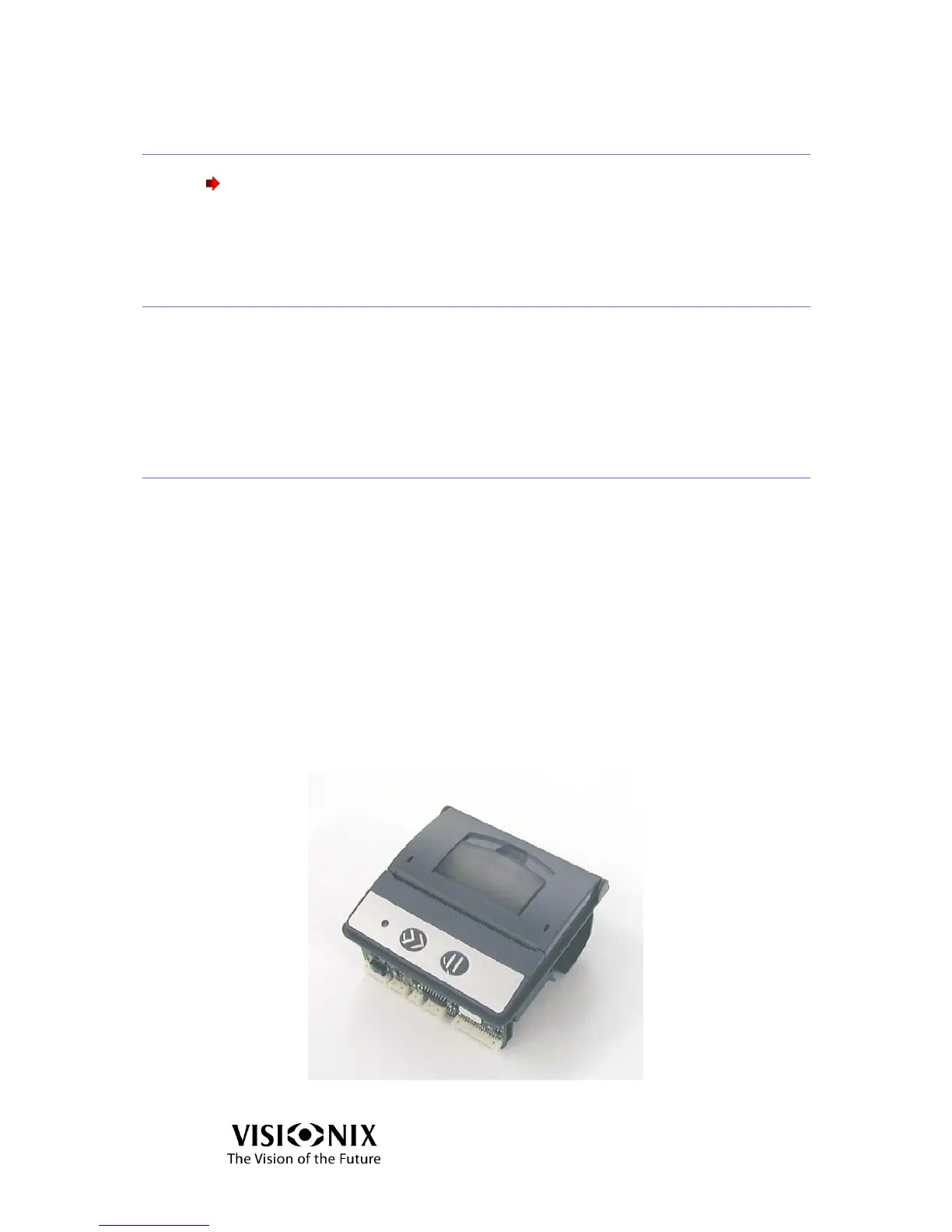
The printer is mounted on the side of the VX40. If the paper roll is used up, the
Printer LED indicator blinks.
To change the paper roll:
Pull the lever until the cover is released from its locking position. To avoid
damaging the lever, do not use excessive force.
Open the cover.
Extract the used-up paper roll.
Insert a new paper roll.
Pull the paper towards the tear bar from one side to the other.
Close the cover. Press on both sides of the cover simultaneously.
Verify that the Printer LED indicator light is steady.
Figure 8-1: Printer – Top View



 To Next Page