Table 4-2: Screen Elements
Measurement readout - left
Readout is printable:
S: sphere
C: cylinder
A: Axis
Add: add power between far
and near vision
See Chapter on Pupil Distance
Measurements.
Measurement readout - right
Readout is printable:
S: sphere
C: cylinder
A: Axis
Add: add power between far
and near vision
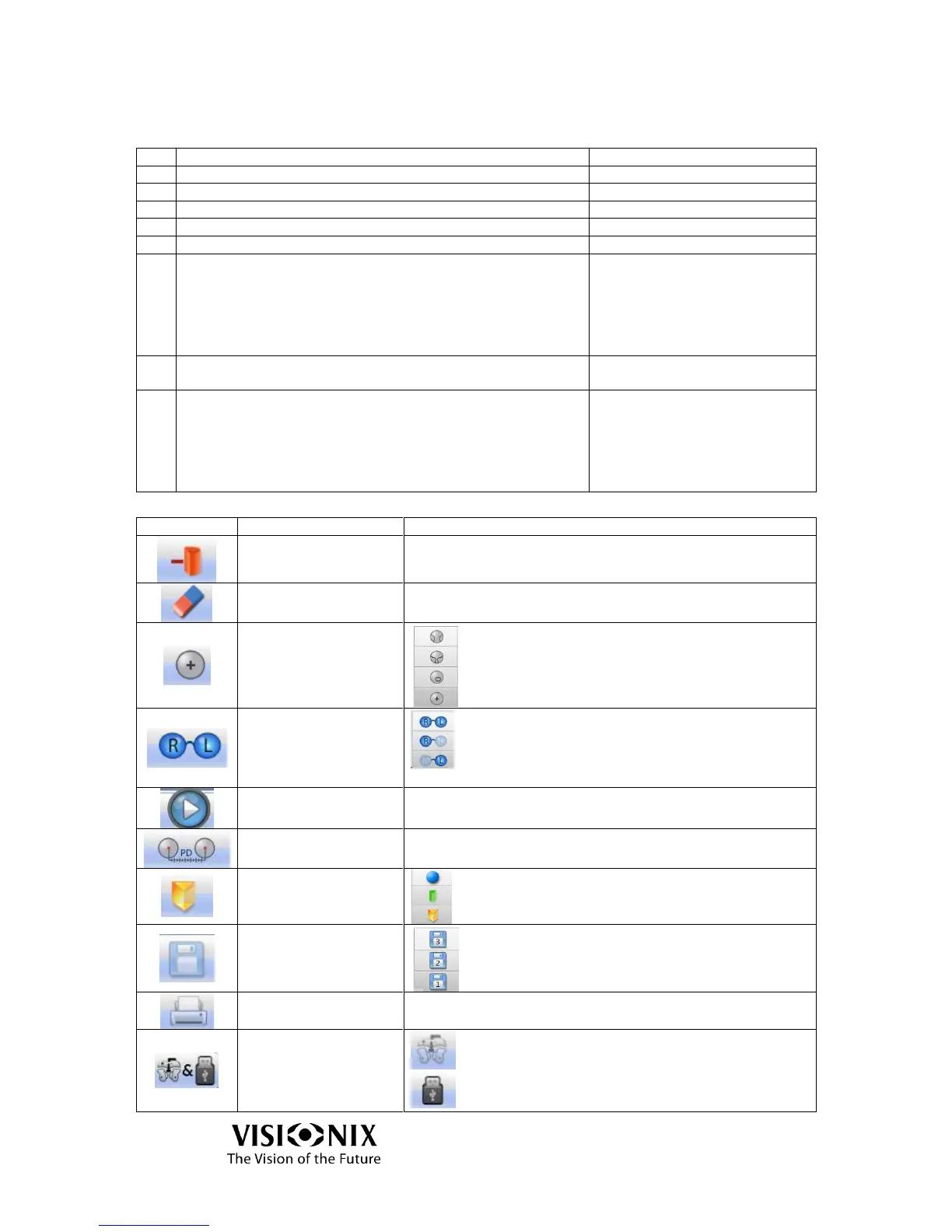
Table 4-3: Frame Interface Toolbar
Erases the result from the screen
Multi-focal
B-Focal
Single Vision
Selects the right or left lens, or both
Starts or stops measurement
Manipulate the P.D. measurements.
Saves the measurement to enable comparison with
another measurement. If there is a saved
measurement, the memory icon will be yellow.
Generates printout of result as a ticket
Send data to a phoropter or a computer.
Send data to a USB or a network.



 To Next Page