Speakerphone 73
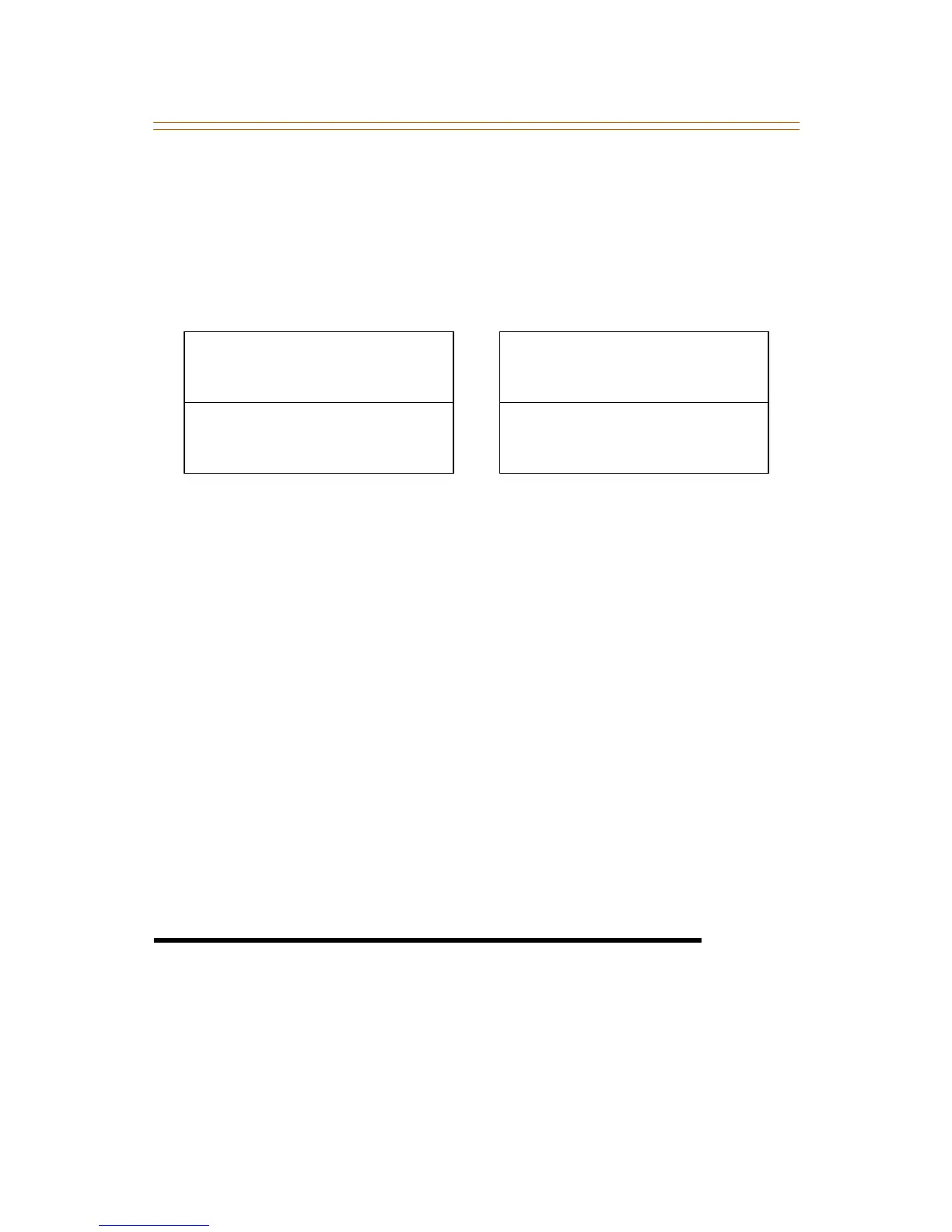
To view call forwarding status of Classroom telephones:
1. The Administrator uses a station assigned as an
Administrator station and dials feature code [630] + [#].
A confirmation tone sounds and the LCD updates to show
one of the following displays:
2. Press the ON/OFF button to return to an idle status.
Conditions
» A station can be assigned as an Administrator or as a
Classroom, but not as both.
» A call from an Administrator station to a Classroom station
overrides any School Zone call forward settings and the call
rings at the Classroom station.
» School Zone call forwarding overrides station user call
forwarding and DND.
» If an E-911 button is programmed, both audible and visual
alert indications will be provided, regardless of School Zone
call forward settings.
» The School Zone call forwarding feature does not apply to a
Classroom station that is in a hunt group or a UCD group.
Speakerphone
1. Press ON/OFF button to ON; an intercom dial tone will sound.
2. Press the DSS key of the desired party or press an available
OUTSIDE LINE button and dial the number. The
speakerphone will be activated.
CLASSROOM STATUS
BSY FWD TO XXXX
CLASSROOM STATUS
B/NA FWD TO XXXX
CLASSROOM STATUS
NA FWD TO XXXX
CLASSROOM STATUS
FWD TO XXXX



 To Next Page