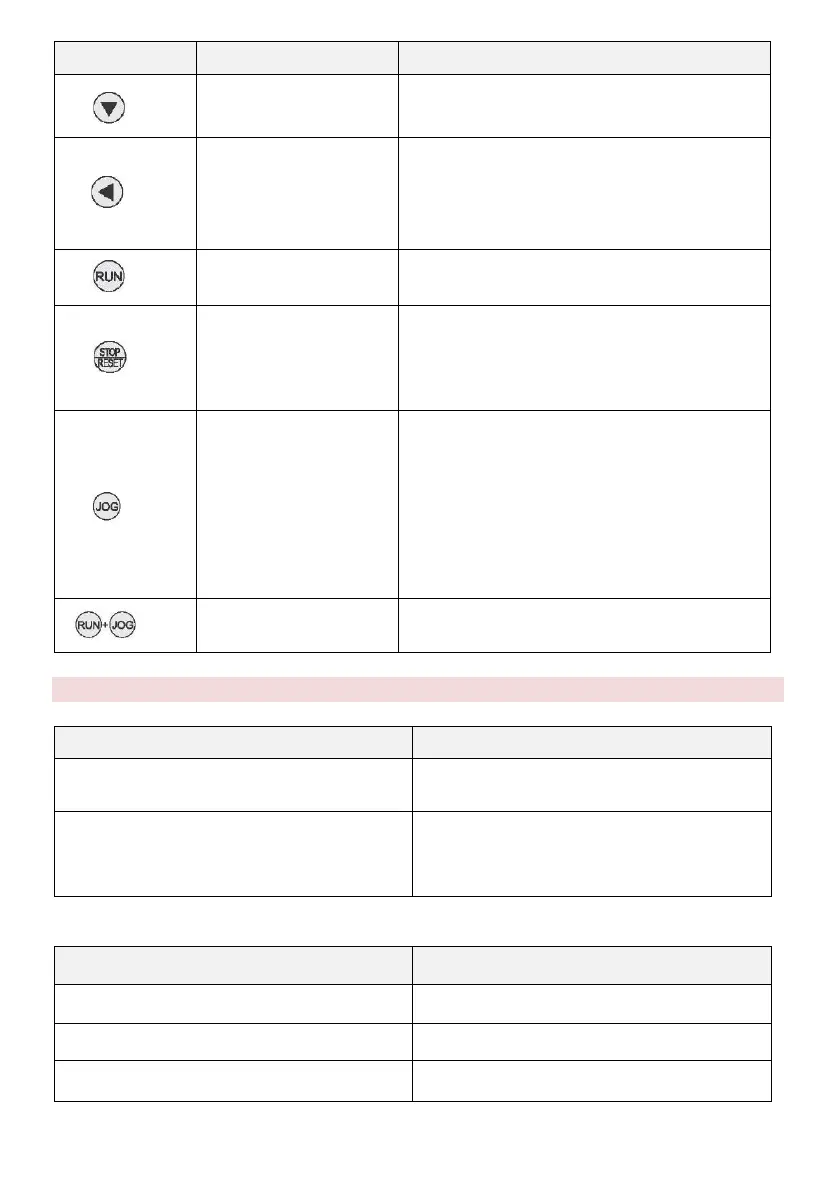
Gradually decreases data or functional
codes
In parameter setting mode, press this
button to select the figure you want to edit.
In other modes, it displays the parameters
by scrolling to the right
Start of the inverter in keypad control mode.
In the mode RUN, it can be used to stop the
inverter. In case of a fault, it is possible to
reset the inverter without restrictions.
Determined by function code P7.01
0: Status switching display
1: JOG operation
2: Switch between Forward and Backward.
3: Clears the UP / DOWN settings.
4: Quick tuning mode
You can freely stop the inverter by pressing
the RUN and STOP / RESET buttons
simultaneously. meniča.
3.3 The descriptions of the light indicator
1) Description of light indicator functions
Description of light indicator
OFF: forward operation
ON: backward operation
OFF : control by keyboard
Flashing: control by terminal
ON: control via communication
2) Description of the displayed value of the indicator light


 To Next Page