EasyManua.ls Logo

VYBO Electric Vector V810 - Inspection

VYBO Electric Vector V810
106 pages
Print Icon
To Next Page IconTo Next Page
To Previous Page IconTo Previous Page
Loading...
Chapter 1 Introduction
11
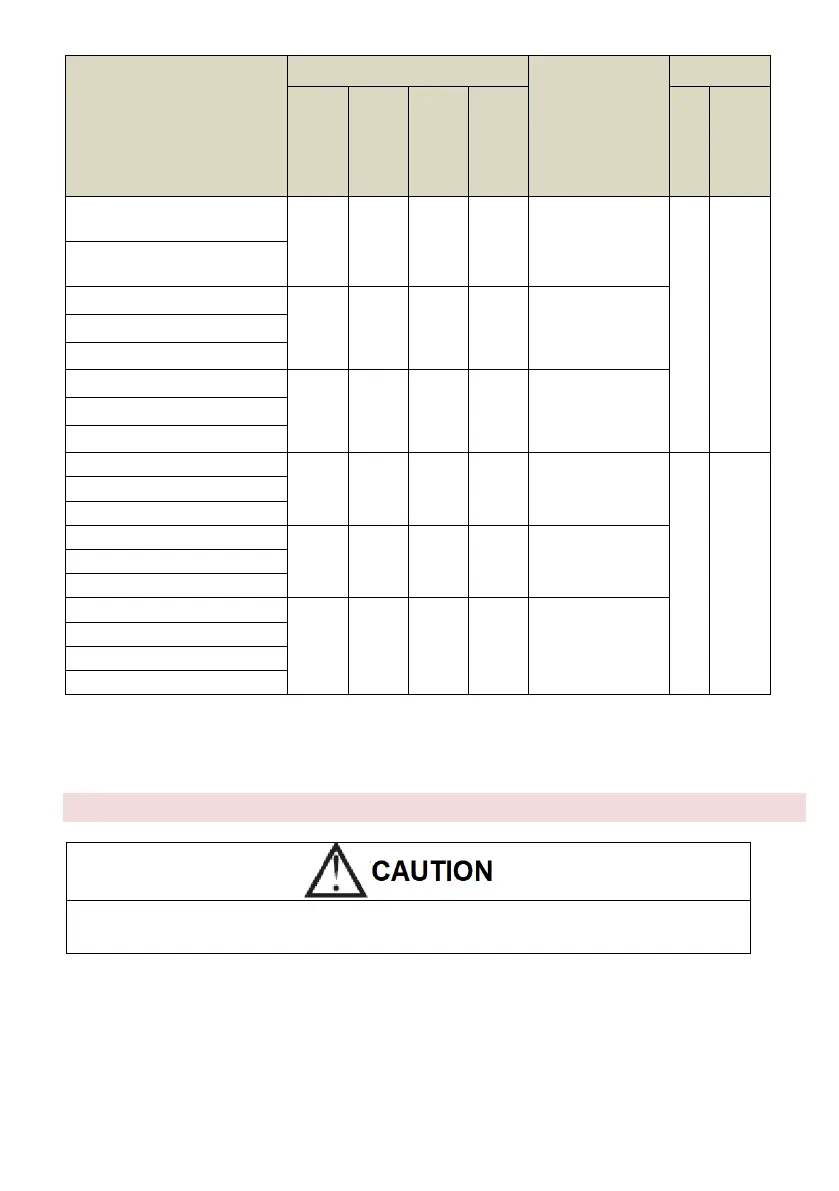
Model
External dimensions
Installation
dimensions
A*B*Ø d
W
V mm
W
H
H1
D
H
H1
V810-4T1320G/1600P
420
Wall:
730
Cabinet:
1130
Wall:
790
Cabinet:
1165
330
Wall:
300*765*Ø11
Switchboard:
250*350Ø12
Wall mounting
/ into the
switchboard
Metal cabinet
V810-4T1600G/1850P
V810-4T1850G/2000P
530
Wall:
800
Cabinet:
1300
Wall:
860
Cabinet:
1335
335
Wall:
400*835*Ø11
Switchboard:
250*450Ø12
V810-4T2000G/2200P
V810-4T2200G/2500P
V810-4T12500G/2800P
700
Wall:
880
Cabinet:
1380
Wall:
940
Cabinet:
1415
350
Wall:
600*915*Ø11
Switchboard:
250*620Ø12
V810-4T2800G/3150P
V810-4T3150G
V810-4T3500G
600
1600
800
550*700* Ø13
Into the switchboard
Metal cabinet
V810-4T4000G
V810-4T4500G
V810-4T5000G
650
1600
800
600*700* Ø13
V810-4T5600G
V810-4T6300G
V810-4T7100G
700
2200
1000
690*900* Ø13
V810-4T8000G
V810-4T9000G
V810-4T10000G
Control panel size for inverter over 5.5 kW: 141.5 mm * 79.5 mm
Control panel size for inverter under 4.0 kW: 99.5mm * 56mm
1.4 Inspection
Do not install or use a inverter that is damaged or contains damaged parts, as it may cause injury.
After unpacking the inverter, check the following items:
1. Inspect the entire outer surface of the inverter for any scratches or other damage caused by shipping.
2. Make sure that the operating instructions and warranty card are included in the package.
3. Check the nameplate to make sure you have received the inverter you ordered.
4. Make sure the optional parts are the ones you need.
If the inverter or optional parts are damaged, contact your local sales representative.

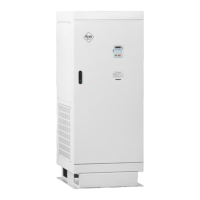
Table of Contents