4
SmartBoard
Operation and Functions
32
SmartBoard
Information Size Please note
Battery Status of the remaining battery
capacity.
Indicates the avail-
able remaining bat-
tery power (not in the
ADR version
446 192 111 0).
Part no. WABCO part number
SW-version ECU software version.
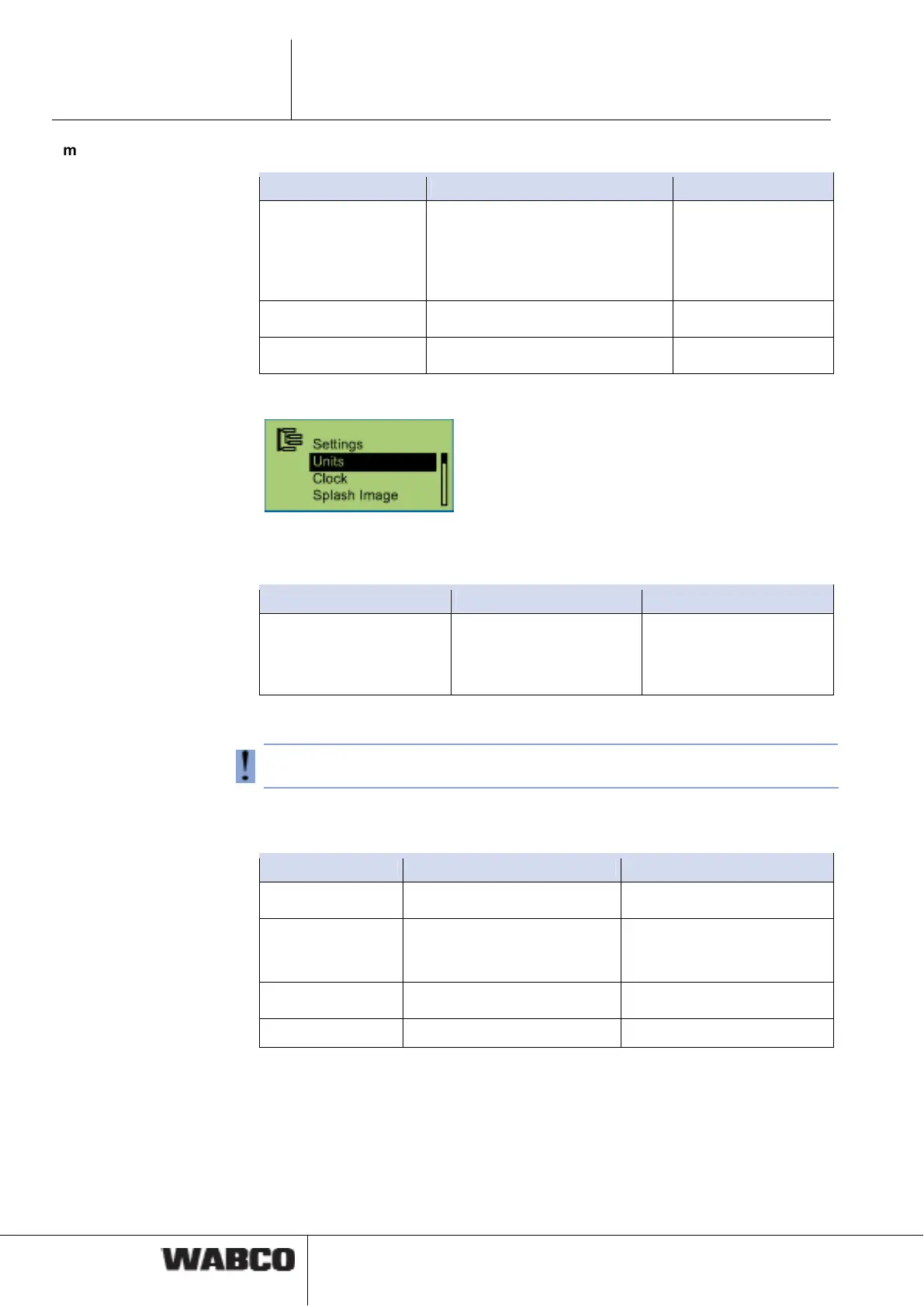
4.4.14.3 Settings
System of units
Press <OK> to activate. The currently applied system of units is marked by a ●.
Information Description Note
Metric system (km and
bar)
Anglo-Saxon system (mls
and PSI)
Available systems of
units.
The key <Arrow right> is
used to switch between
the different systems of
units.
Clock
With the ADR version, the internal clock is not active.
The key <Arrow right> is used to switch between the different options. Press <OK>
to apply the changes.
Information Description Note
Time Time
GMT Deviation of the time zone
relative to GMT (Greenwich
Mean Time)
Date Date
Dat. For. Date format yyyy-mm-dd or dd.mm.yyyy
Splash Image
This function is used to activate the display time of the start screen, as well as a
screen saver. If a screen saver has been activated, the delay time can be set.
The key <Arrow right> is used to switch between the different options. Press <OK>
to apply the changes.



 To Next Page