4
SmartBoard
Operation and Functions
34
Information Description Note
Main menu
Odometer Status
Brake wear
Loading
Tyre pressure
Diagnostic memory
Air suspension
Language
Tools
Lifting & lowering
Lifting & lowering front
Lifting & lowering rear
Menus that can be dis-
played instead of the
main menu after starting
the SmartBoard.
Definition of the menu to
be displayed after starting
the SmartBoard.
Loading
Setting the warning thresholds for load warnings. As soon as the axle load exceeds
the advance warning or overload warning threshold, the SmartBoard outputs the
relevant message (see chapter 4.4.4 "Axle load indication", page 20).
The <Arrow right> key is used to switch between the different settings. Press <OK>
to apply the changes.
Information Description Note
Advance warning
(flashing)
First warning threshold of the
load warnings.
The default value is 15 t.
This means that if a 9 t axle
is input as a parameter, the
warning is initiated at 6 t
overload.
Overload (flashing)
Secondary warning threshold
of the load warnings for the
individual axles.
The default value is 15 t.
This means that if a 9 t axle
is input as a parameter, the
warning is initiated at 6 t
overload.
Pressure sensor calibration
DANGER
Rolling vehicle
– Position the vehicle on an even surface and secure it against rolling away with
brake wedges.
– Only use approved devices to jack up and secure the vehicle.
CAUTION
Risk of injury due to brake actuation while working on the vehicle
– Attach a clearly marked note on the steering wheel saying that work is being
performed on the vehicle and that the brake must not be touched.
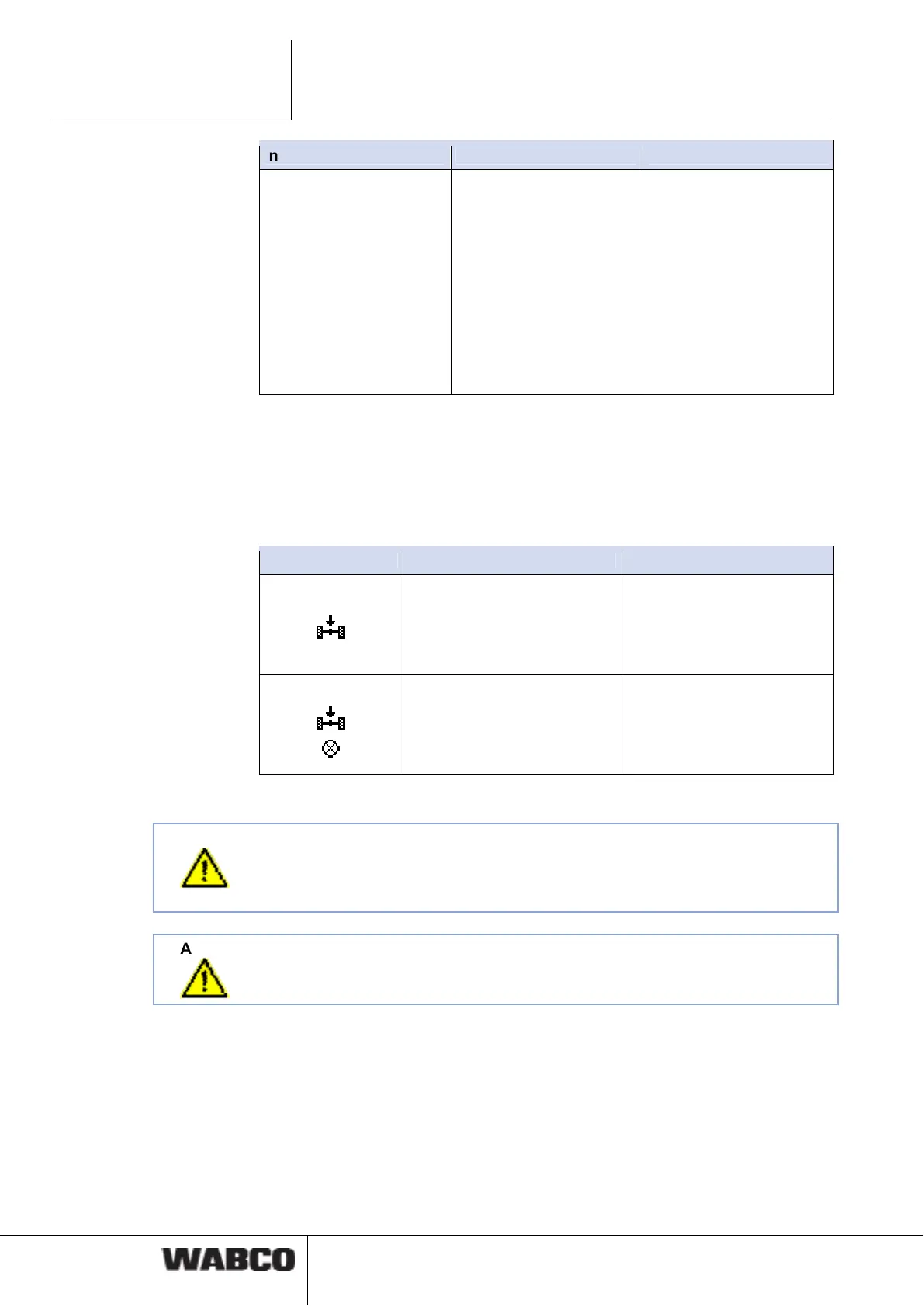
The SmartBoard makes it possible to calibrate the pressure sensors for the axle
load display of the Trailer EBS E (see chapter 4.4.4 "Axle load indication",
page 20).
This improves the precision of the axle load indication. The more precise the vehi-
cle weight is determined and the pressure sensors can be calibrated, the more
precise the axle load indication will be. With an incorrect calibration, the axle load
indication also shows incorrect values!
The brake pressure output is not affected by this calibration, in this case, the val-
ues defined by the vehicle manufacturer apply.



 To Next Page