2787-2146 (/0000-00x0) Properties
Product manual | Version: 1.2.2 17
Power Supply Pro 2
Indicator DC OK / Output
Power <25%
Output Power
≥25% … <50%
Output Power
≥50% … <75%
Output Power
≥75% …
<100%
Output Power
≥100%
>50% Off Off Steady Steady Steady
>25% Off Steady Steady Steady Steady
DC OK Steady Steady Steady Steady Steady
3.7 Control Elements
This section describes the control elements.
3.7.1 Buttons
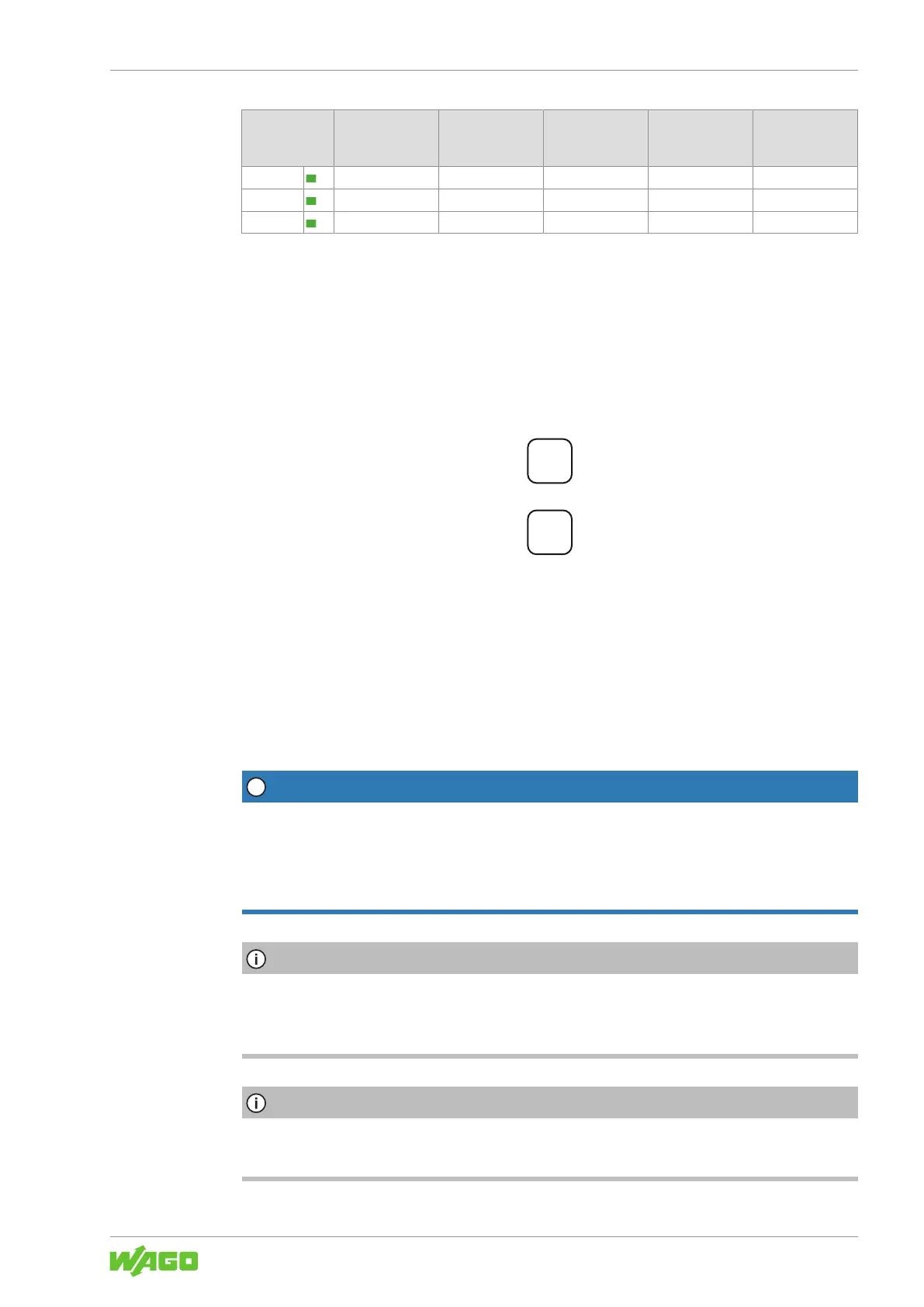
Two buttons are located on the front of the product. These buttons are labeled + and −.
Among other functions, these two buttons are used to set or adjust the output voltage.
Figure8: Control elements
Section 8Operation [}35] contains a detailed description of how you can use these
buttons to make settings.
3.8 Communication interface
The communication interface is covered with a cap. Remove this cap to use the commu-
nication interface.
NOTICE
Avoid destruction of the product by electrostatic discharge!
The contacts of the communication interface are very sensitive to electrostatic discharge
(ESD). If the contacts remain open continuously, the product can be destroyed!
• Remove the cap only when using the communication interface!
Note
Save cap!
Save the cap so you can re-close the communication interface after use. This prevents
contamination or foreign matter from getting into the open communication interface.
Note
Avoid external interference couplings!
Unusual external interference couplings can lead to communication limitations!



 To Next Page