2787-2146 (/0000-00x0) Configuration
Product manual | Version: 1.2.2 39
Power Supply Pro 2
Table49: Legend for Figure “Start View – Tabs”
No. Tab
1 Backstage
2 Device
To set up the product in the software for the first time, carry out the following steps on the
two tabs:
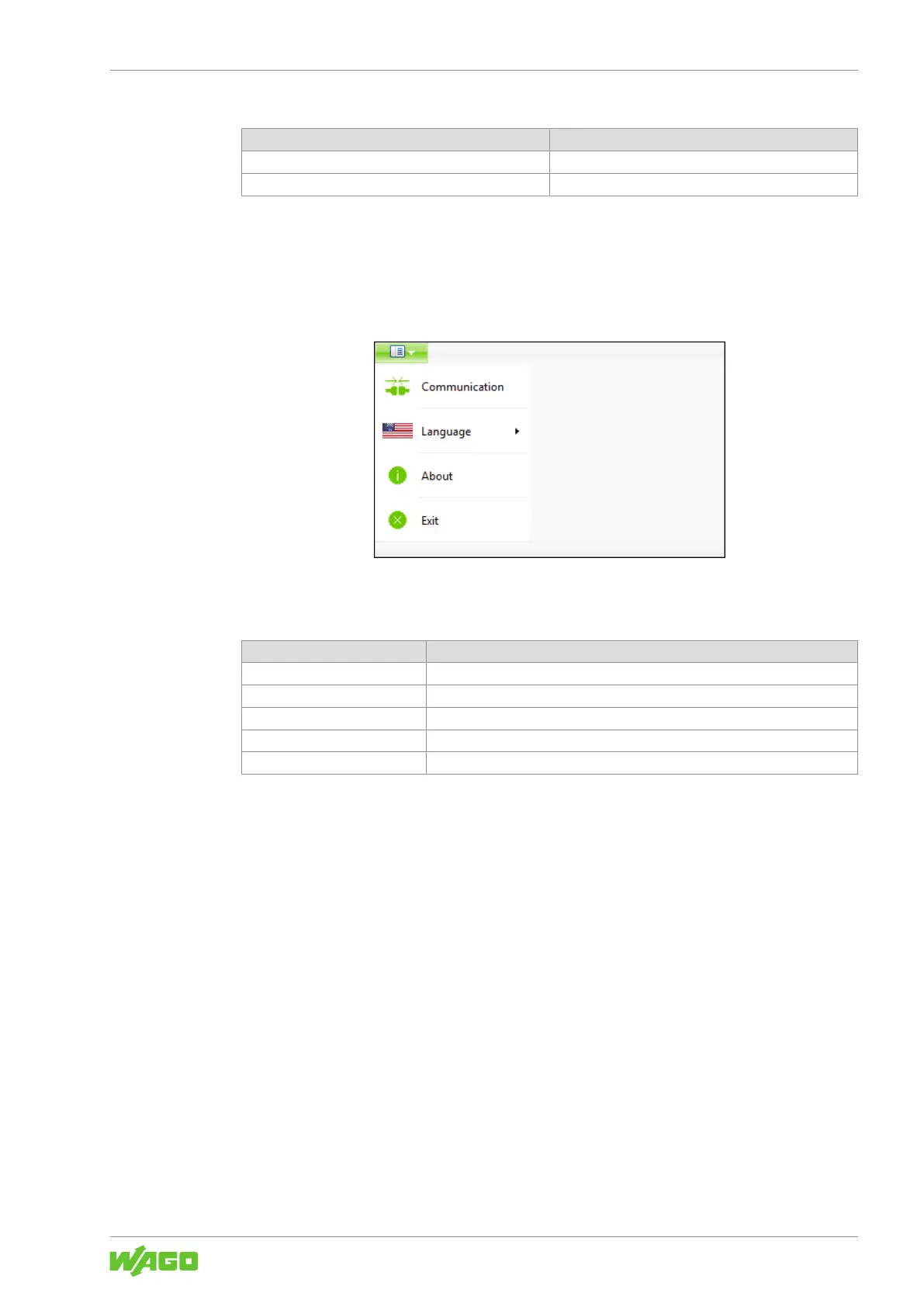
“Backstage” Tab
Figure21: “Backstage” Tab
Table50: “Backstage” Tab
Menu Item Description
Communication Selects the connection between the product and software.
Language Selects the display language for the software.
Help Opens the help for the software.
About Displays information about the software (e.g., version).
Exit Closes the software and the dialog.
On this tab, you can make the following settings:
1. Select the Communication menu item.
2. In the “Communication Settings” dialog, under COM Port, select the corresponding
entry for your connection between the computer and the product (example: WAGO
USB service cable).
3. Click [Save].
“Device” Tab



 To Next Page