2787-2146 (/0000-00x0)Configuration
38 Product manual | Version: 1.2.2
Power Supply Pro 2
The following requirements must be met before you can work online with the WAGO In-
terface Configuration software:
• The product must be connected to the computer on which the WAGO Interface Config-
uration software is installed.
• The product must be supplied with power.
The following description relates to the example of connecting the product to a computer
via a WAGO USB Communication Cable.
10.2 First Steps
The following steps are based on the WAGO Interface Configuration software G2, Ver-
sion 01.00.06.18 and Firmware Version 01.05.xx. If you have other versions, individual
settings and functions may differ slightly from those illustrated or may not be available.
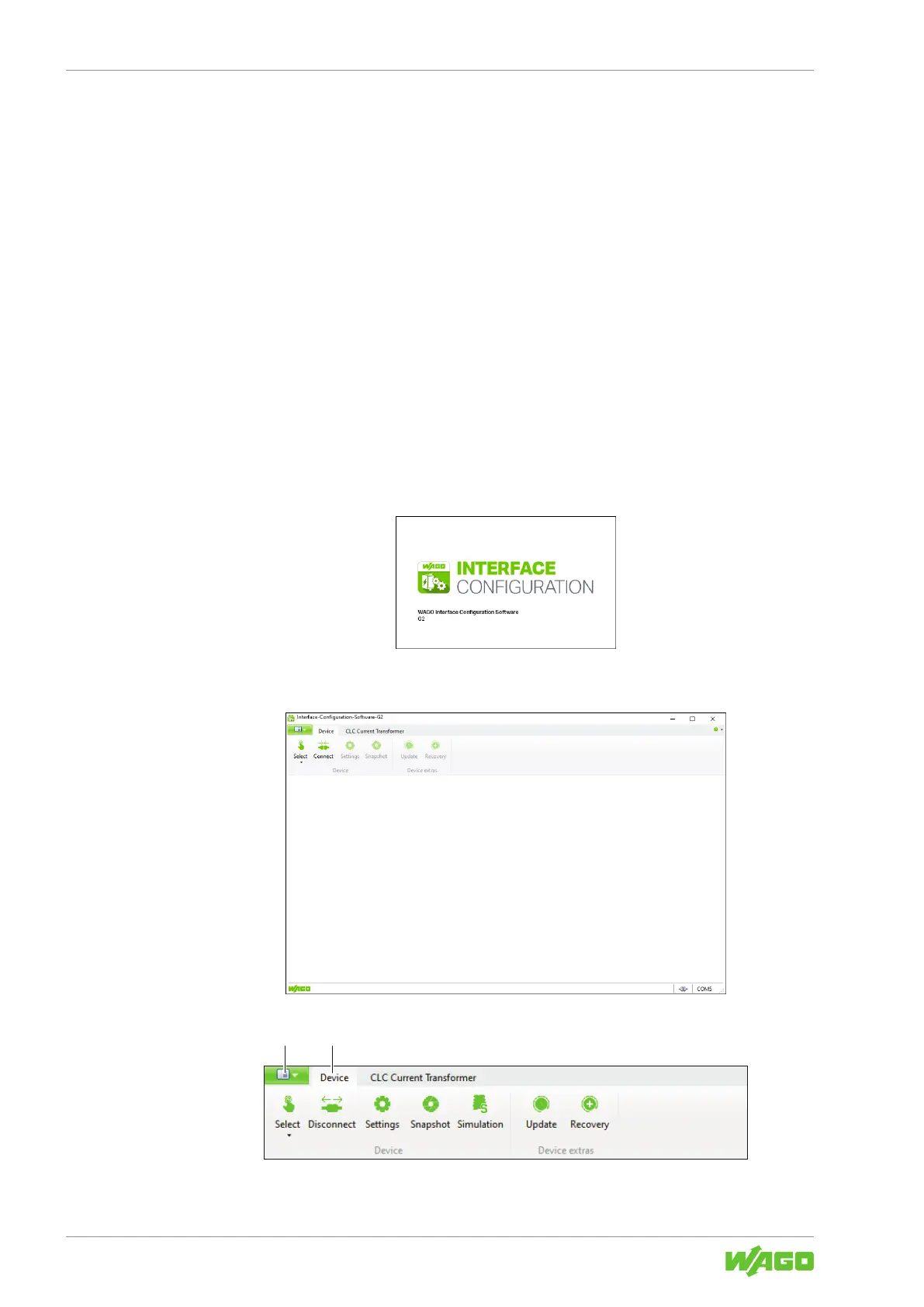
10.2.1 Starting the Software
To start the software, click the corresponding symbol on your desktop or open the soft-
ware from the Windows Start menu.
Figure18: Software Start
After the software starts, a window opens showing the menu bar.
Figure19: Start View
Figure20: Start View – Tabs



 To Next Page