2 . 5 Installation
802.3
INTERFACE
2.5.3
Jumper Setting
Check
NOTE
Before installing the interface board,
the configuration jumpers
on
the board
must
be
checked.
Different
option
cards
in
the
PC
cannot share the
same OMA channel,
Interrupt
Level,
or
lf
O Base Address. If there
is
a
conflict between settings
on
the 802.
3 Interface
and
another option board,
one
board must
be
changed. Consult
documentation
provided
with
the
other
board.
If
any
jumpers
are
changed, the config. sys file must
be
modified. Refer
to
the Wang Profes-
sional Computer
802.3
Integrated
Services Operations Guide.
The
fol-
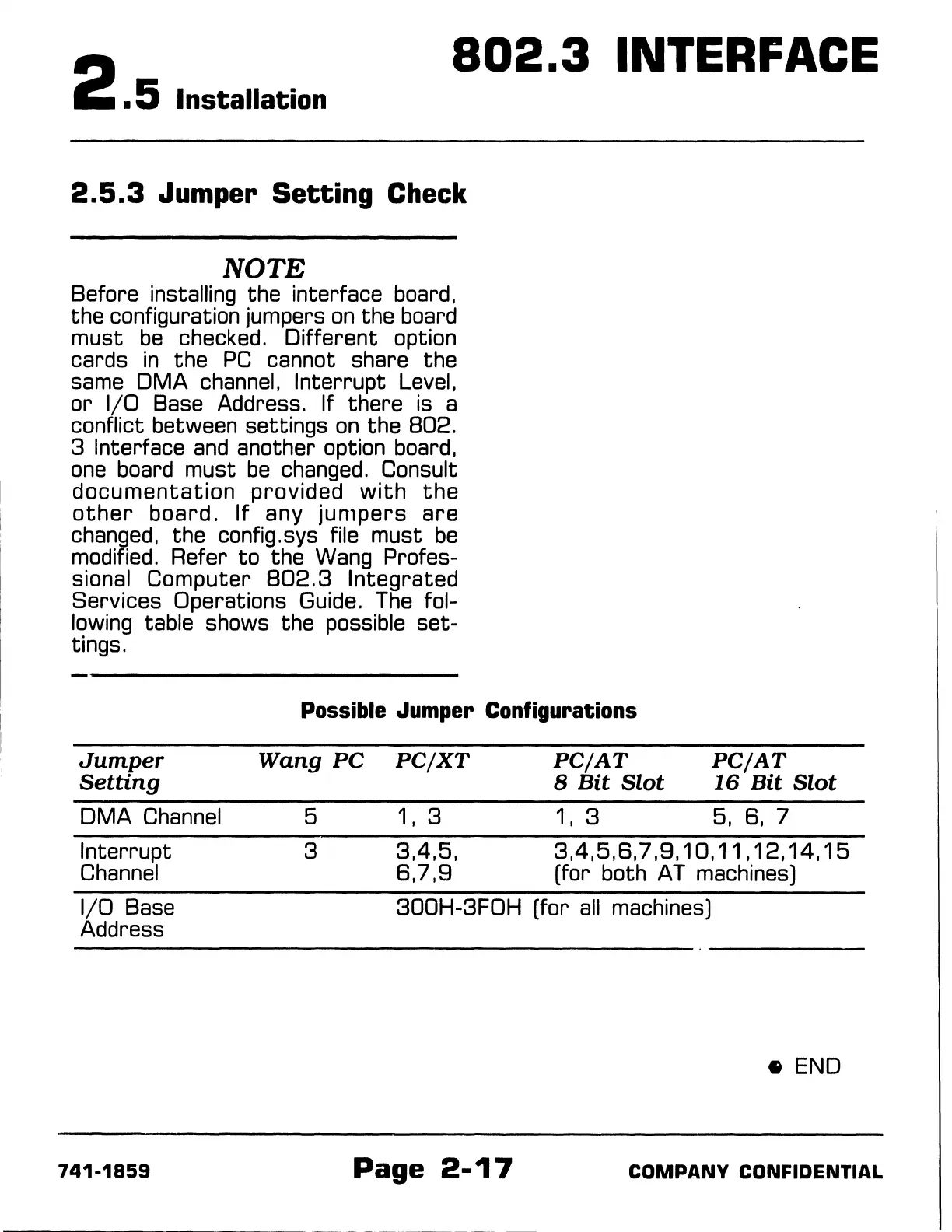
lowing table shows the possible
set-
tings.
Possible Jumper Configurations
Jumper
Wang
PC
PC/XT
PC/AT
Setting
8
Bit
Slot
OMA
Channel
5 1 , 3
1,
3
PC/AT
16
Bit
Slot
5, 8, 7
Interrupt
Channel
3
3,4,5,
3,4,5,8,7,9,
10, 11, 12, 14,
15
1/0 Base
Address
741-1859
8, 7, 9 (for both AT machines)
300H-3FOH (for
all
machines)
•END
Page
2-17
COMPANY
CONFIDENTIAL



 To Next Page