EasyManua.ls Logo

Wang 200 Series - Procedure When Loopback Test Fails

Default Icon
122 pages
Print Icon
To Next Page IconTo Next Page
To Previous Page IconTo Previous Page
Loading...
2
.4
Troubleshooting
802.3
INTERFACE
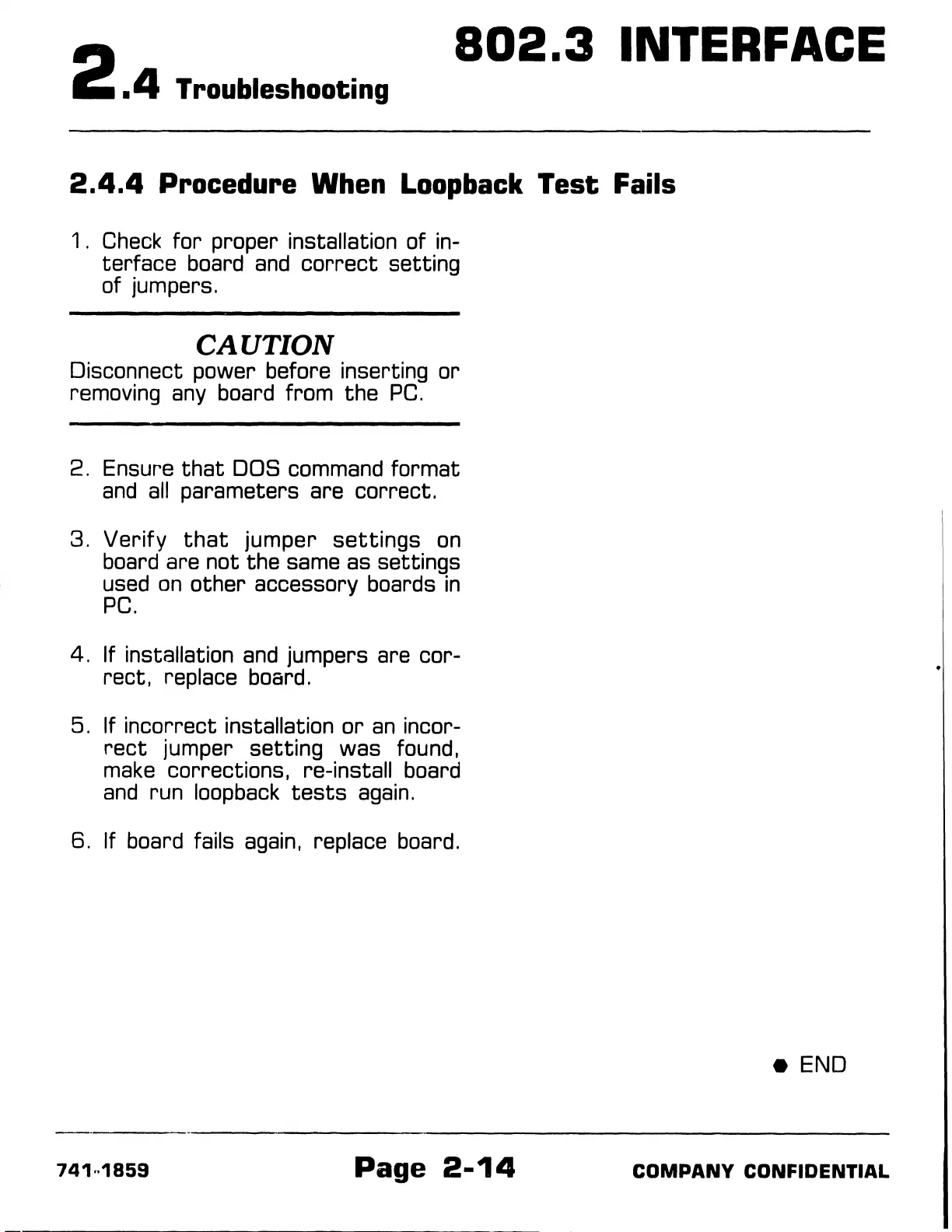
2.4.4
Procedure When
Loopback
Test Fails
1 .
Check
for
proper installation of in-
terface board
and
correct
setting
of jumpers.
CAUTION
Disconnect power before inserting or
removing
any
board from the
PC.
2. Ensure
that
DOS command format
and
all
parameters are correct.
3.
Verify
that
jumper
settings
on
board are not the same as settings
used
on
other accessory boards
in
PC.
4. If installation
and
jumpers are cor-
rect, replace board.
5. If incorrect installation
or
an
incor-
rect
jumper
setting
was found,
make
corrections, re-install board
and
run loopback
tests
again.
6. If board fails
again,
replace board.
741
..
1859
Page
2-14
e END
COMPANY
CONFIDENTIAL

Table of Contents

Related product manuals