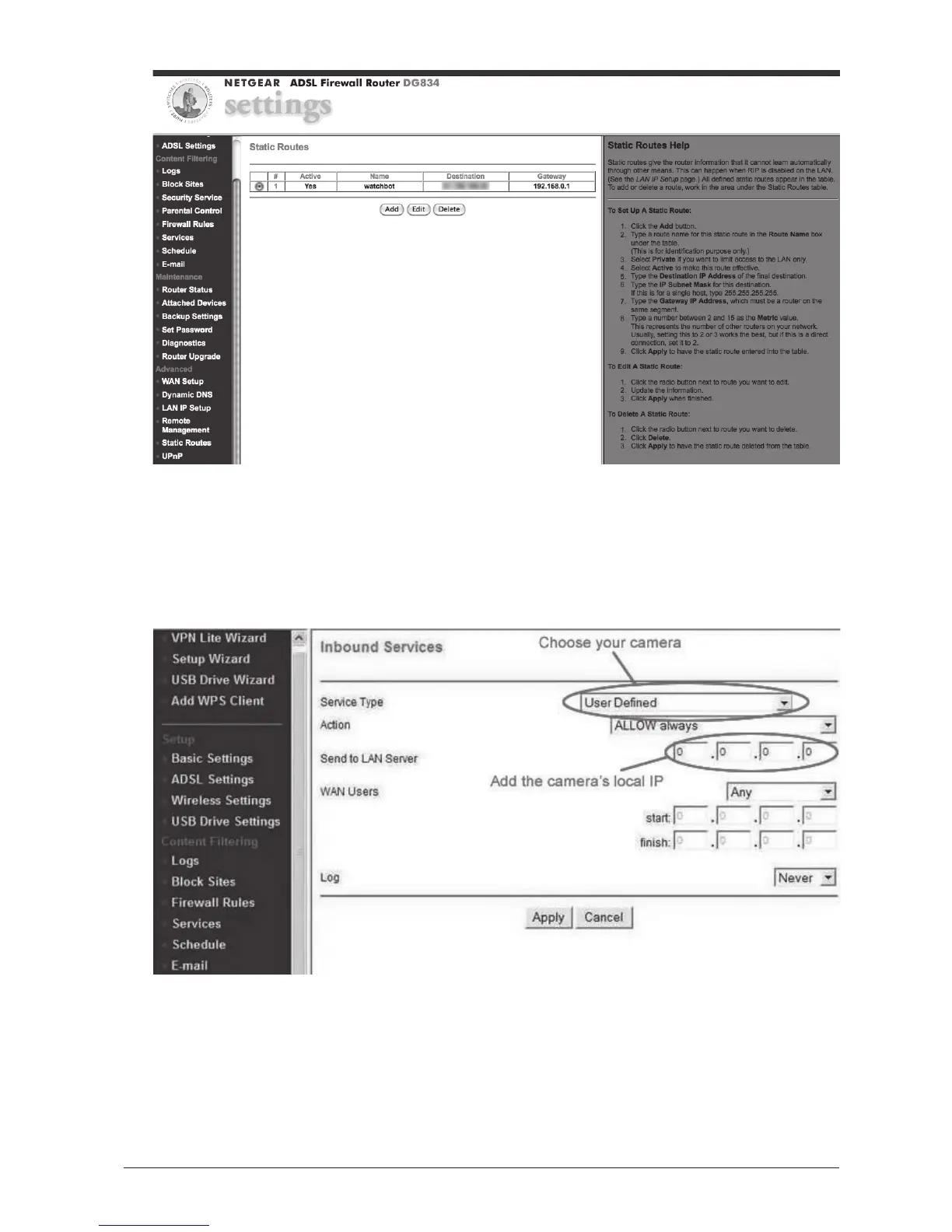
6. If you have it (some Netgear routers do not) Go to Firewall Rules and
add a new inbound service. Complete as below, but in 'Service Type',
select your camera, and in 'Send to LAN Server', use the local IP
address of your camera you added in Step 4 (the one the Camera
Tool software assigned to your camera).
CLICK APPLY.



 To Next Page