Millennium
32
Workstation Connections 3
1
the Waters 2996 Detector Startup Kit) in the fuse holder in the rear of the detector (refer to
Section 3.3, Replacing the Fuses).
Connecting the Power Cord
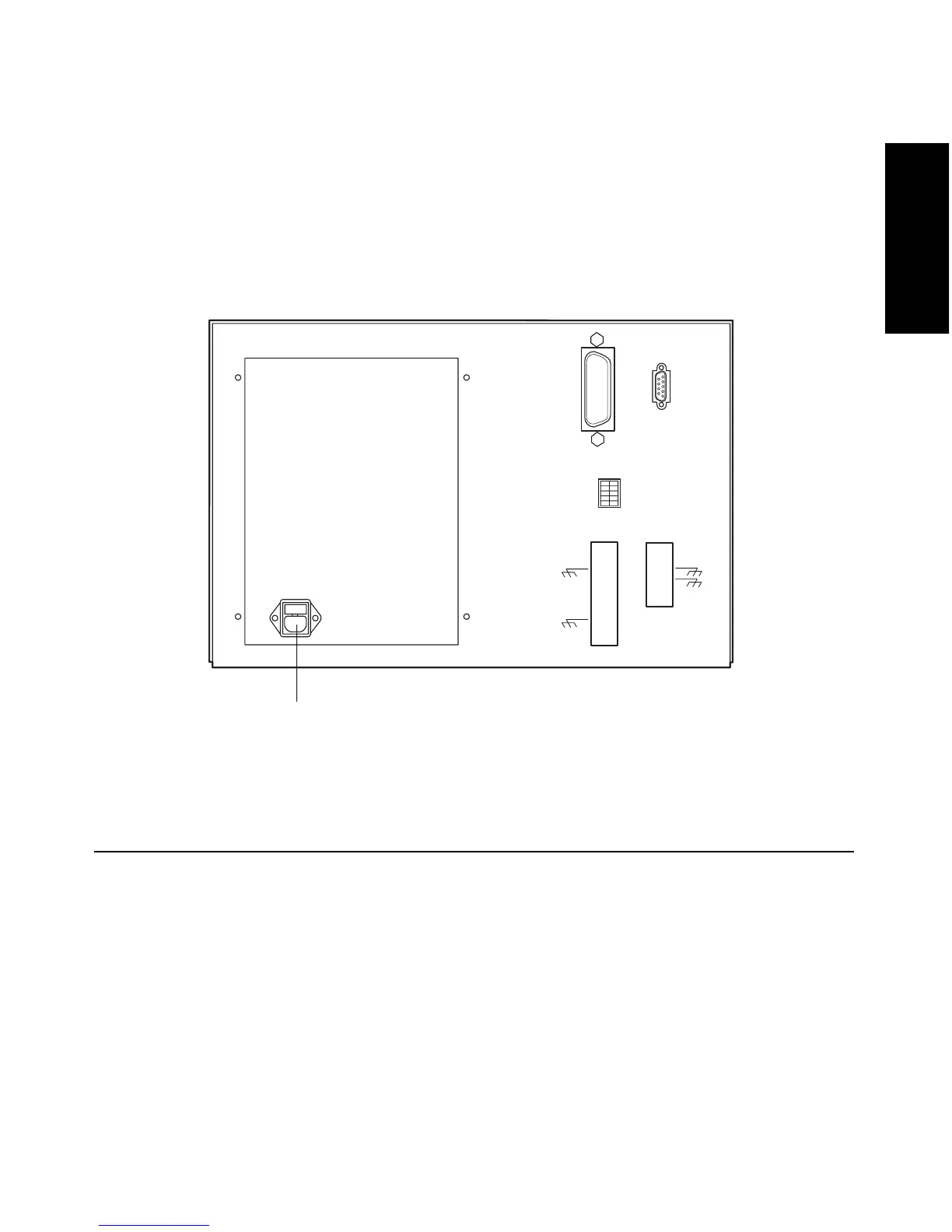
Connect one end of the 2996 Detector power cord to the rear panel power receptacle
(Figure 1-2) and the other end to a power outlet.
Figure 1-2 Detector Rear Panel
1.3 Millennium
32
Workstation Connections
The 2996 Detector requires signal connections to the Millennium
32
Workstation over the
IEEE-488 bus. All detector control and data acquisition communications take place over
the IEEE-488 bus.
Note: If an inject start signal is not available over the IEEE-488 bus, you must provide a
signal at the Event In 1 terminals on the 2996 Detector rear panel (Section 1.4.2,
Connecting Event Cables).
TP01452
AC Input



 To Next Page