4Installation
1
1.3.1 Connecting the IEEE-488 Cable
To connect the 2996 Detector to a Millennium
32
Workstation:
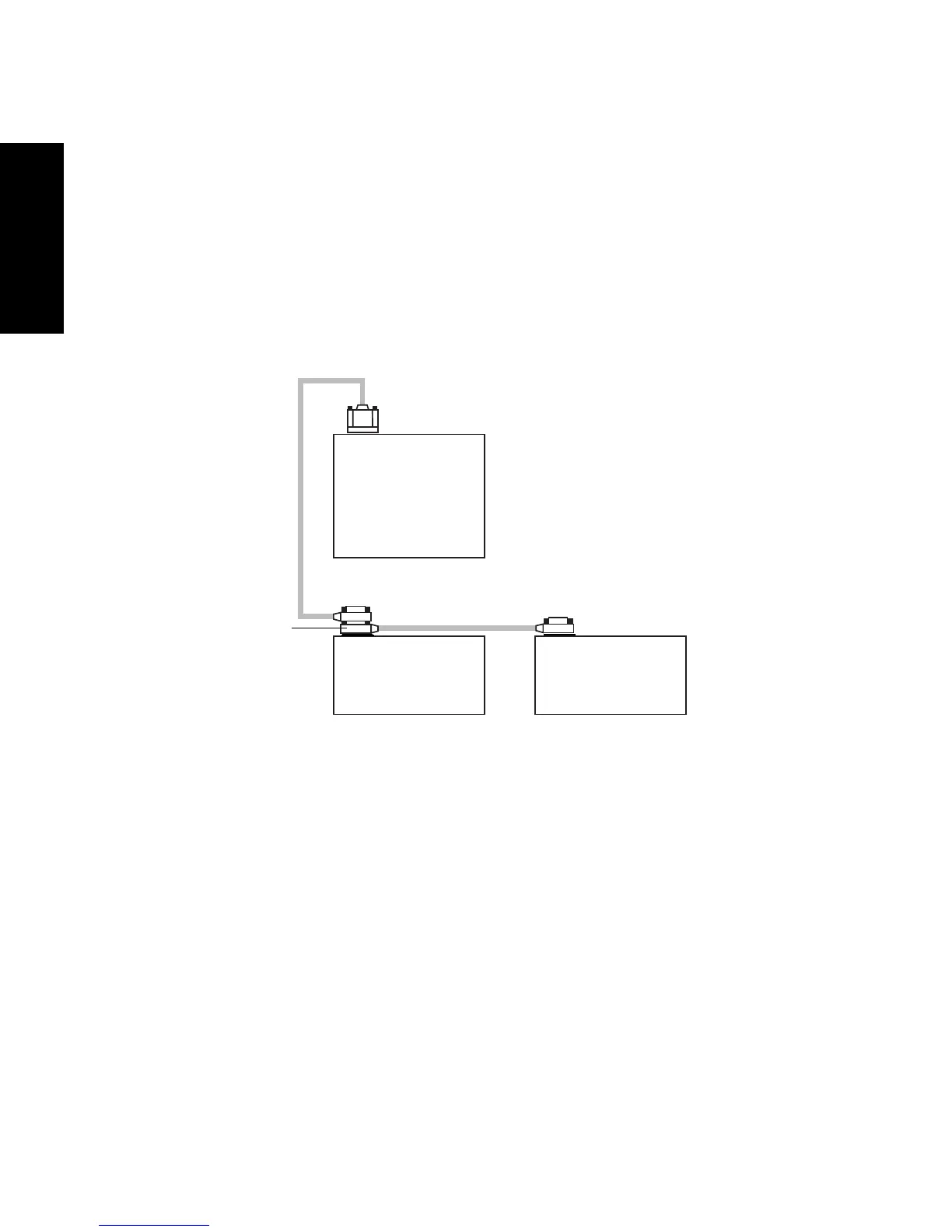
1. Connect one end of the IEEE-488 cable to the IEEE-488 receptacle on the rear panel
of the 2996 Detector. Connect the other end of the cable (stackable connector for
daisy-chaining additional instruments) to the IEEE-488 connector on any of the
other instruments in your chromatographic system (Figure 1-3).
Figure 1-3 Example of IEEE-488 Cable Connections
Note: The order in which you connect IEEE-488 devices to the busLAC/E card on
the workstation is not important. For example, you can connect the 2690
Separations Module before or after the 2996 Detector.
2. Use another IEEE-488 cable to connect to the stackable connector on the first
instrument and the IEEE-488 connector on another instrument.
3. Repeat step 2 for each IEEE-488 instrument in your chromatographic system, up to
a maximum of 14 IEEE-488 instruments.
Note: Keep in mind cable-length limitations when you set up your system. For a list
of IEEE-488 interface guidelines, refer to the Millennium
32
System Installation and
Configuration Guide.
TP01544
Waters
IEEE-488
Cable
IEEE-488
Connector
IEEE-488 Cable
Waters 2996
Detector
Waters
Alliance
Separations Module
Millennium
32
busLAC/E Card
(on Workstation)



 To Next Page