8Installation
1
Required Materials
• Small flat-blade screwdriver
• One electrical insulation stripping tool
• Event signal cables (included in the Waters 2996 Detector Startup Kit)
Procedure
To connect the 2996 Detector to an external event input or output device:
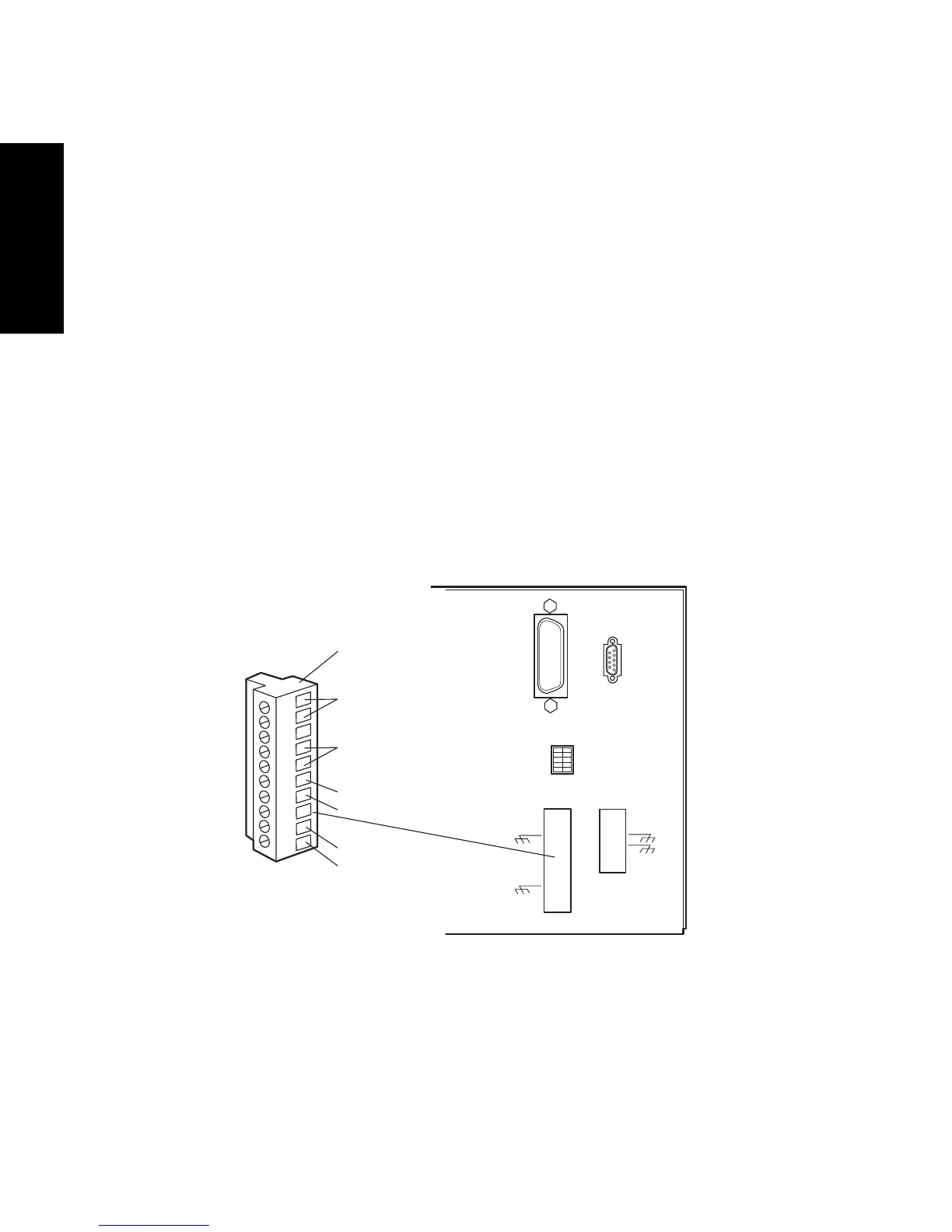
Pull off the event terminal strip from the rear panel (Figure 1-6). This simplifies the
following steps:
1. Insert the bare wires at one end of the event signal cable into the positive (+) and
negative (–) slots of the appropriate event input or output terminal (Figure 1-6).
Tighten the two screws to secure the + and – wires.
2. Connect the other end of the event signal cable to the appropriate event input or
event output terminal on the external device.
3. Reinstall the event terminal strip.
Figure 1-6 Event Input/Output Terminal Strip
1234567890
IEE 488 ADDRESS
+
+
TP01455
Removable Event
Input/Output
Terminal Strip
Event
Out 2
Event
Out 1
Event
In 2
Event
In 1



 To Next Page