Making electrical connections 2-5
To replace the power supply fuses in the 515 pump:
1. If necessary, power off the pump by turning the On/Off switch to the 0
position, then remove the power cord from the rear panel of the
instrument.
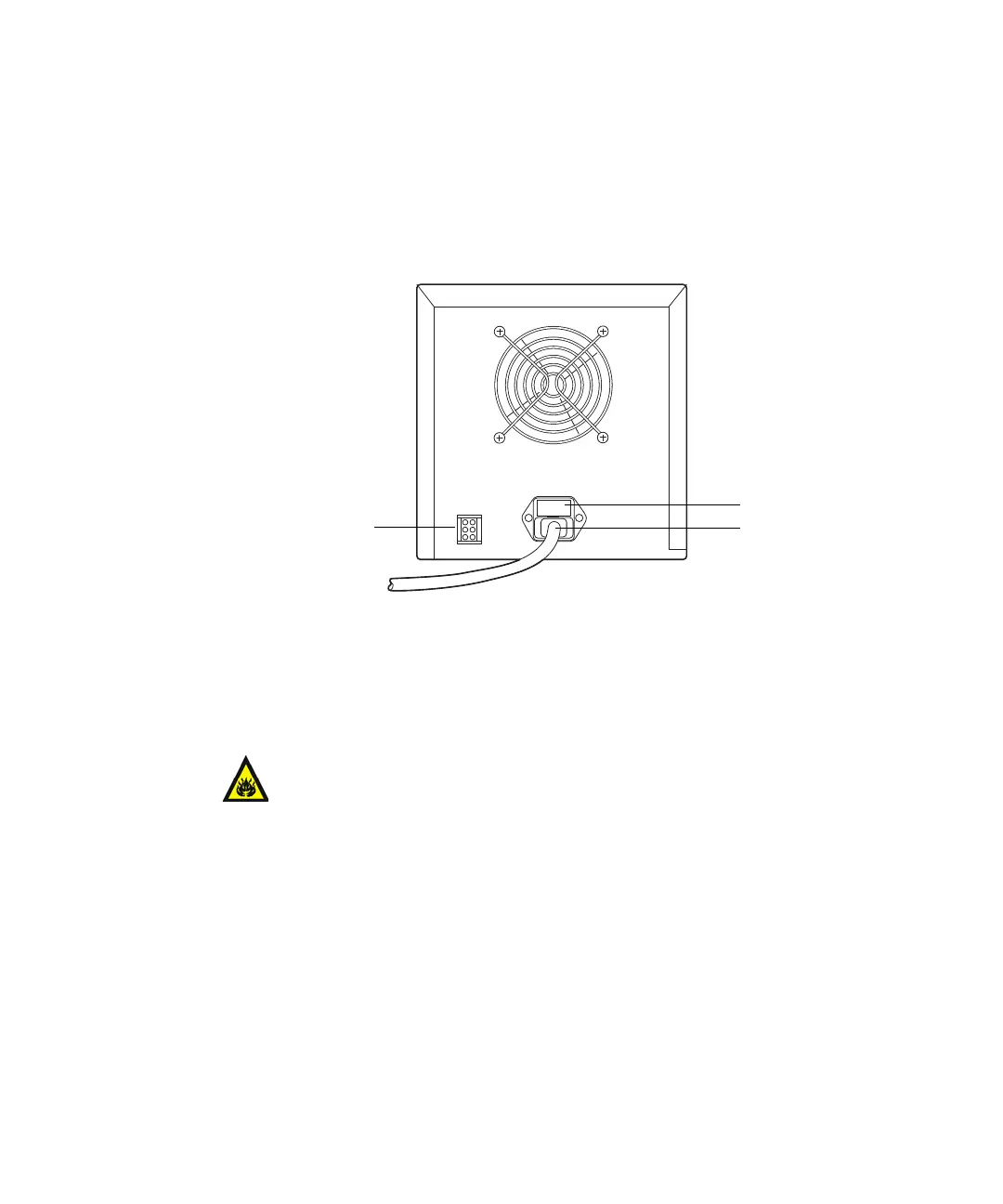
Rear panel of the 515 pump
2. Use the small flat-blade screwdriver to remove the fuse holder located
just above the power cord connector.
3. Remove the fuses from the holder.
4. Install new fuses (3.15 A, fast blow, part number WAT163-16).
5. Install the fuse holder in its receptacle.
Connecting the power supply
The 515 HPLC Pump automatically adjusts for AC input voltage in the range
from 85 to 264 VAC at 47 to 63 Hz.
To connect the power supply:
1. Insert the 115 V or 230 V power cord into the power connector on the
rear of the pump.
Warning: For continued protection against fire hazard, replace
fuses with the appropriate type and rating.
External controller
connector
Fuse holder
Power cord



 To Next Page