Keypad and display overview 3-5
LCD display
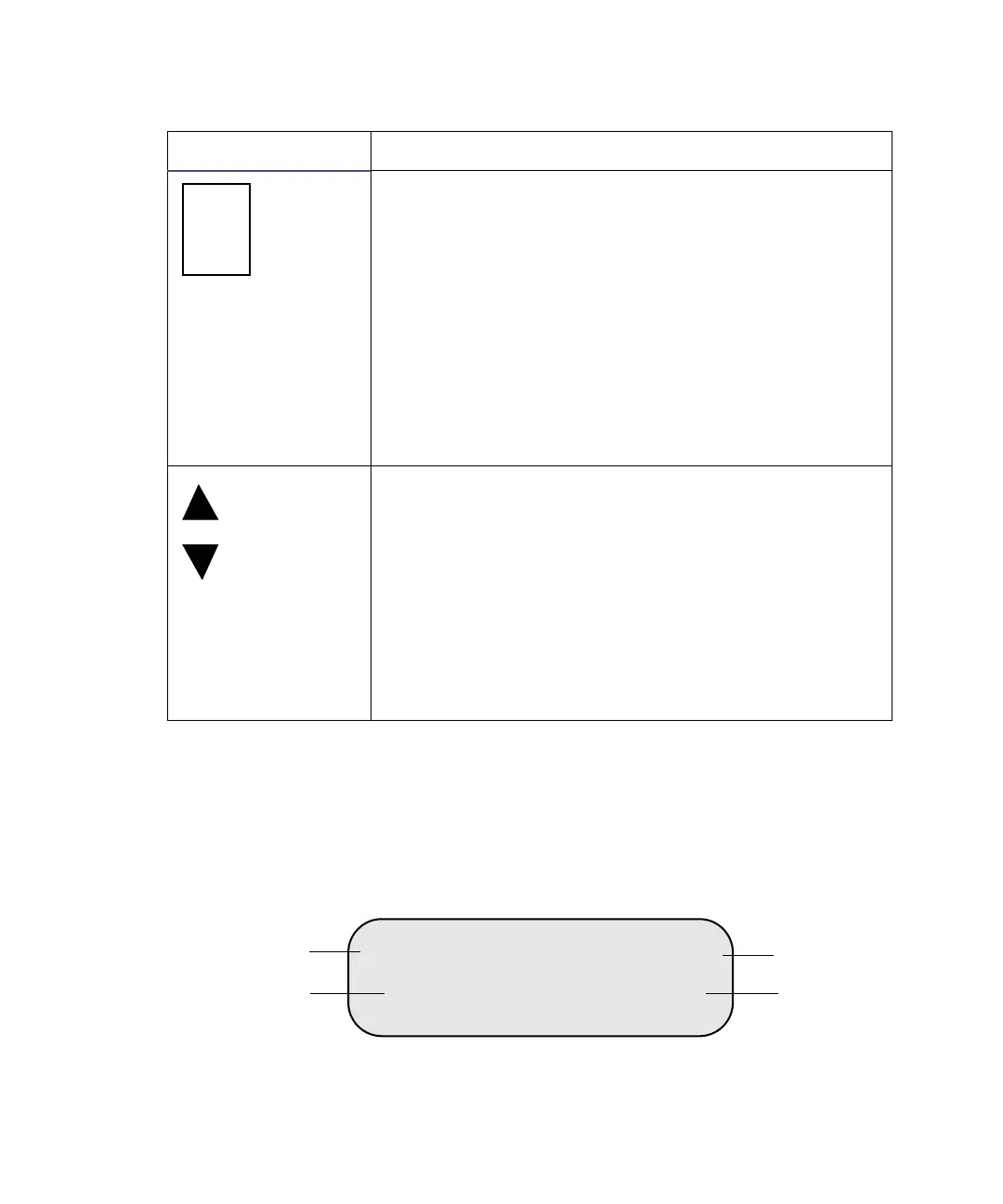
The LCD display, as shown in the figure below, is divided into four
information areas.
LCD display information areas
Scrolls to the next menu item.
If you are editing a menu item (indicated by a
blinking cursor), pressing this key stores the current
parameter and moves to the next parameter (when
you edit the Flow parameter, you need to press Menu
twice to move to the next parameter).
*
*
The LCD display provides prompts for when to use
the Menu key while in the Calibrate menu. See the
table titled “515 pump operating parameters” on
page 3-7 for more information about the Calibrate
menu.
If you are editing a menu item (indicated by a
blinking cursor), pressing the Up key increases the
parameter value; pressing the Down key decreases
the parameter value. If the parameter is not numeric
(Mode for example), pressing the Up or Down key
displays a new parameter selection.
When there is no blinking cursor in the display,
pressing the Up key scrolls back to the previous menu
item; pressing the Down key scrolls forward to the
next menu item.
Keypad functions (Continued)
Key Function
MODE Local Run
1.000ml psi
Menu items area
Flow area
Status area
Pressure area
981



 To Next Page