4-12 Maintaining and Troubleshooting the Waters 515 Pump
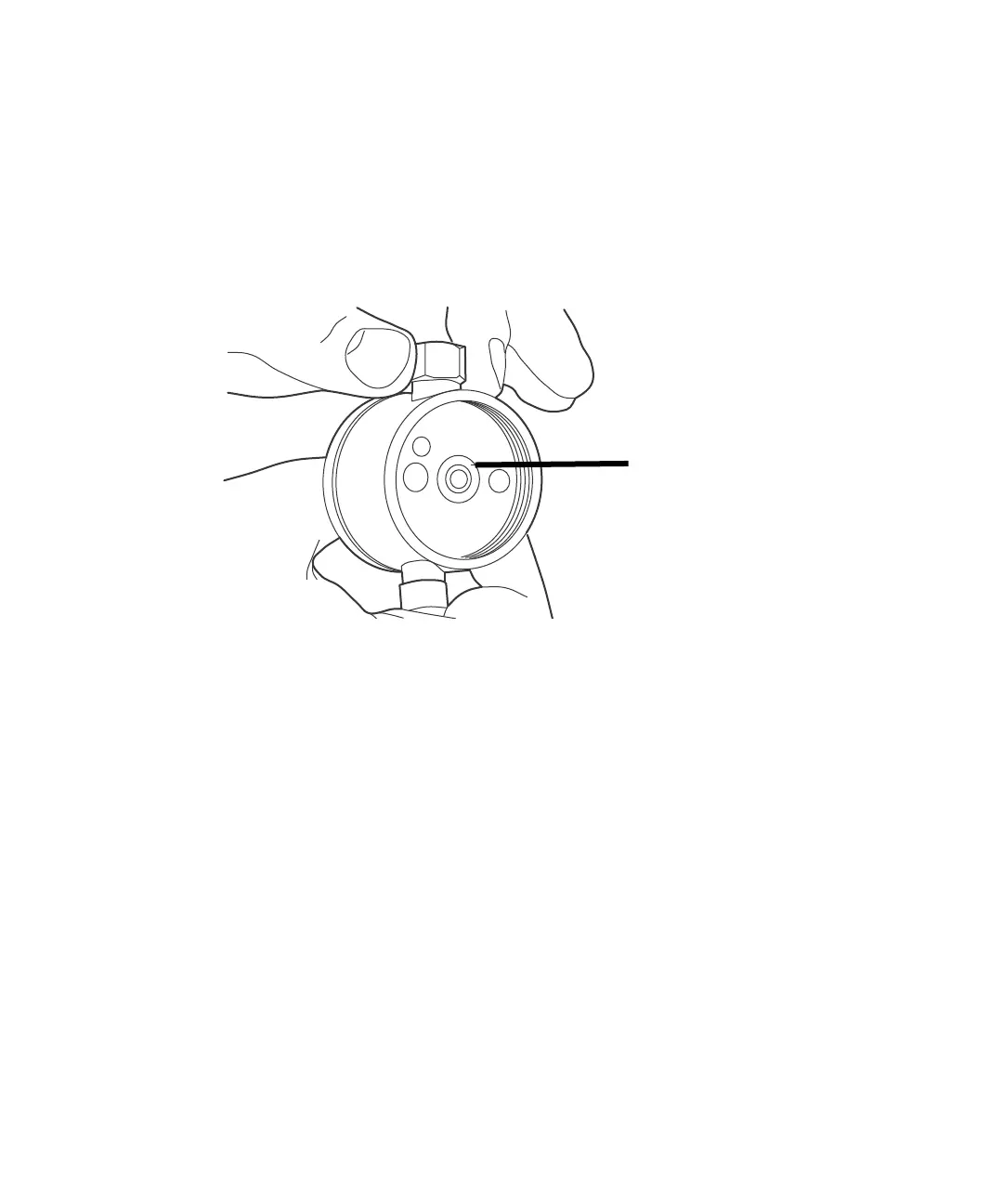
Replacing the plunger seal
To replace the plunger seal:
1. Use the seal insertion tool to pry the seal and washer out of the pump
head.
Plunger seal and washer
2. Place the new washer on the new plunger seal, then insert the seal and
washer onto the seal insertion tool. For 225-µL heads, insert the seal so
the solid side faces out. The tip holds the plunger seal and washer for
correct alignment in the pump head.
3. Wet the seal and washer with methanol.
4. Use the seal insertion tool and guide to firmly seat the seal and washer
in the pump head.
5. Rewet the seal and plunger with methanol.
6. Slide the pump head assembly into position over the plunger and
reinstall the two pump head mounting bolts. Alternately tighten each
bolt, using half turns to evenly align the assembly.
7. Set the Flow parameter to 0.3 mL/min, then press Run/Stop to start the
pump. Verify that the indicator rod moves freely.
8. Press Run/Stop to stop the pump.



 To Next Page