EFlexCart Assembly
94 July 7, 2014, 715003736IVD Rev. C
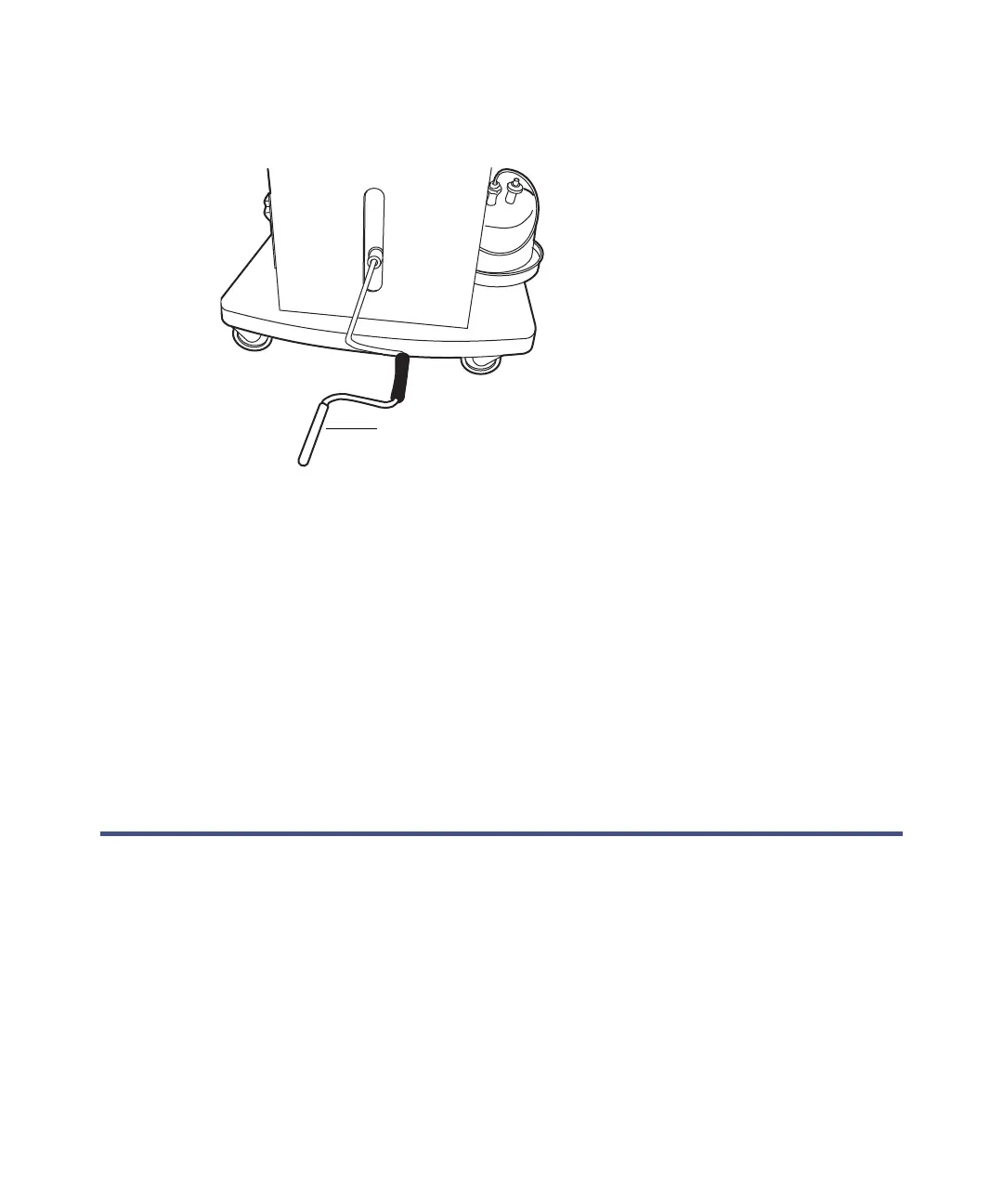
3. Insert the crank handle into the bottom front of the cart, and turn it to
raise or lower the cart.
Tip: If your system includes a mass spectrometer and it is positioned on
the right-hand side of the system stack, set the cart to a height that
minimizes the length of tubing needed between the instruments stacked
on the cart and the mass spectrometer.
4. Tighten the side lock knobs after reaching the desired height.
5. Loosen the keyboard shelf’s 2 captive thumbscrews on the cart’s front
panel.
6. Move the keyboard to a level that provides comfortable and safe
operation. Turn the thumbscrews 1/4-turn clockwise to lock the position
of the shelf.
Locking the FlexCart in place
To lock the FlexCart in place:
Lock the cart by depressing the lock pedal located at the front of the cart.



 To Next Page