Signal connections
July 7, 2014, 715003736IVD Rev. C 73
Signal connections
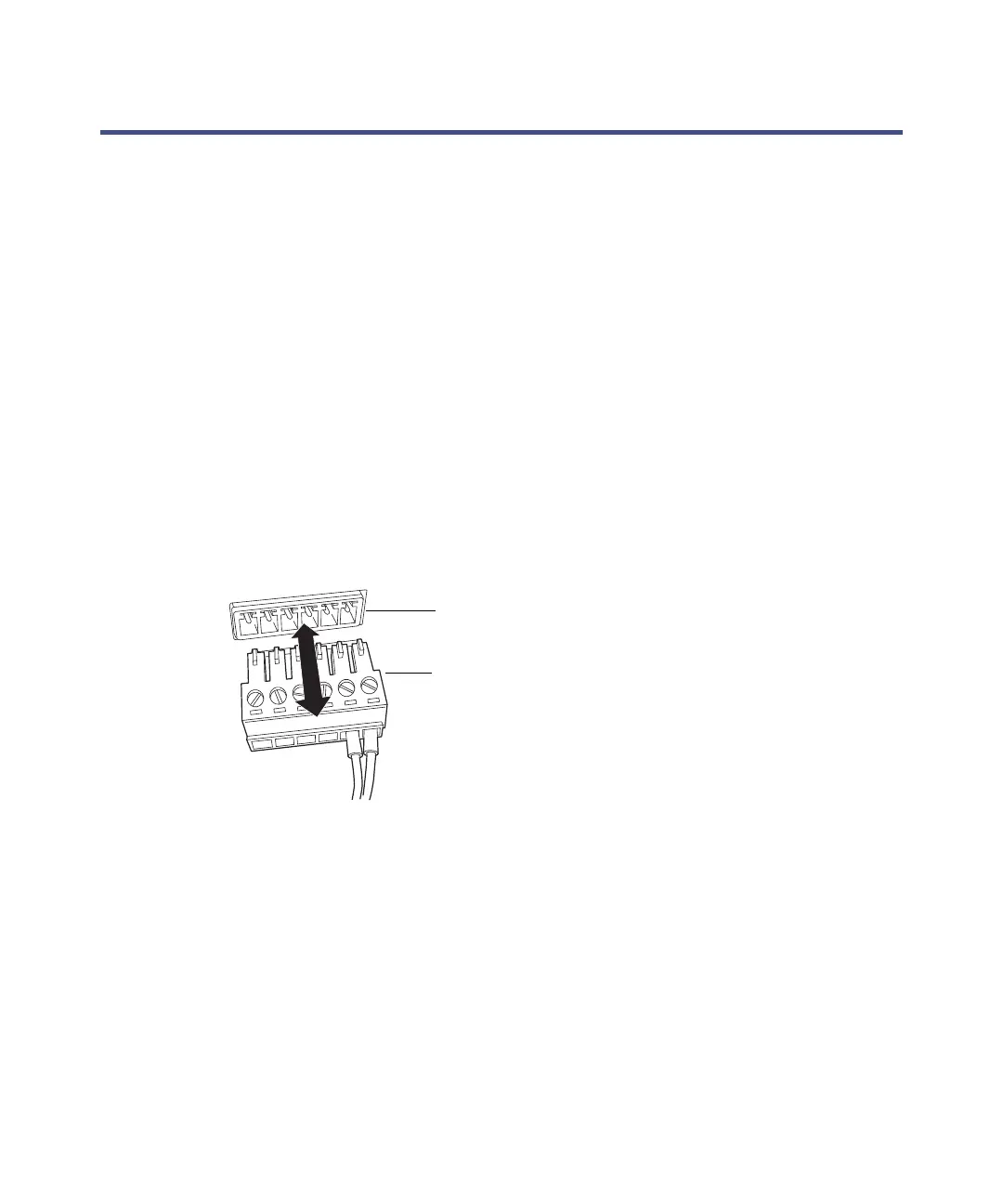
Connecting signal cables
Refer to the signal connection location shown on the silk-screened label affixed
to the rear panel of each system module.
Required materials
•9/32-inch nut driver
•Flat-blade screwdriver
•Connector
•Signal cable
To connect signal cables:
1. Insert the connector into the connector port on the back of the system
module.



 To Next Page