Adjusting the FlexCart’s height
July 7, 2014, 715003736IVD Rev. C 93
3. Loosen the 2 T25 TORX screws, at the bottom left-hand side of the cart,
that secure the bracket for the CPU.
4. Attach the power and video cables to the CPU, and place it in position on
the bottom shelf of the cart.
5. Route the monitor’s power and video cables through the plastic channel
provided, and plug them into the monitor. Refer to the IBM instruction
book, if necessary.
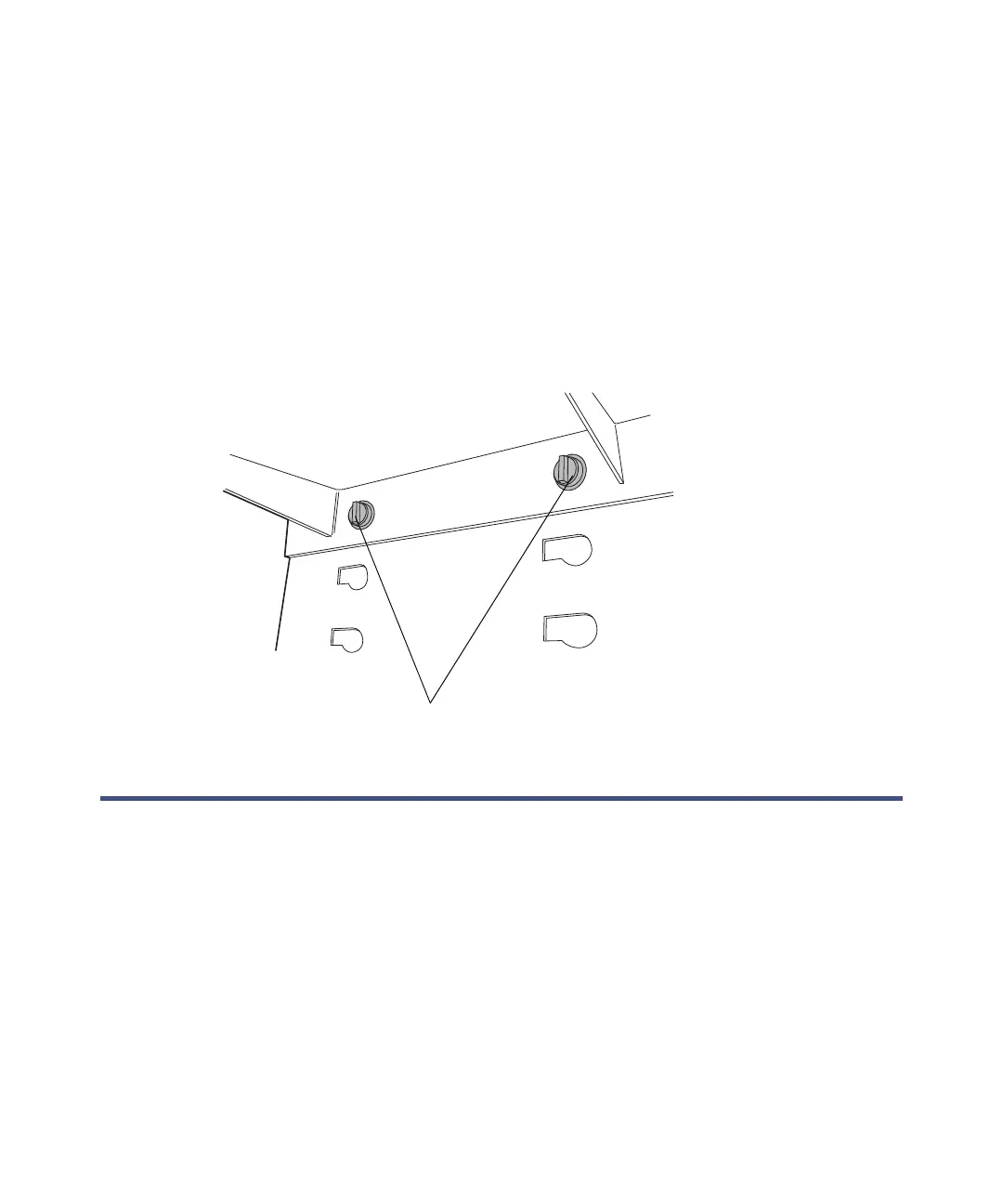
6. Insert the keyboard shelf’s 2 captive thumbscrews into slots on the cart’s
front panel at a level that affords comfortable and safe operation. Turn
the thumbscrews 1/4-turn clockwise to lock the position of the shelf.
Adjusting the FlexCart’s height
To adjust the cart’s height:
1. Loosen the side lock knobs before raising or lowering the top portion of
the cart.
2. Remove the crank handle from its storage brackets on the lower
right-hand side of the cart.
Keyboard shelf thumbscrews



 To Next Page