Loading system software
The TETRA MS Test system program is supplied on a memory card.
1) Insert the memory card in the slot on the STABILOCK.
2) Press
[AUX]
+
{DATA}
to start the loading procedure, which may take about a
minute (
[AUX]
is a hardkey on the front panel,
{DATA}
is a softkey, the descrip-
tion of which appears on the screen after pressing
[AUX]
).
3) When the system program is fully loaded, the status line indicates "Loading
finished".
4) Leave the card in place. In this way STABILOCK can store entered test
parameters on the card, so that you do not have to enter them again the next
time you call up the system program (de-activate write protection if it is set on
the memory card).
5) To call up the TETRA basic mask, press
[AUX]
+
{DATA}
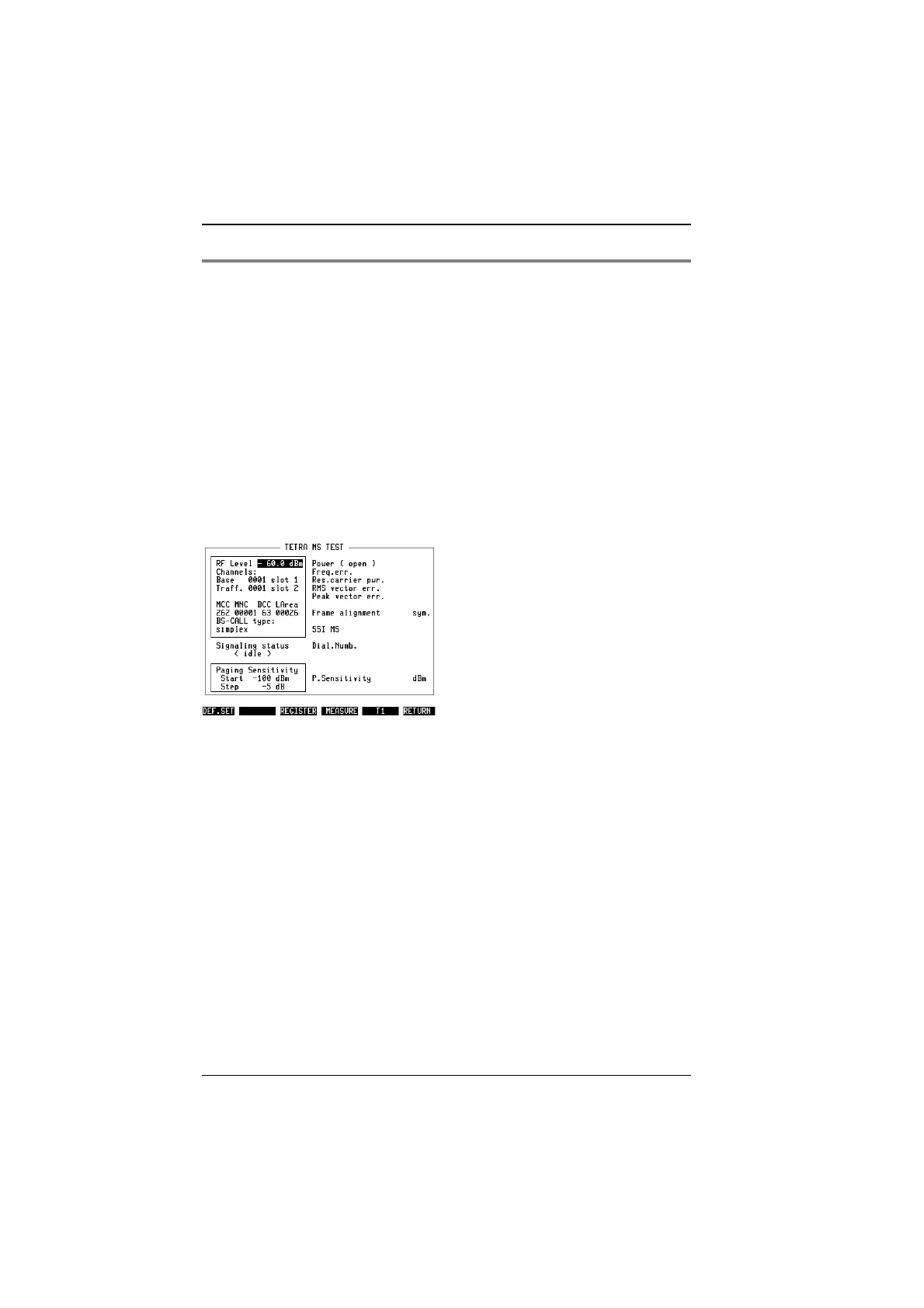
. Fig. 10.1 shows the
screen that appears then; it is called the TETRA basic test mask.
Fig. 10.1:
The basic test mask as it appears when the
TETRA MS Test system program has been
loaded.
TETRA MS Test General Preparations
10-8



 To Next Page