Parameters
This section acquaints you with the most important parameters that you need to
set up prior to a test.
"
Remember that if you leave the memory card in the memcard slot
of the STABILOCK, the parameters are written onto the card so
they are re-loaded automatically to the STABILOCK next time you
load the system software. This way, you do not have to key them
in each time.
Basic parameters on basic mask
RF Level The power level at which the STABILOCK transmits
to the mobile station.
Base channel The channel number on which the Main Control
Channel is transmitted by the STABILOCK, and
which the mobile station uses to register and set up
a call.
"
The base channel timeslot number cannot be
changed because in TETRA the main control
channel is always allocated to timeslot 1.
Traffic channel The channel number on which the traffic channel
(for voice transmission) shall be allocated. In syn-
chronous mode (with call setup), base channel and
traffic channel must be on the same channel.
Traffic channel slot The time slot number for the traffic channel. Allow-
able values are in the range from 1 to 4.
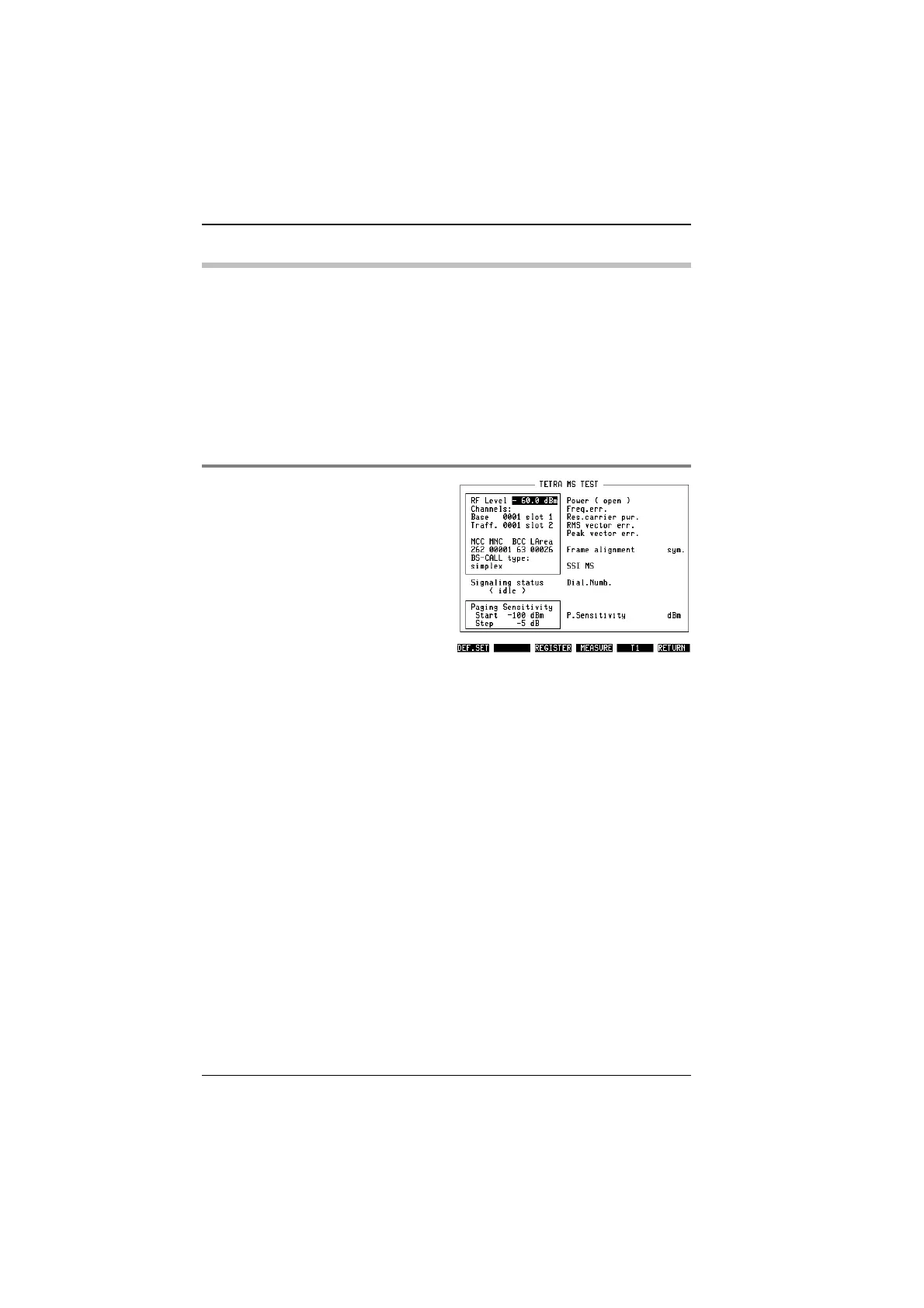
Fig. 10.3:
The left-hand side of the screen shows input
parameters as explained below.
TETRA MS Test Parameters
10-10



 To Next Page