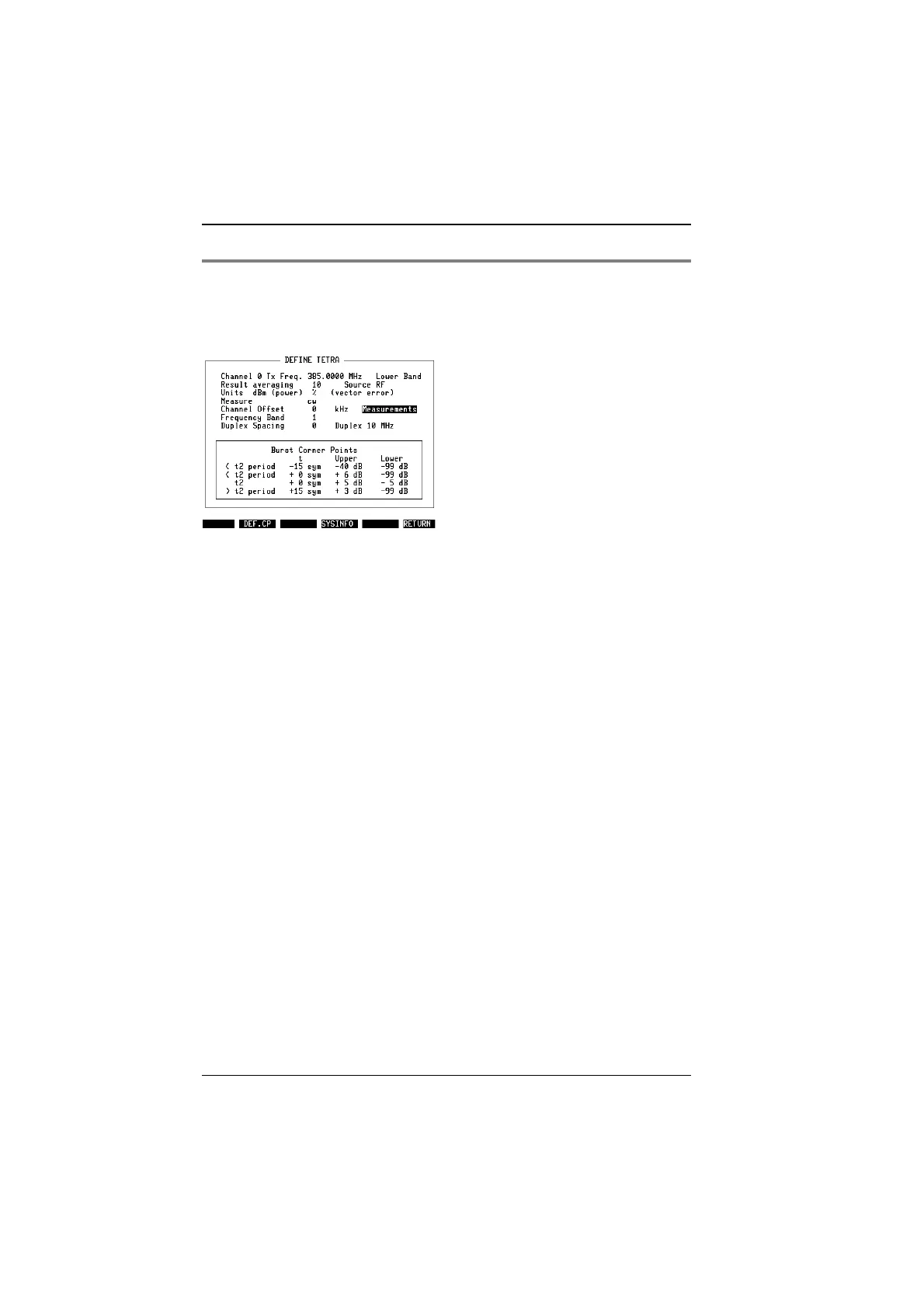
Basic parameters in DEF.SET
When you press
{DEF.SET}
from the TETRA basic mask, the display changes to
the TETRA SETTINGS menu. Some parameters available there depend on the
system for which the TETRA mobile station under test is programmed, other
parameters allow you to select according to your personal preferences.
Channel 0 Tx
Frequency
This is the frequency (in MHz) on which the MS
would transmit channel 0. You must enter the ap-
propriate number even if the TETRA system at hand
does not use channel number 0. The system soft-
ware just calculates the required frequency from the
Channel 0 TX Frequency and the channel number
entered on the basic mask, assuming 25 kHz be-
tween adjacent channels. If you know a channel
number, say n
1
, and the corresponding frequency
f
1
, you can calculate the Channel 0 TX Frequency
according to the following algorithm:
Channel 0 TX Frequency = f
1
– 25 kHz * n
1
Example:
If you know that channel 78 is on 386.9625 MHz,
then Channel 0 TX Frequency is 385.0125 MHz.
The setup procedure for mobiles or networks con-
forming to a new method (radio interface standard
ETS 300 392-2 edition 2) can be found in the ap-
pendix.
Band Using the UNIT/SCROLL key, select whether the
unit under test is transmitting in the upper or lower
band, separated by the duplex spacing. The default
for MS test is Lower Band. For base station testing,
the Upper Band is the right choice because the
base station usually transmits eg 10 MHz above the
MS.
Fig. 10.4:
Some parameters that are not changed so
often can be found on the DEF.SET mask.
TETRA MS Test Parameters
10-12



 To Next Page