14
WebdynSunPM – User guide — Version 1.0
- Configure the network settings listed below to integrate your WebdynSunPM concentrator
into your facility's networks:
o IP address
o Subnet mask
o Gateway (optional)
o DNS server 1 (optional)
o DNS server 2 (optional)
Notes:
- If an Ethernet interface must access another network (for example: the IS accessible only via
the internet), you must configure the gateway address (router) to exit the network, and thus
access the internet.
- If you enter a domain name, DNS server configuration is mandatory.
If you need more help regarding what information to enter, please contact the network
administrator managing the installation.
If you change the settings of the "LAN 1" Ethernet interface, remember to reconfigure your
computer with compatible settings.
5.3.3 Modem settings
If you’re connecting to your IS via a mobile network, insert a SIM card with a data subscription into
the concentrator's SIM slot and configure the modem parameters (code, PIN, APN, etc.). If not, skip
this step.
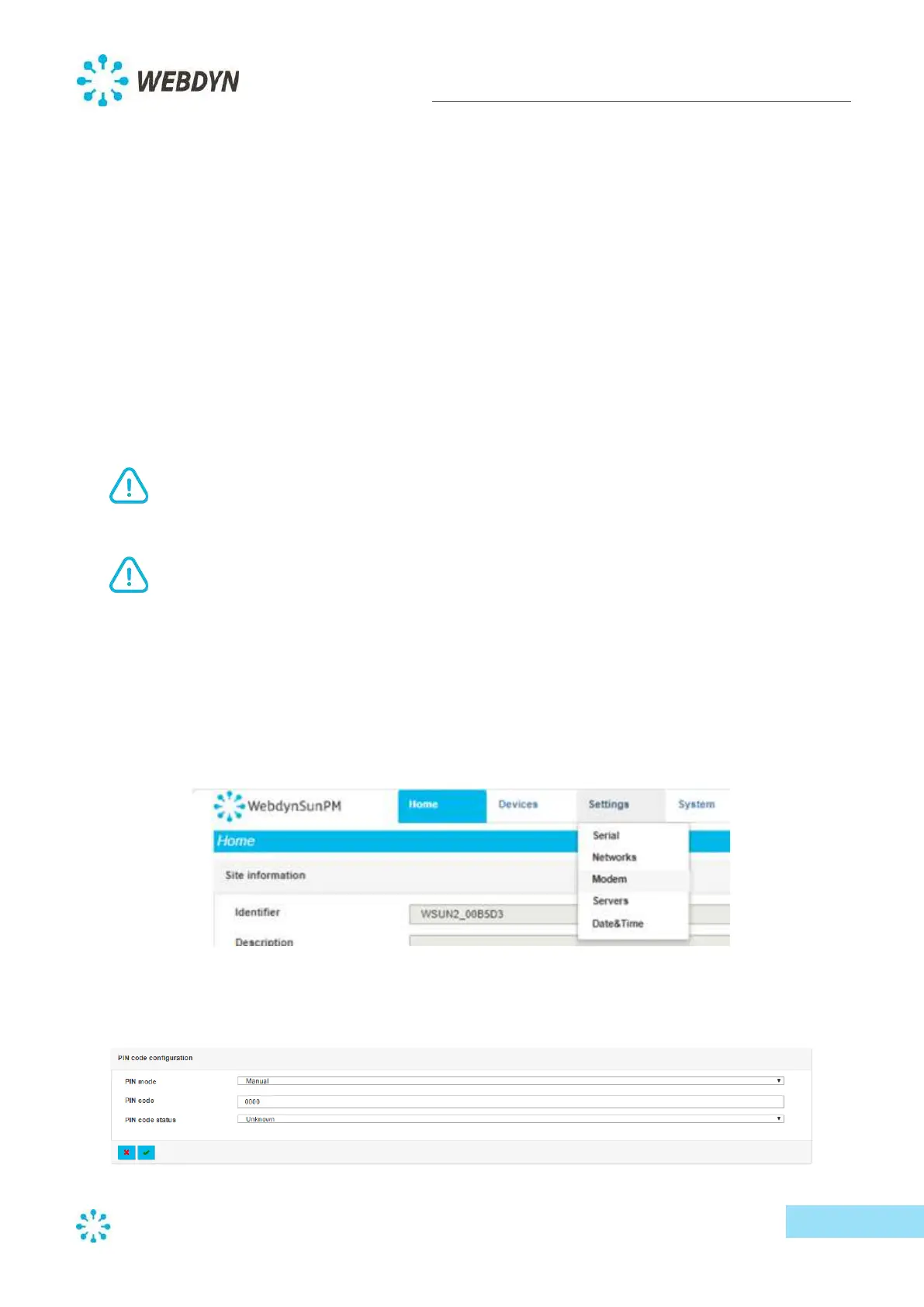
- From the "Settings" menu, select "Modem".
- Select the PIN code mode from the dropdown list, and if necessary, enter the SIM card’s PIN
code.



 To Next Page