37
WebdynSunPM – User guide — Version 1.0
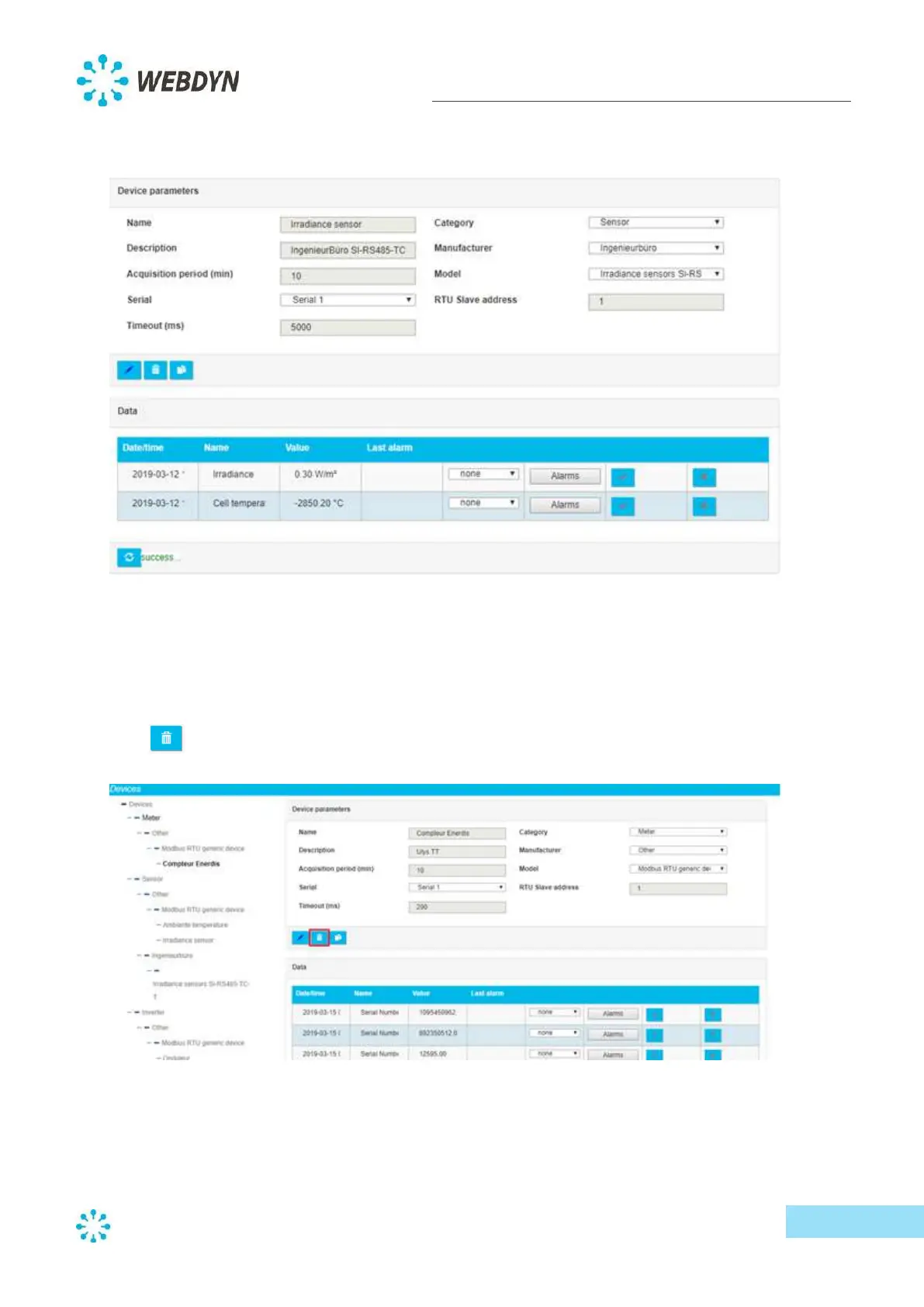
Upon successful validation, the device will be added to the device list, and you can view the available
settings from there. If there's an input error, validation will fail, and the detected error will be
displayed in red next to the validation button.
To configure generic devices, please refer to Appendix B.
8.2.1.2 Delete a device
To delete a device, click on the device you wish to delete from the list, then click on the
trash
button.
As a safeguard, the system will ask you to confirm the deletion before removing the device.



 To Next Page