35
WebdynSunPM – User guide — Version 1.0
8 Devices
8.1 Introduction
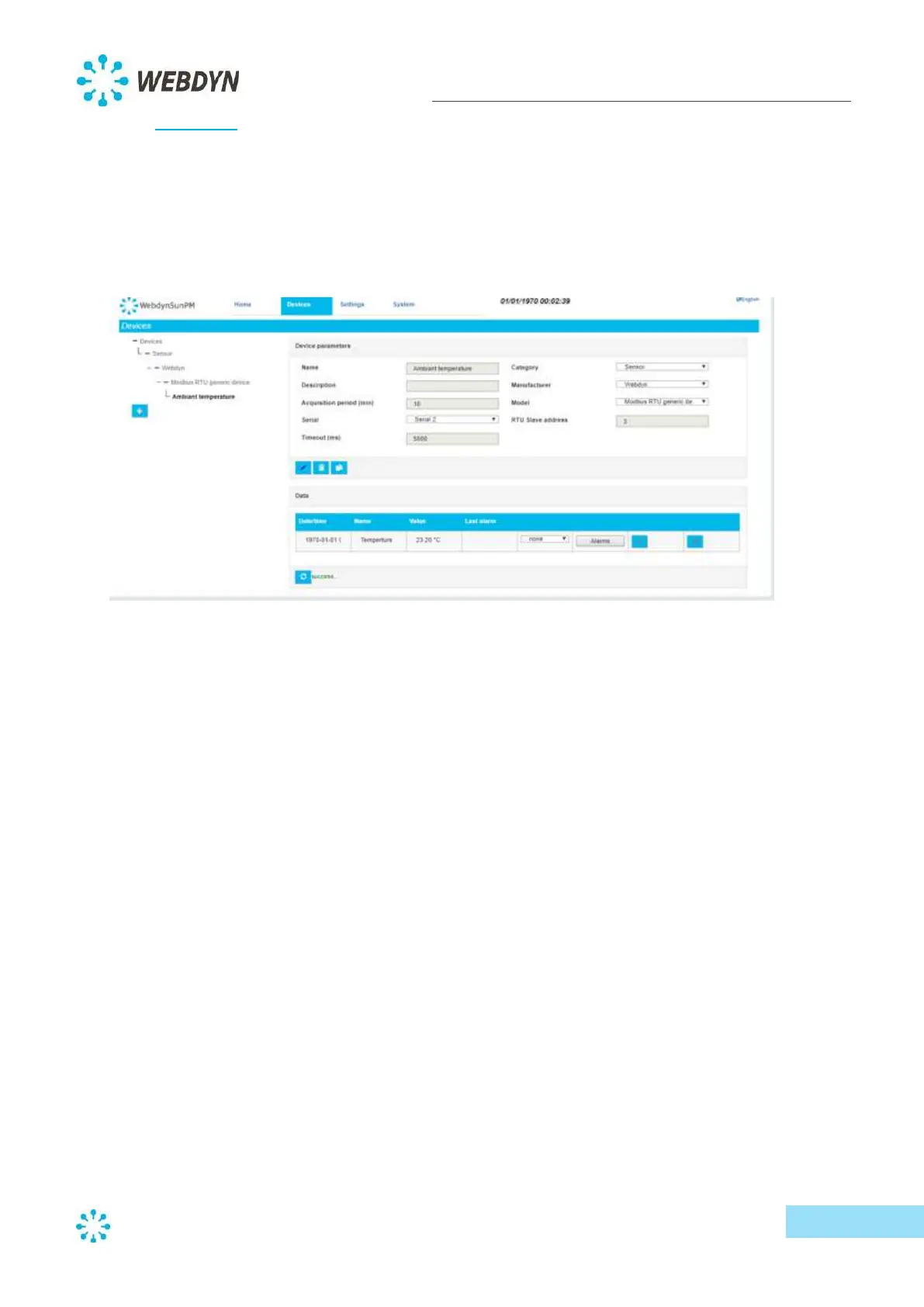
Devices are sorted by category, manufacturer and then model.
The category represents the type of device (Inverter, Sensor, Counter or Other). Selecting a category
will update the list of relevant manufacturers, for which a list of device models will be provided.
A number of devices are implemented by default on the concentrator. Depending on the selected
model and the protocol used by each device, you may have additional parameters to define (such as
an address).
If your device is not available in the list of available models, as long as uses an implemented
communication protocol, you can select the generic device for the protocol and manually set the
variables for your device (for example, for the Modbus protocol).
Note: For models based on serial protocols, you will first need to configure the communication
protocol and its settings for the serial port you wish to use. Please refer to the chapter on serial port
configuration for detailed instructions.



 To Next Page