42
WebdynSunPM – User guide — Version 1.0
9 Servers
9.1 NTP
The server enables the WebdynSunPM concentrator to perform time synchronization when the
product boots up (if its time stamp is lost), as well as periodically to avoid any drift in the internal
clock.
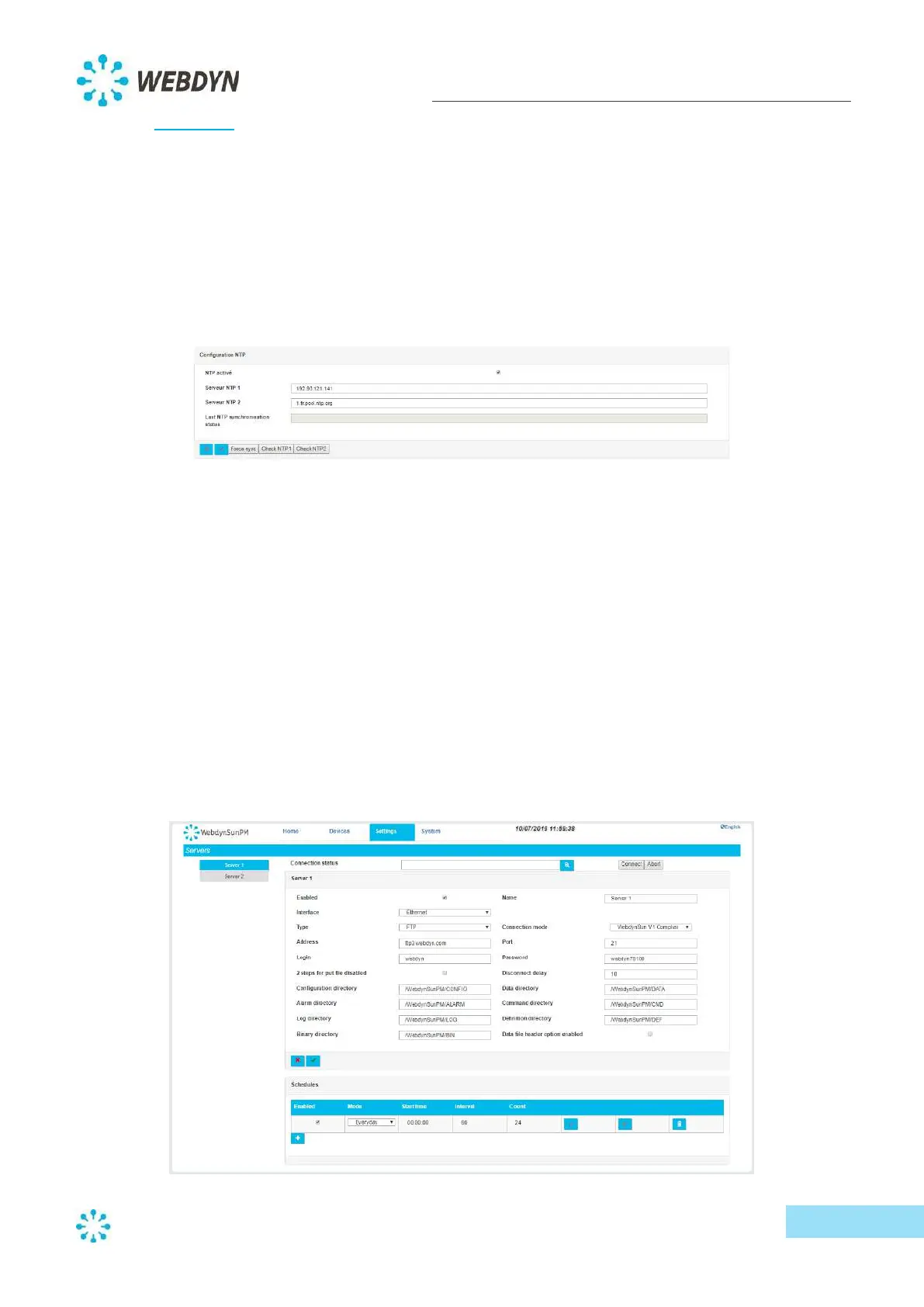
To configure the time synchronization option via the NTP protocol, go to the "Settings" menu, and
select the "Date/Time" submenu.
Enable synchronization, then type the address(es) of the NTP servers you wish to use. By default, the
configured servers are 0.fr.pool.ntp.org and 1.fr.pool.ntp.org.
You can check NTP server availability with the "Check NTP1" and "Check NTP2" buttons.
To synchronize the time immediately, click on the "Force sync" button.
9.2 Information System (Server)
The Information system (IS) collects data and alarms reported by the WebdynSunPM concentrator,
as well as allowing remote configuration and supervision of the concentrator (parameters, updating,
etc.).
To configure the IS, go to the "Settings" menu, and select the "Servers" submenu.



 To Next Page