32
WebdynSunPM – User guide — Version 1.0
Ongoing communication with
servers
Flashing green when traffic is
detected
- Transitional states:
Connecting to mobile network
Connecting to the mobile IP
network
- Error states:
Error when starting the modem
Error during the mobile network
connection
Error when connecting to the
mobile IP network or during
previous communication with
servers
At least one error during
communication with the server
Flashing red when traffic is
detected
Note: If an error appears, the status remains in error until the next attempt or until the product is
restarted.
7.2 Buttons
7.2.1 Power button
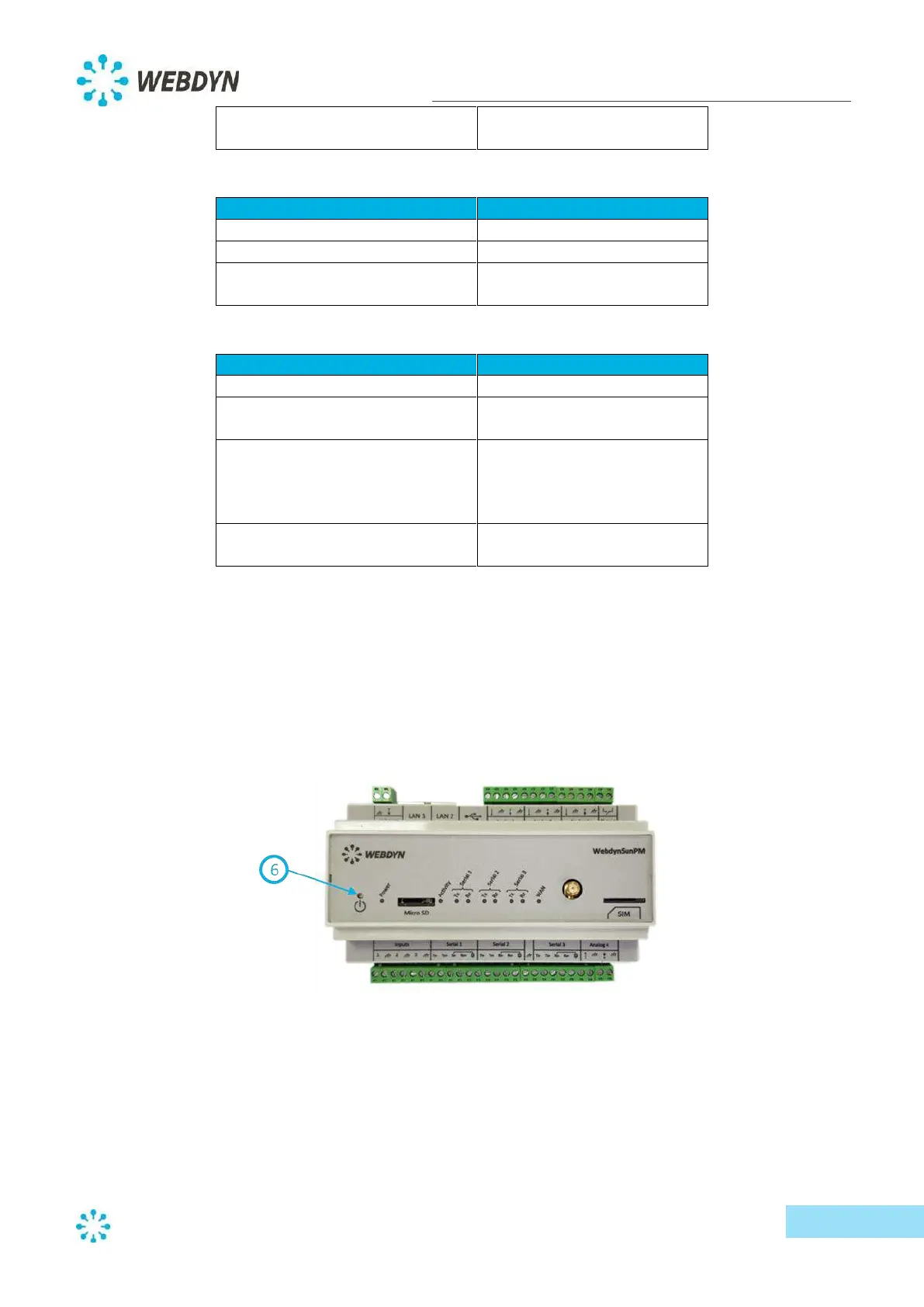
The Power button on the front panel of the product allows it to be switched off and restarted.
Holding down the Power button causes the Activity light to flash regularly (at one-second intervals).
- If the button is released within two seconds (two flashes), the concentrator continues to
operate normally.
- If the button is released after two seconds (two flashes), the concentrator restarts.
- If the button is released after five seconds (five flashes), the concentrator switches off.
When the product has been stopped, it can be restarted by pressing the Power button.



 To Next Page