40
WebdynSunPM – User guide — Version 1.0
8.4 Alarms
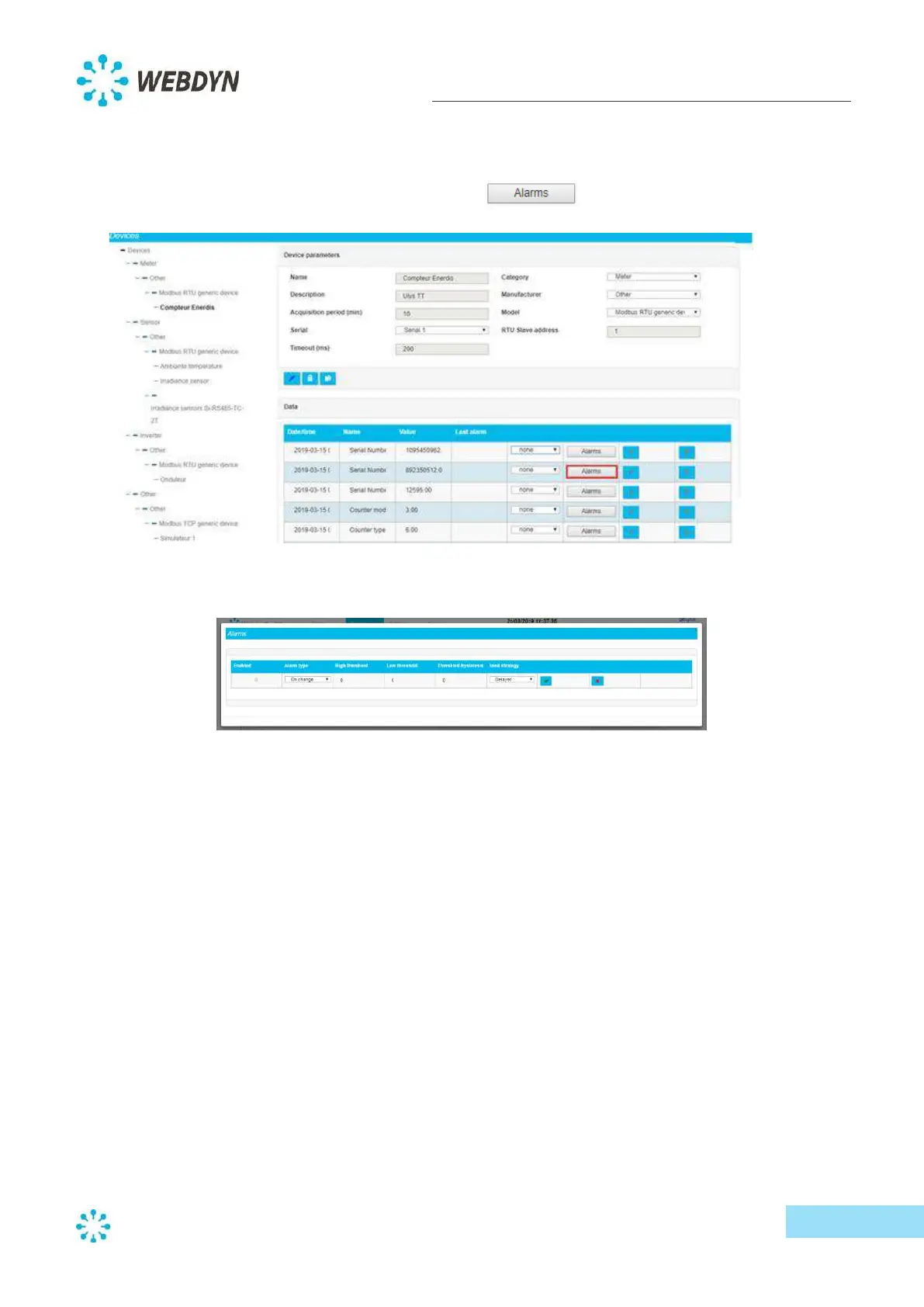
Each variable can be monitored so that an alarm is triggered when its value changes.
To activate an alarm for a device variable, click on the
button for the variable.
A window to configure the alarm will pop up.
Each time you add an alarm, make sure you activate it by clicking on the "Enabled " checkbox.
Select the desired alarm from the "Alarm type " dropdown list:
- "On change"
- "Leave interval"
- "Enter interval"
Remember to enter any additional information to configure each alarm (such as high threshold, set
of values, etc.) before validating it.
You can define a sending strategy for each alarm — "Delayed" or "Immediate". When "Delayed" is
set, the alarm will only be sent at the next connection. When "Immediate" is set, the alarm is sent
immediately.



 To Next Page