18
WebdynSunPM – User guide — Version 1.0
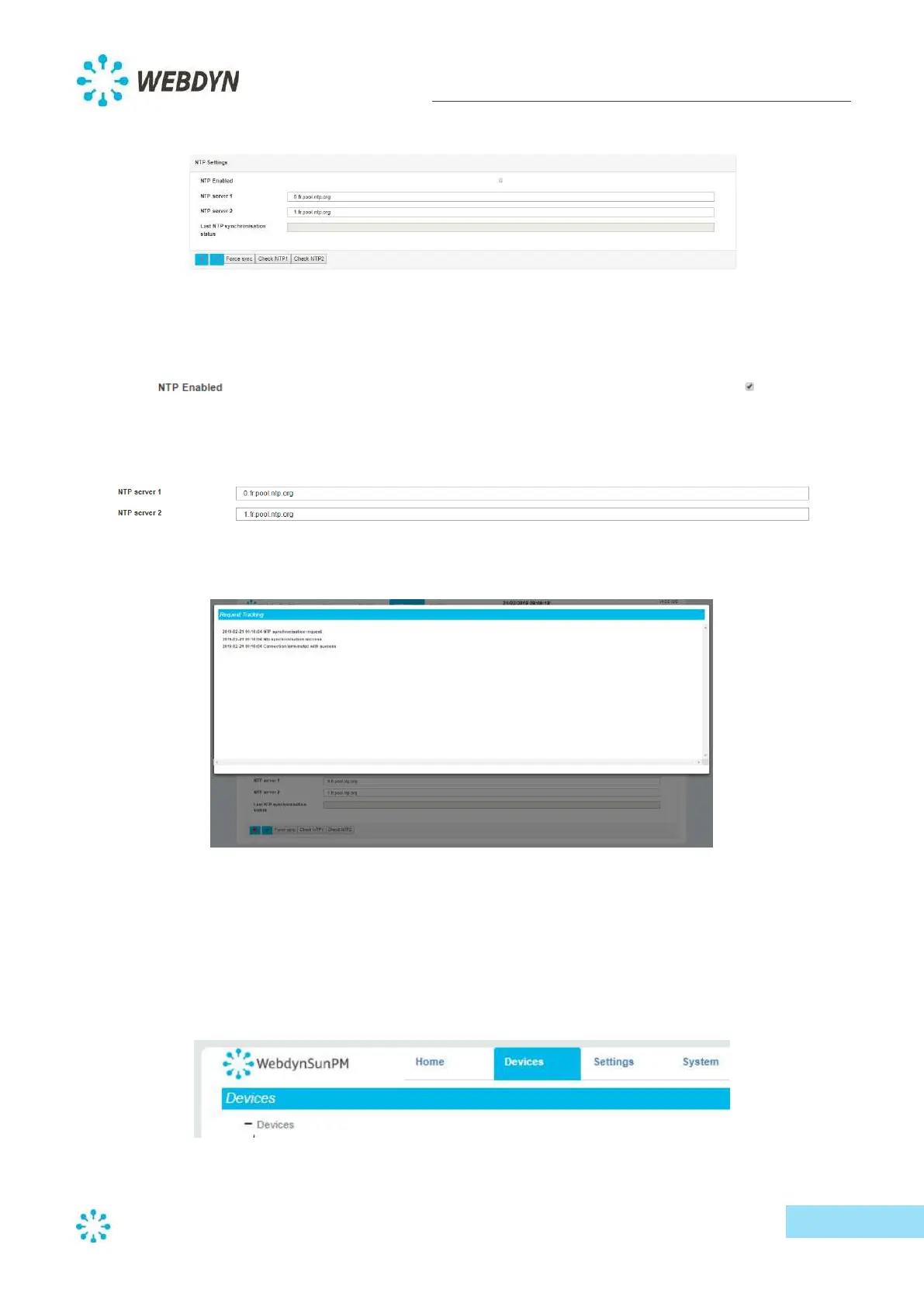
To configure the date and time automatically, scroll down to the "NTP Settings" section.
- Activate automatic synchronization via the NTP server by clicking on the checkbox further
right of the text "NTP Enabled".
- Type in the name of at least one NTP server pool. For example, "pool.ntp.org".
- Click on the "Force sync" button to trigger synchronization immediately.
- If the time synchronization is successful, close the pop-up window, and validate your
changes.
5.4 Configuring devices
You can configure devices through the "Devices" menu.
- Start by clicking on the "Devices" menu.



 To Next Page