19
WebdynSunPM – User guide — Version 1.0
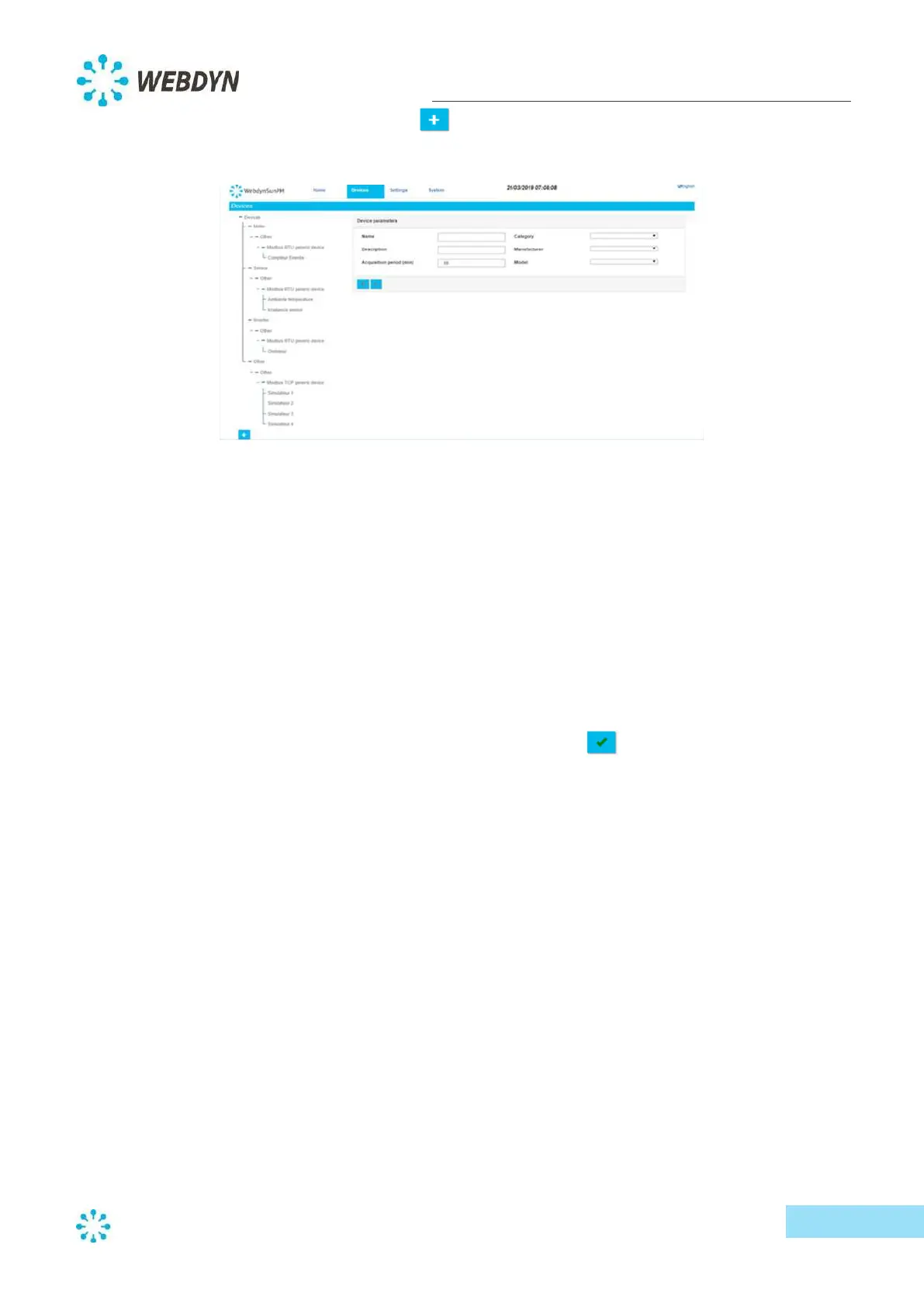
- To add a device, click on the plus symbol, then type a name for your device in the
"Name" field.
Devices are defined by category, manufacturer and model. The list of available manufacturers
changes when you switch categories. Likewise, the list of models changes when you switch
manufacturers.
- Select the device category of your device from the dropdown list for "Category".
- Select the manufacturer name of your device from the "Manufacturer" dropdown.
- Select the model of your device from the "Model" dropdown.
Some devices might need additional information, such as address or timeout. If you are prompted for
more information, add it to the fields that are displayed for your device.
- Define the acquisition period (device variable recording frequency) in minutes.
- Lastly, validate the new device by clicking on the tick symbol
.
New devices will be added to the device list on the according to category and manufacturer.



 To Next Page