27
WebdynSunPM – User guide — Version 1.0
6.4 Network interfaces
6.4.1 Ethernet
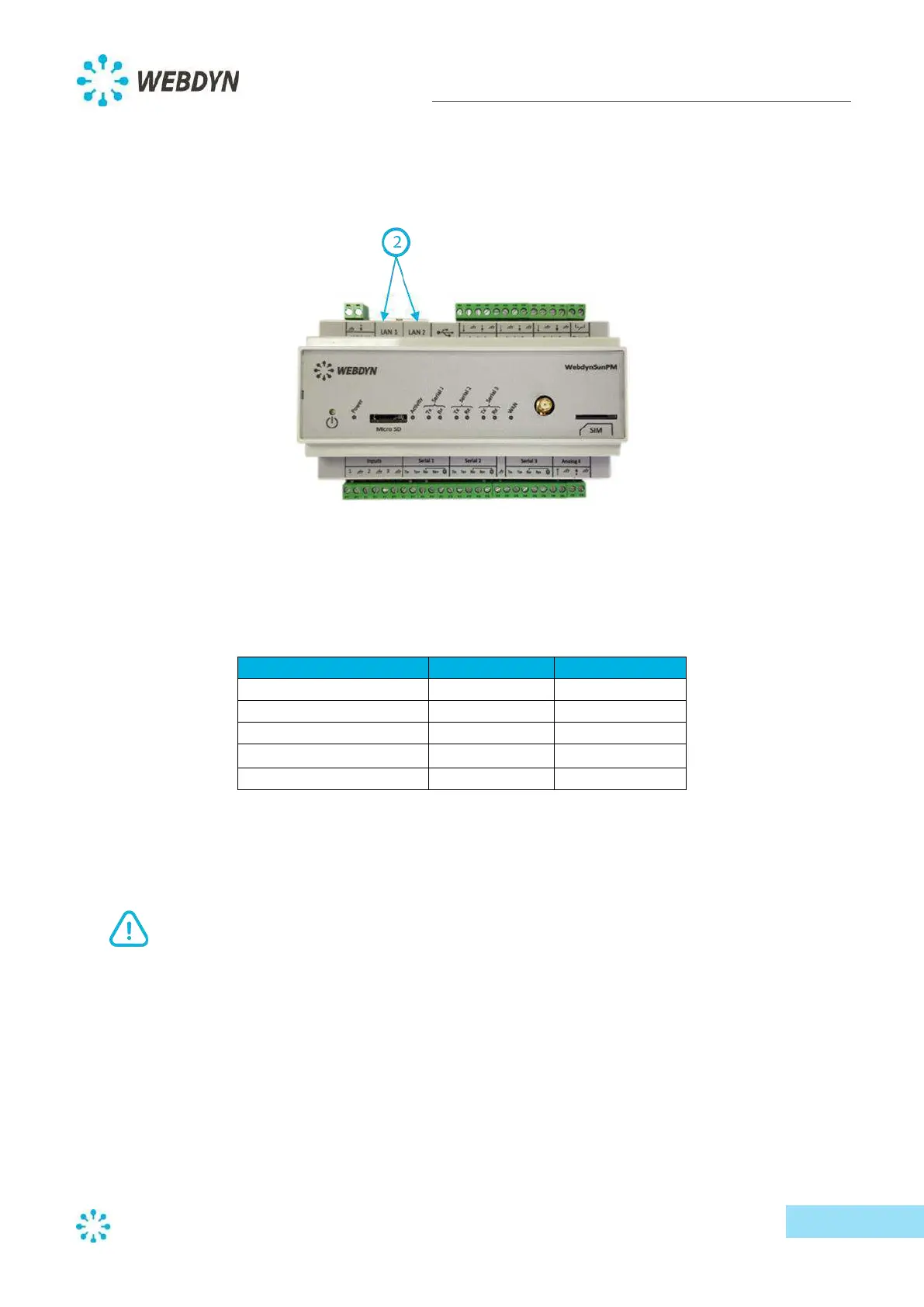
The WebdynSunPM concentrator has two Ethernet ports (LAN 1 and LAN 2) which are independent
of each other.
The WebdynSunPM concentrator can therefore connect to two separate Ethernet networks to
communicate with local IP devices on the two different networks and/or to communicate with the IS.
Default Ethernet port settings:
Note: In order for two IP devices to communicate with each other on the same IP network, they must
have compatible IP addresses. Be careful not to use the same IP address twice. IP addresses must be
unique on the same network.
If you need more help regarding what information to enter, please contact the network
administrator managing the installation.
Ethernet port characteristics
- 10Base / 100Base-Tx IEEE 802.3
- Two lights
o Link (green): Lit if the physical link with another network device is available
o Status (orange): Flashes in response to network traffic
- Automatic signal detection and crossover
- Self-regulation of speed/throttling (10/100 Mbps) and mode (half/full duplex).



 To Next Page