34
WebdynSunPM – User guide — Version 1.0
Access is secured by a username and password. By default, the username and password are:
- Username: userhigh
- Password: high
You will be automatically disconnected after closing your browser tab or window, or after a
five-minute delay.
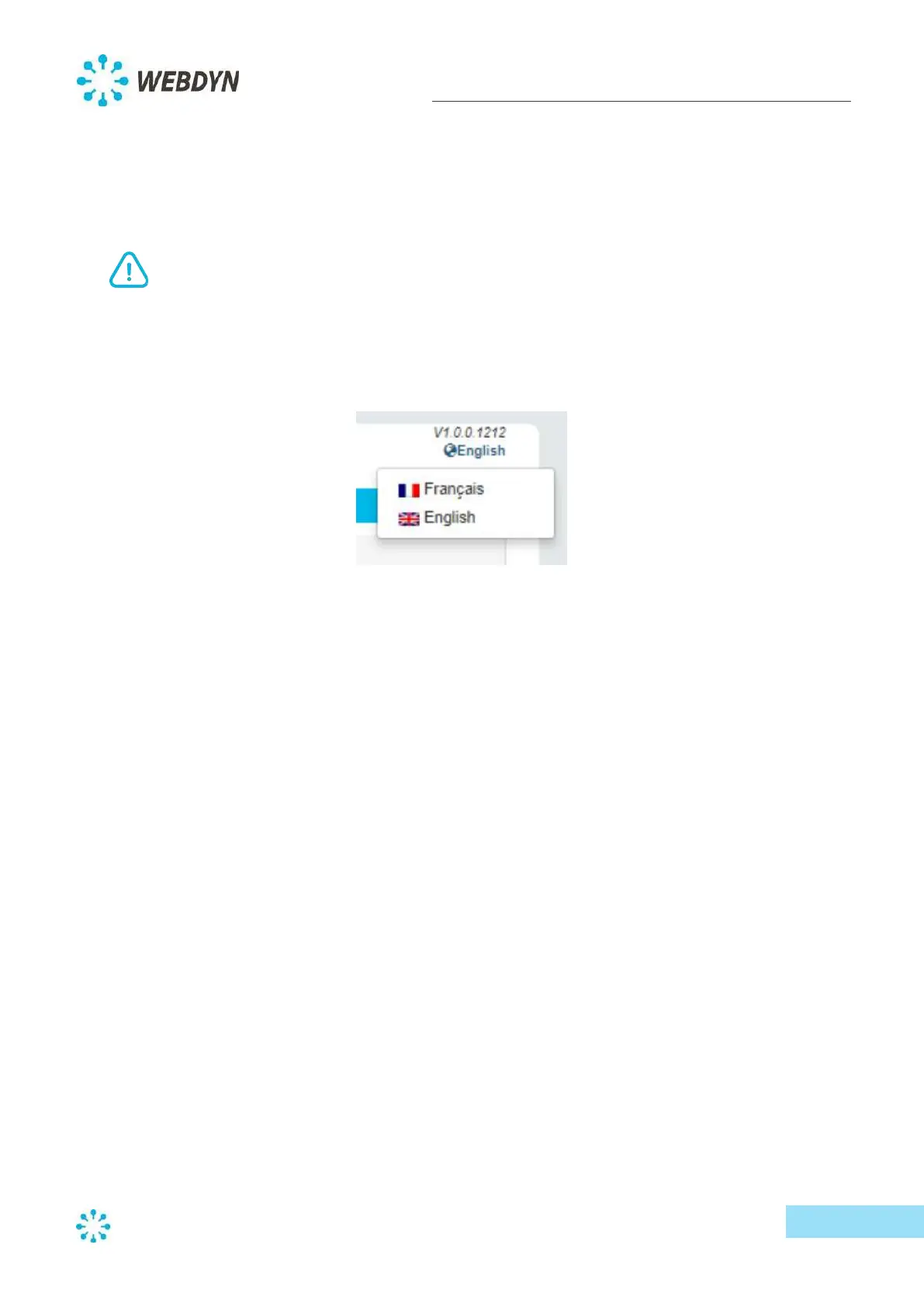
Once connected to the web interface, select your language via the language menu at the top right
corner of the web page.
Navigation is through four main menus:
- Home: Concentrator overview
- Devices: A list of devices connected to the concentrator and their configuration
- Settings: Concentrator settings (Serial ports, Networks, Modem, Servers, Date and Time)
- System: System management menu (Scenarios and Update)



 To Next Page