CFW501 | 29
Powering up and Startup
EnglishEnglish
Seq Indication on the Display / Action Seq Indication on the Display / Action
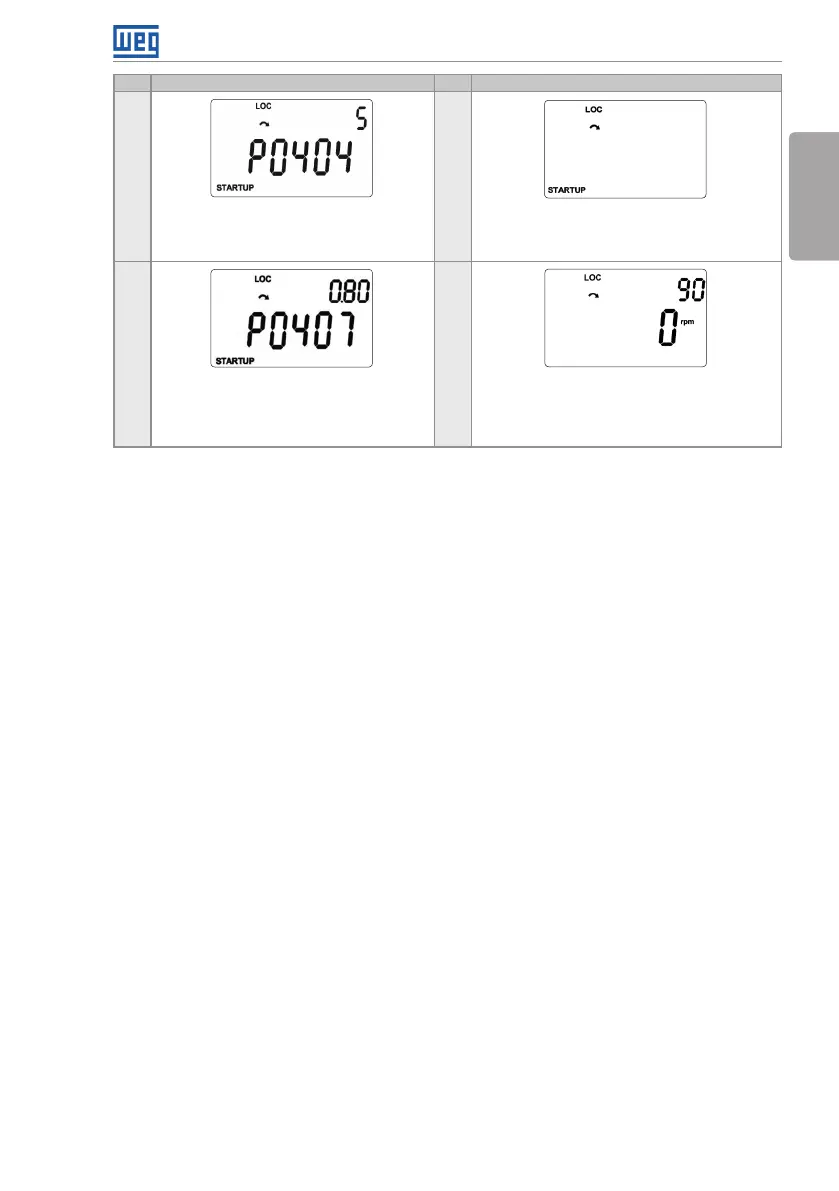
11 13
If necessary, modify the content of “P0404
– Motor Rated Power”, or press the key
for the next parameter.
To exit the STARTUP menu, just press BACK/
ESC.
12 14
If necessary, modify the content of “P0407
– Motor Rated Power Factor”, or press the
key for the next parameter.
Through the keys and , select the desired
menu or press the key BACK/ESC again
to return directly to the monitoring mode of
the HMI.
Figure 5.2 (cont.): Sequence of the Startup group for V/f control



 To Next Page