55
Polaris
ENGLISH
User manual
13.8 Programming of the Language
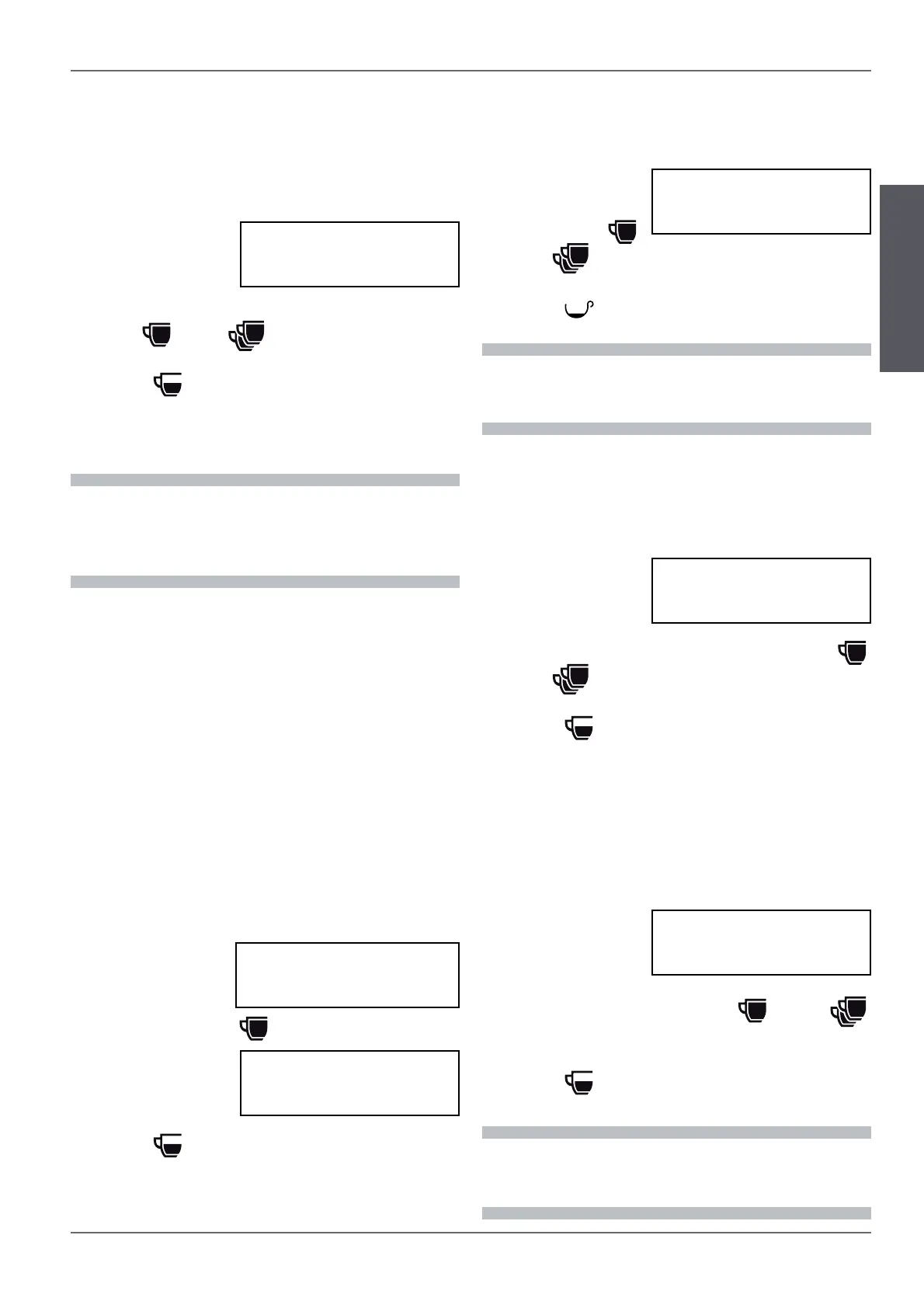
Programming of the language displayed
:
t Enter programming until the following appears
on the display;
t set the language
with the
(+ )
and (-
)
buttons
;
t To move on to the next programming, press the
(MODE
) button.
13.9 Programming of the Cup Heater
Programming of the temperature and the activa-
tion of the cup heater:
t Enter program-
ming until the fol-
lowing appears on
the display;
t set the temperature (70-100°C) with the(+
)
and (-
) buttons;
t To move on to the next programming, press the
(MODE
) button.
13.10 Programming of the Autosteamer’s
Temperature
Programming of the operating temperature of
the autosteamer:
t Enter program-
ming until the fol-
lowing appears on
the display;
t set the language with the (+
) and (- )
buttons;
t To move on to the next programming, press the
(MODE
) button.
i
When the machine reaches 90% of the value set
on the display a signal appears for 5 seconds. Once
100% of the set value is reached, the intermittent
signal appears on the display.
i
The actual temperature of the beverage may
dier by a few degrees from the set temperature
depending on the amount of the beverage heated.
i
In English it is possible to choose between degrees
Celsius (°C) and Fahrenheit (°F)
LANGUAGE
ENGLISH
CUP HEATER
80°C
AUTOSTEAMER
65 °C
13.6 Programming the regeneration of the
water softener
Programming of the automatic alert of the need
to regenerate the water softener:
t Enter into pro-
gramming until the
following appears
on the display
;
t set the water quantity (increments of 50 l.) with
the (+
) and (- ) buttons;
t to move on to the next programming, press the
(MODE
) button.
REG. SOFTENER
00000
13.7 Viewing and Resetting the liter
counter
To view and reset the liter counter:
t Enter programming until the count of the liters
appears on the display;
t press the (-) but-
ton to reset;
t to conrm the re-
setting press the (+
) button and hold it down
for 3 seconds;
t to move on to the
next program-
ming, press the
(MODE
) button.
RESET COUNTING ?
PRESS + 3 SEC.
CLEANING COUNTER
LIT. = NNNNN



 To Next Page
 Loading...