User Guide
4. Management
4.3 Firmware Upgrade
Note: It could take the OS several minutes to rebuild all the paths to the
drives depending on the workload on the drives and how busy the host is.
Multipathing may have to be verified several times to ensure that all paths are
in an optimal state following the reset of IOM B.
4.3.5
Windows Firmware Upgrade Preparation
To upgrade firmware using a windows server, do the following:
Step 1 :
Make sure that sg3_utils is installed on the system and that the MPIO software is configured and
enabled on the host to be able to handle an online upgrade.
Step 2 : Connect the Ultrastar Data60 to a standard SAS HBA or a RAID SAS HBA hosted on the
Windows Server that presents the Enclosure Services Processor to the operating system. The
Enclosure Services Processor in the Ultrastar Data60 will be referred to as an IOM.
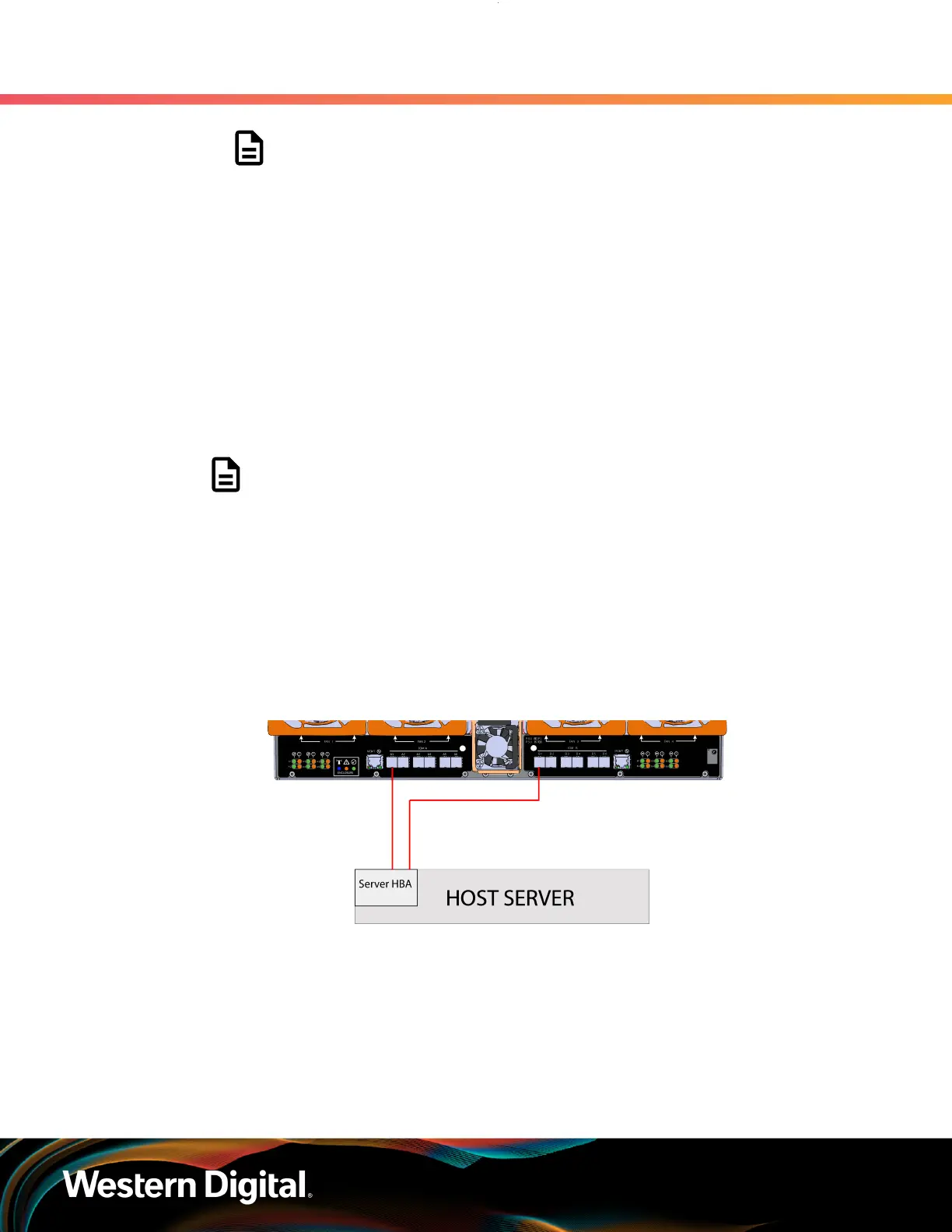
Note: To perform an online firmware upgrade, the Ultrastar Data60 must be
configured with redundant data paths, meaning both IOMs must have a SAS Port
populated and connected to the host server.
SAS Configurations: The server host must be configured with multi-pathing
software that can handle the nature of the firmware upgrade. i.e. Once firmware
is downloaded to the IOMs, each IOM will reset and boot the new code in a
staggered fashion such that the host always has at least one path to the drives to
service I/O.
SATA Configurations: A SATA configuration should not be considered for an
online upgrade due to the single path nature of the topology.
Figure 195: Multipathing Configuration Minimum Requirement
Step 3 :
Log on to the Windows server and launch a command prompt.
Step 4 : Input the sg_scan -s command to find the IOM devices to ensure that they can be accessed.
169















 To Next Page