User Guide
1. Overview
1.11 LEDs
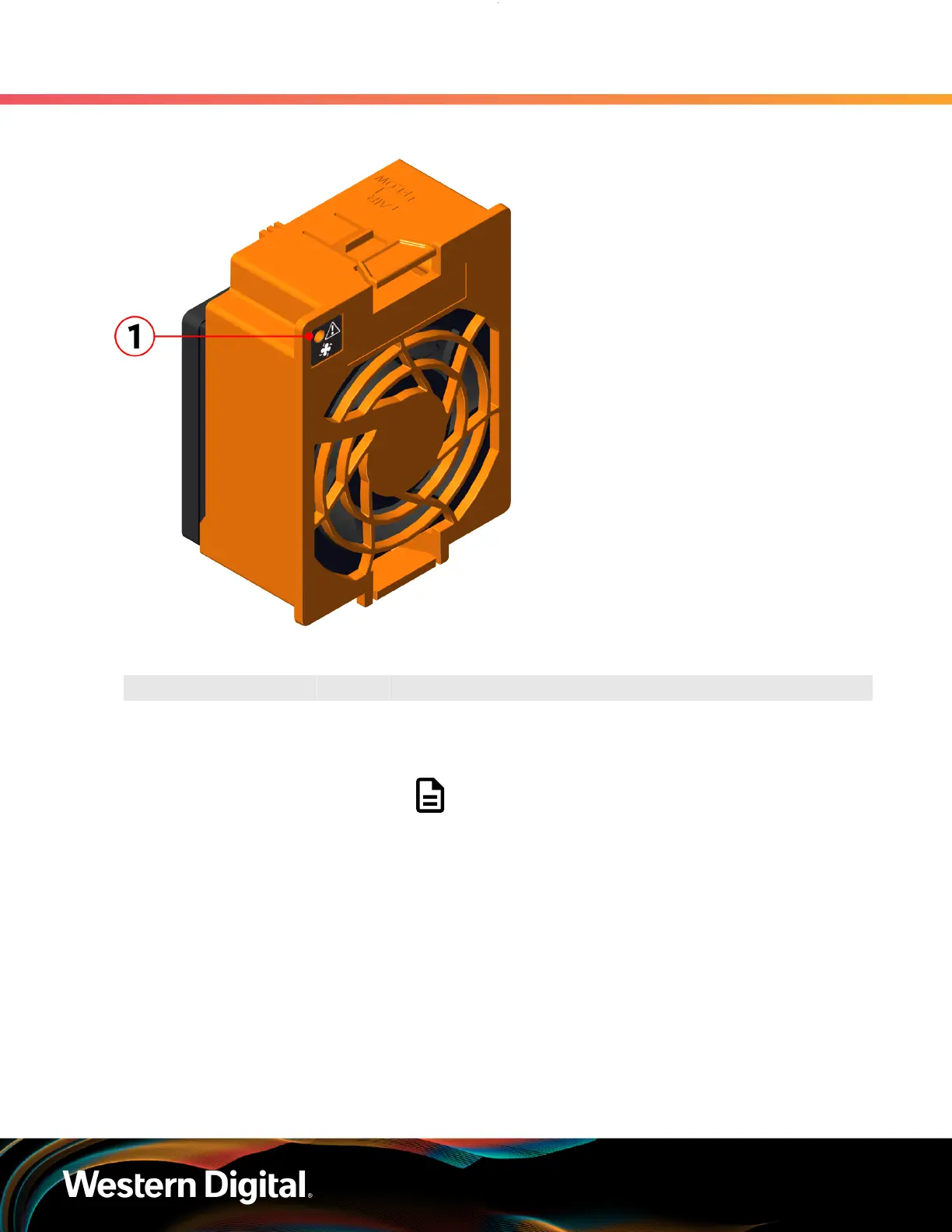
Figure 11: Fan LED Location
Table 13: Fan LED Identification
Number LED Name Color Behavior
1 Fan LED Amber Blink @ 1 Hz (50% duty cycle) – Fan is reporting faults
Blink @ 2 Hz (50% duty cycle) – Fan is being identified
Off – Fan is on and reporting no faults
Note: LEDs have a 50% duty cycle (On for 2
seconds, off for less than a second).
1.11.6
Drive Assembly LED
The HDD drive assembly itself does not contain an LED, but it contains a light-pipe that displays the
multi-function LED located on the drive slot. This amber LED has three distinct states for indicating a fault
condition, identification, or normal operation.
14















 To Next Page