User Guide
3. Support
3.4 Rear Fan Replacement
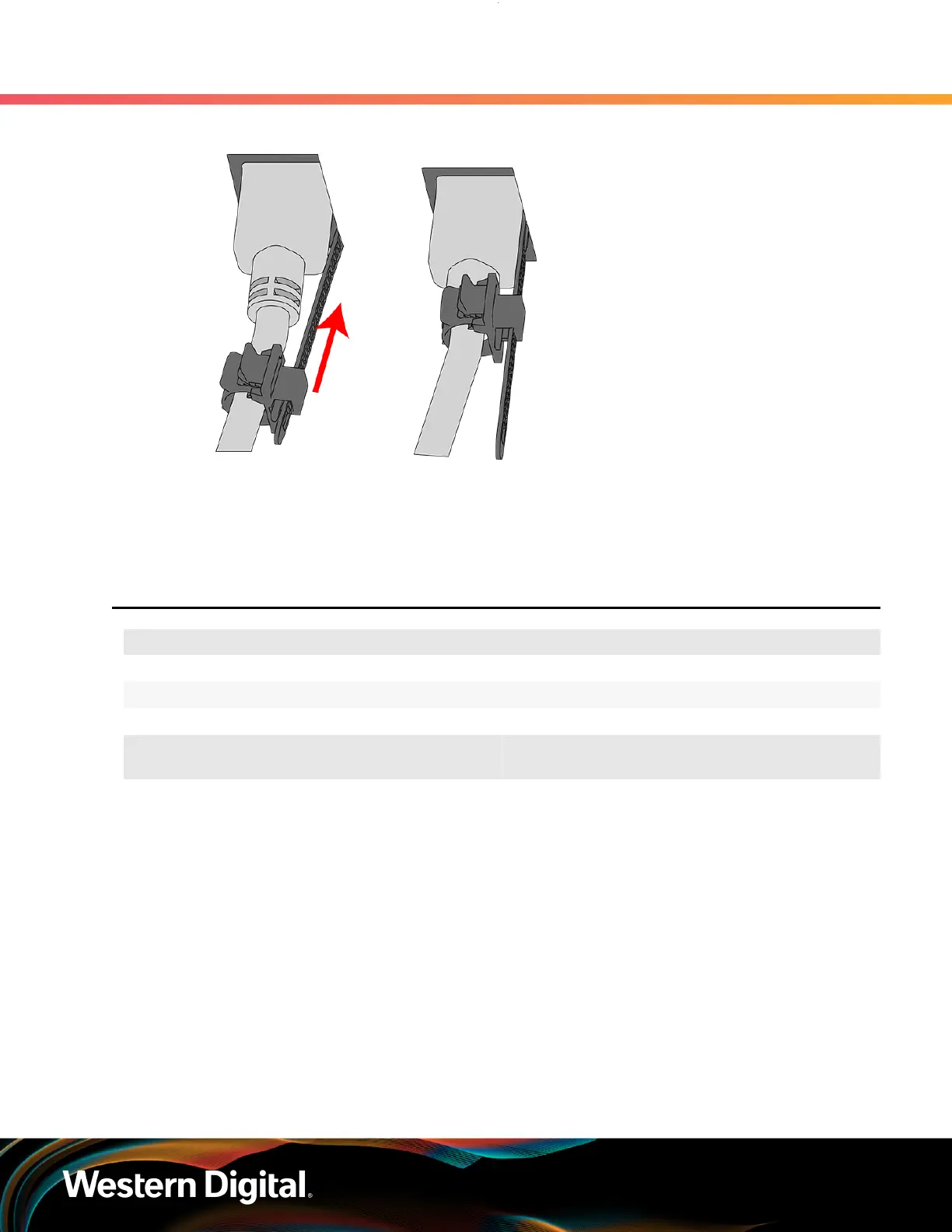
Figure 49: Cinching Cable Retention Clip
Step 8 :
Make sure the CMA(s) is in operational position by folding the arm(s) in toward the enclosure and
attaching the elbow end(s) to the connector(s) attached to the rail. Verify that all of the cabling is
in functional order and does not bind or catch.
3.4
Rear Fan Replacement
Replacement Requirements
Personnel Required 1
Avg. Replacement Time 1 min
Max Replacement Time 5 min
Tool # Needed
Required vs.
Recommended
None N/A N/A
Step 1 : Place the CMA(s) into service position.
a. Unlatch the CMA(s) from the rail at the elbow connector by pressing the blue release button.
66















 To Next Page