User Guide
3. Support
3.6 3.5in HDD Assembly Replacement
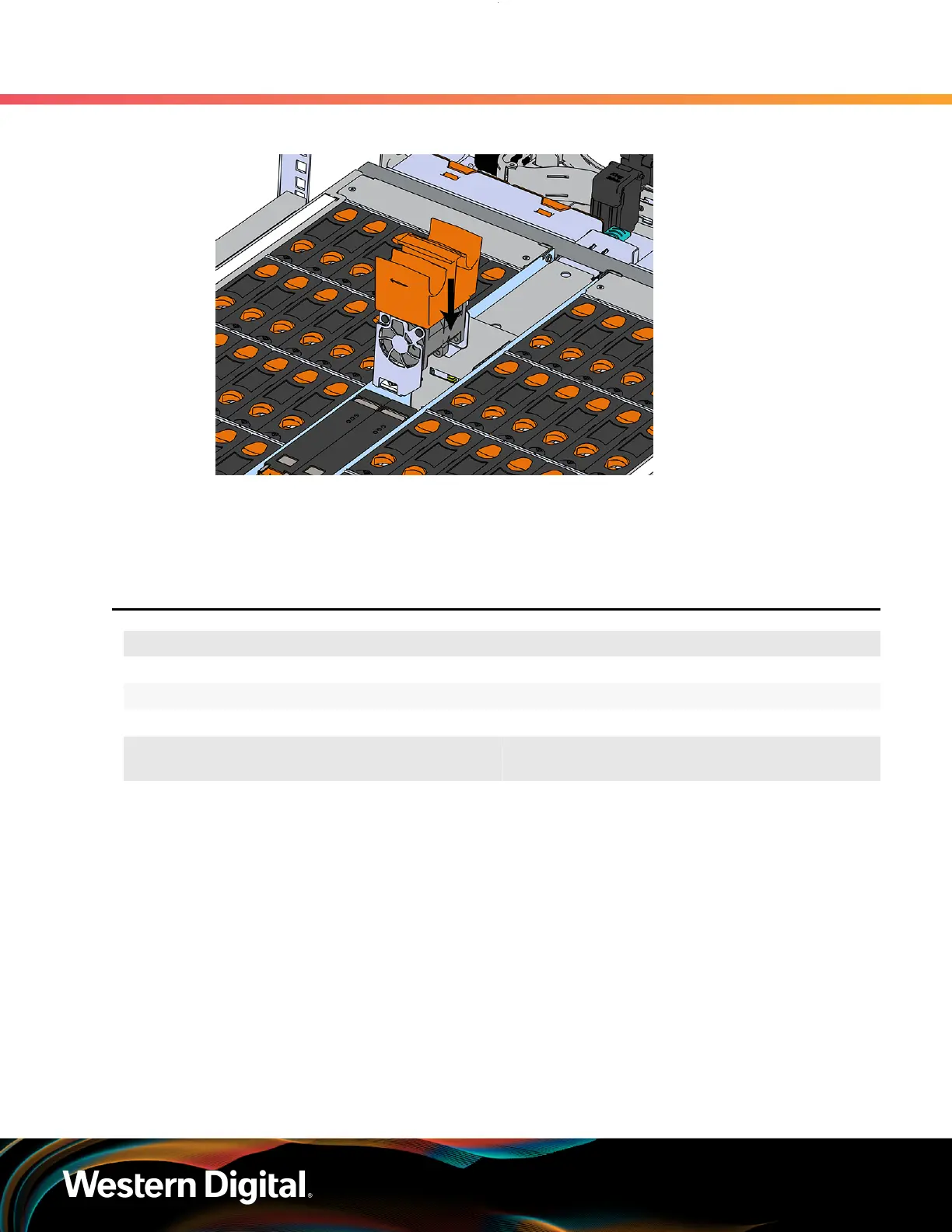
Figure 56: Installing the IOM Fan
b. Pinch the latch release mechanism slightly and carefully lower the IOM Fan into the slot.
Step 4 : Push the enclosure back into the rack to ensure proper cooling.
3.6
3.5in HDD Assembly Replacement
Replacement Requirements
Personnal Required 1
Avg. Replacement Time 1 min
Max Replacement Time 5 min
Tool # Needed
Required vs.
Recommended
None N/A N/A
Step 1 : Grasp both handles at the front of the enclosure and pull with even pressure to extend the
chassis out of the rack until it is stopped by the safety latches. The safety latches will prevent the
enclosure from coming out of the rack completely and the cover will remain in the rack attached
to the rear alignment brackets.
71















 To Next Page