page 2 – 2
IP-12/IP-16 / Dec 2014
SURFACE CONFIGURATION
Surface Configuration
Getting Started
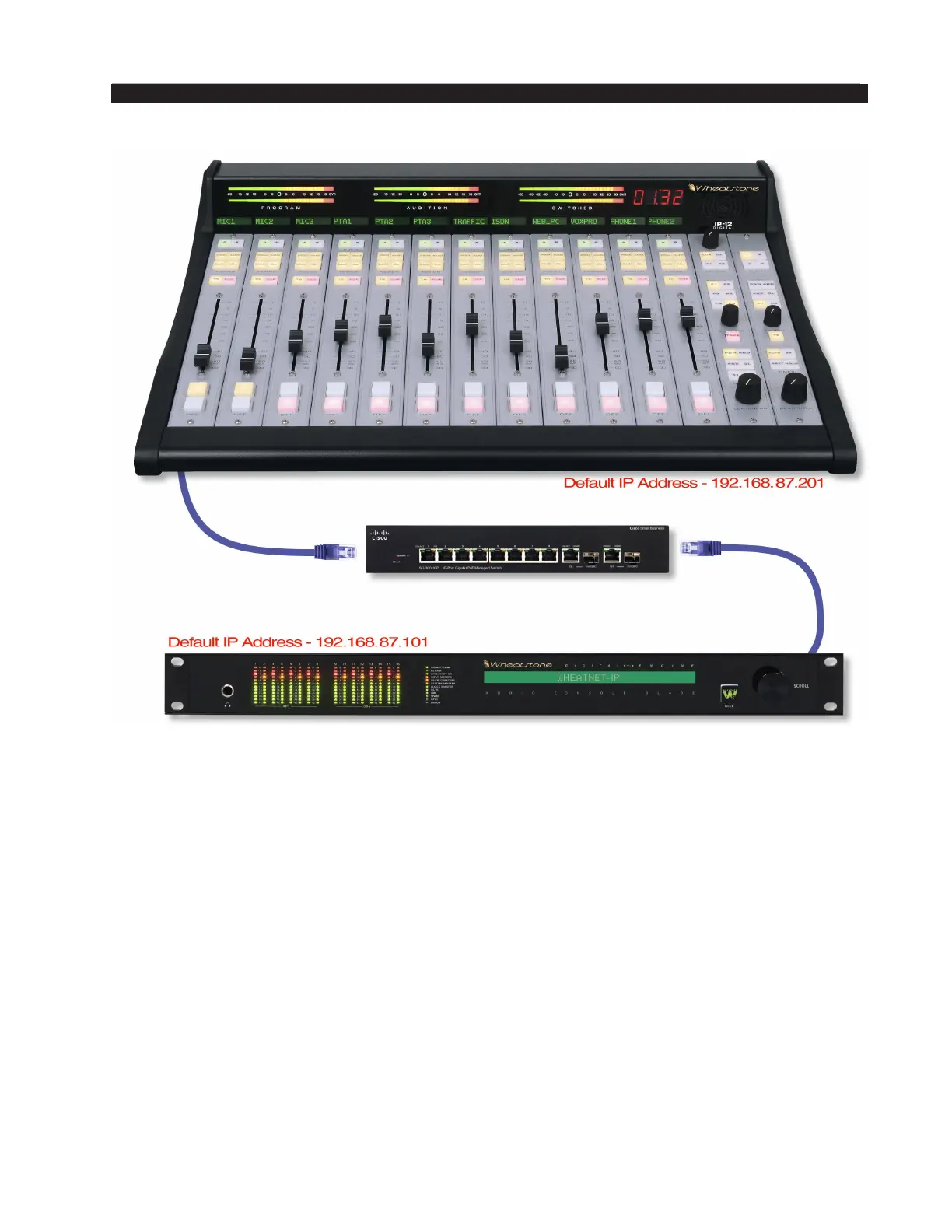
The IP-12/IP-16 control surface connects via Ethernet to its audio engine, the
Wheatstone WheatNet-IP 88cb audio Console BLADE. Note that the Console BLADE
must be connected to a Gigabit port on a switch. A powerful 1RU device containing the
console’s digital signal processing, input, output, and logic circuitry, the engine has no
fans and may be located either next to the control surface or at a remote location.
The IP-12/IP-16 control surface comes with the IP Series Console Setup Tool Graphical
User Interface (GUI) program, intended to be straightforward in setup connection between
the control surface and the Console BLADE. On a user-supplied computer connected
through an Ethernet switch to the IP-12/IP-16 and the Console BLADE, install the GUI
by running the installer le wheatnetip_ipconsole_setup_X_X_X.exe, where “X_X_X”
is replaced with the version number, such as “1_0_0”. The installer creates a program
with le name of WheatNetIpConsoleGui.exe. Double-click the icon for this le, or its
shortcut, to run the GUI.



 To Next Page