page 3 – 2
IP-12/IP-16 / Dec 2014
IP-12 CONTROLS AND FUNCTIONS
IP-12/IP-16 Controls and Functions
Input Module (IN-12)
Input Sources
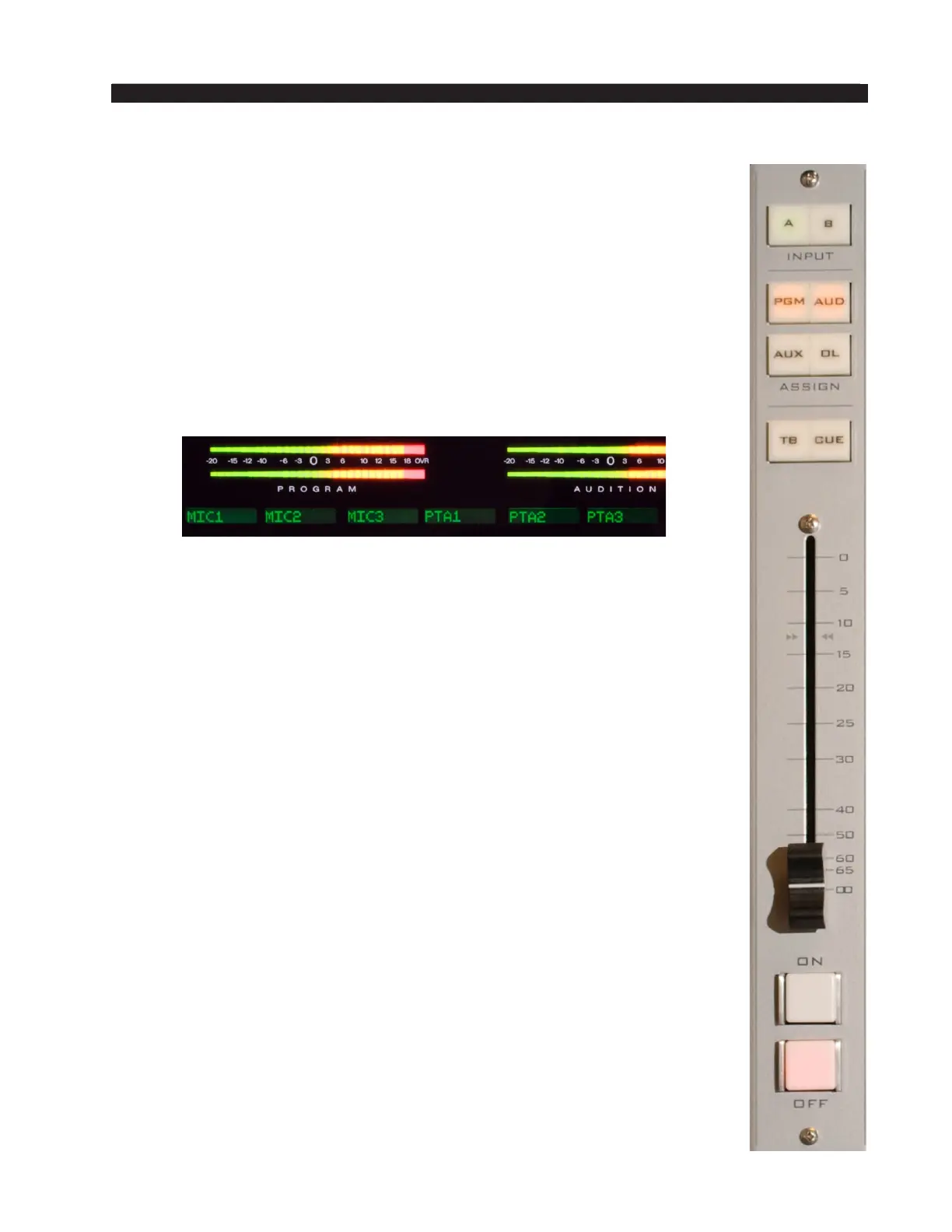
The A and B INPUT buttons at the top of each module determine what input
source will feed the module. The buttons can be programmed to allow quick
selection of two different sources for each module. If the source programmed
for button A is the current source for the channel, then button A will be lit.
Similarly, button B lights if its programmed source is the current source for
the channel. The 8-character alphanumeric display above the channel on the
meterbridge shows the name of the current source for that channel. If there
is no current source for a channel, neither A or B button will be lit, and the
display will read NoSource.
To select a new source, press and hold the desired button, A or B, until it
begins to ash. This acts to arm the button to take its source. While the button
is ashing, the display shows the programmed source for the selected button,
or NoSource if the button is not programmed. Once the button is ashing,
release it, and then press it again. This will cause the current source for that
channel to be replaced by the one programmed for the selected button. If you
don’t press the button the second time, the button will stop ashing after a
short timeout and the source will not be changed.
A similar process is used to program a source for a button. Press and hold
the desired button until it ashes, then rotate the ENCODER on the CR-12
module until the desired source appears in the channel’s display, then press
the TAKE button (which is also ashing) below the ENCODER to nish
programming the button. Please note that this process does not replace the
current source for the channel, but only programs the selected button. If you
then want to change to the source you just programmed you must press and
hold the button again until it ashes, then press it one more time to take the
new source to the channel.
There may be times when you don’t want to change the programming for
either A or B but want to select a third source for the channel. You can do this
by pressing and holding both A and B together until both are ashing, then
dialing up the desired source on the ENCODER and pressing TAKE. This will
immediately take the third source to that channel and the A and B buttons will
go off (to indicate the current source is not programmed for either A or B).
This source is not remembered as a third source for the channel. Do a new
source selection (A or B) and the next time you want a third source you will
need to repeat the above process.
Depending on how the IP-12/IP-16 is congured, you may be able to
select any source in the system or you may have a limited choice of sources
for one or more of the channels.



 To Next Page