page 2 – 7
IP-12/IP-16 / Dec 2014
SURFACE CONFIGURATION
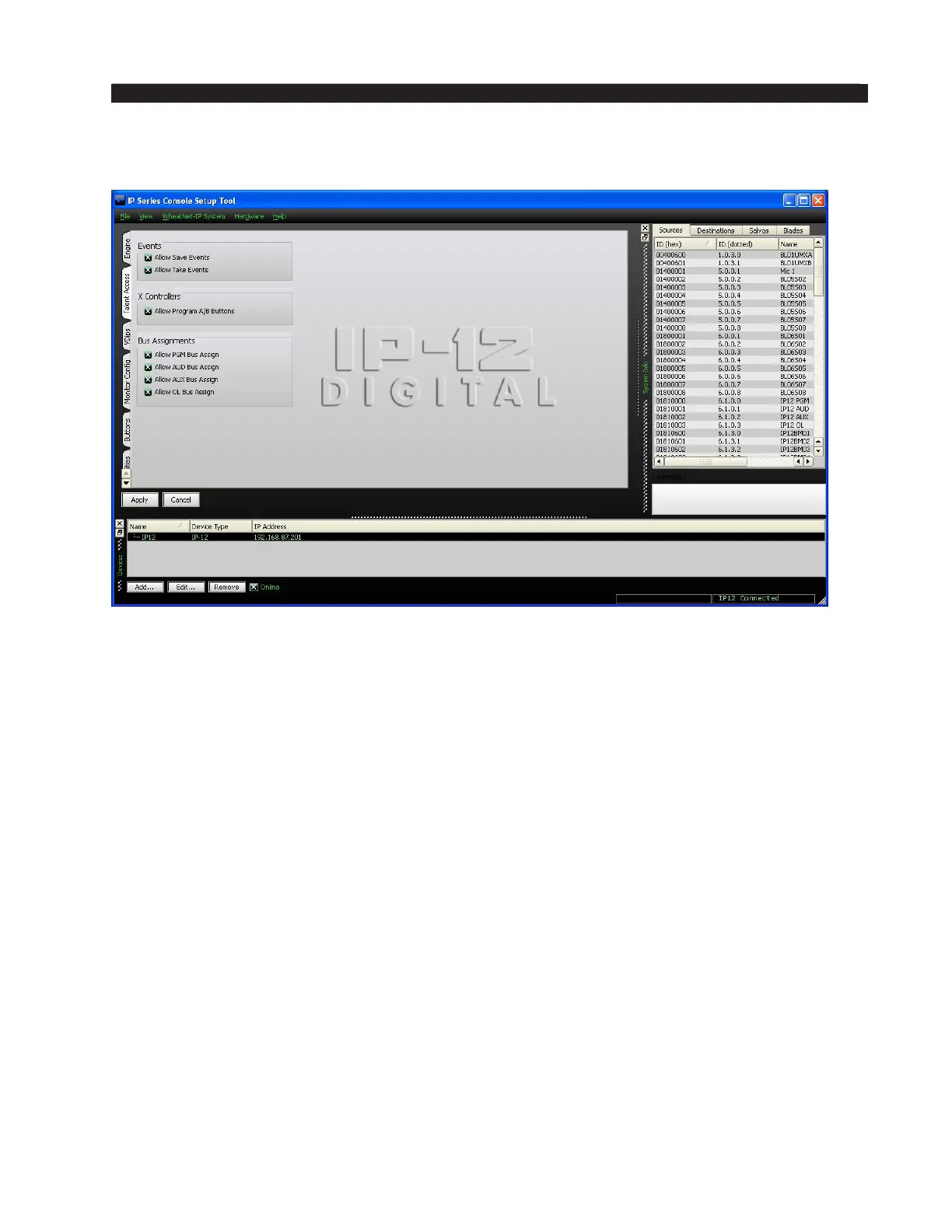
Talent Access Tab
It may be desirable to limit some of the operations that can be performed by talent
using the IP-12/IP-16.
Events – Operation of the four EVENT buttons on the SC-12 Studio Control Module
can be limited as follows:
• If Allow Save Events is not checked, the operator will not be able to program
the EVENT buttons to save Events.
• If Allow Take Events is not checked, the operator will not be able to use the
EVENT buttons to take Events.
X Controllers – Selection of fader sources by using the A and B INPUT buttons on
the IN-12 Input Module can be limited as follows:
• If Allow Program A/B Buttons is not checked, the operator will not be able to
use the A and B INPUT buttons to change fader sources.
Bus Assignments – Use of the ASSIGN buttons (PGM, AUD, AUX, and OL) to de-
termine the bus or buses that the fader will feed can be limited as follows:
• If Allow PGM Bus Assign is not checked, the operator will not be able to use
the PGM ASSIGN button to change the fader’s feed status to the PGM bus.
• If Allow AUD Bus Assign is not checked, the operator will not be able to use the
AUD ASSIGN button to change the fader’s feed status to the AUD bus.
• If Allow AUX Bus Assign is not checked, the operator will not be able to use the
AUX ASSIGN button to change the fader’s feed status to the AUX bus.
• If Allow OL Bus Assign is not checked, the operator will not be able to use the
OL ASSIGN button to change the fader’s feed status to the OL bus.



 To Next Page