EasyManua.ls Logo

Wheatstone IP-12 - Hook-Ups; Typical Straight-Through Cable

Default Icon
68 pages
Print Icon
To Next Page IconTo Next Page
To Previous Page IconTo Previous Page
Loading...
page 5 – 3
IP-12/IP-16 / Dec 2014
HARDWARE
Hook-Ups
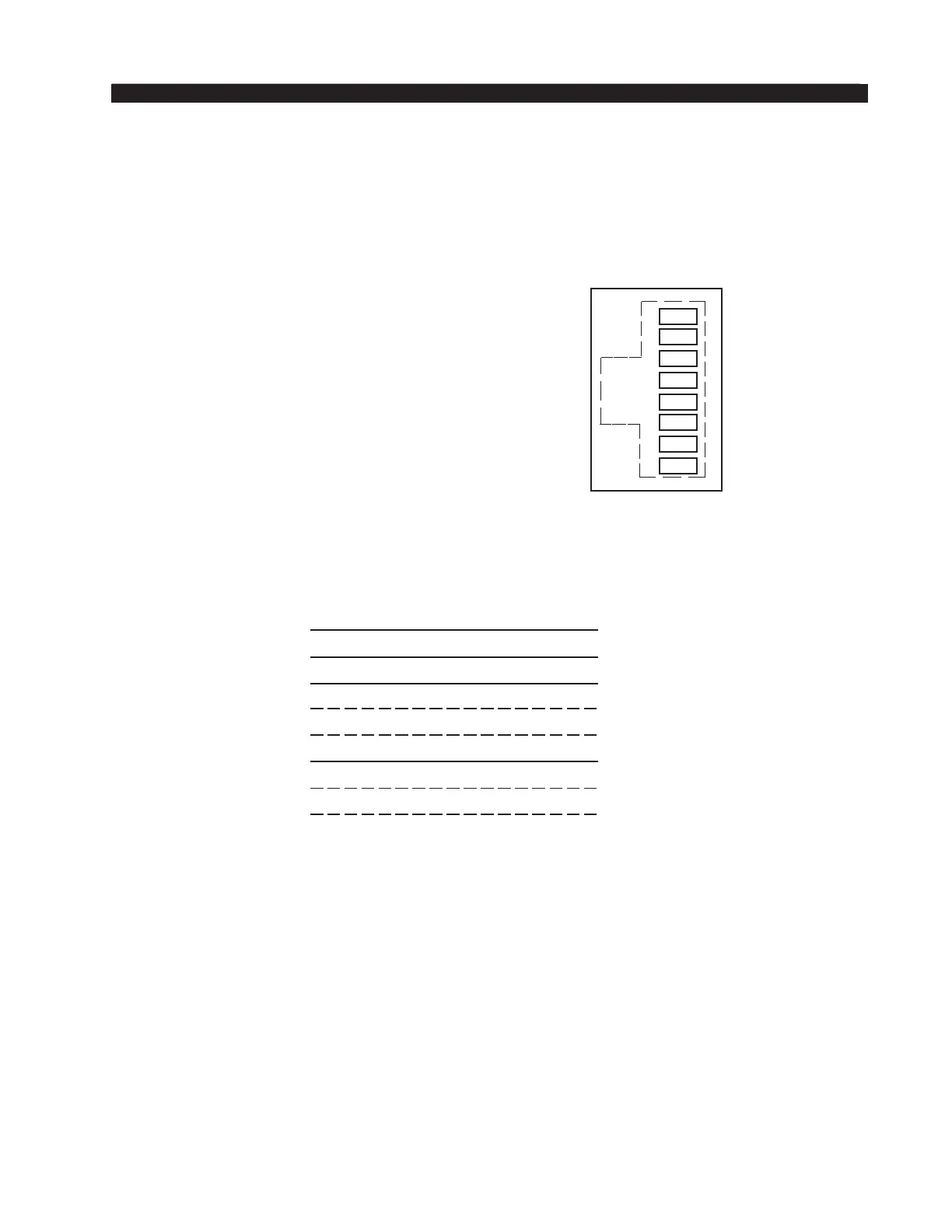
The “CT20” RJ-45 connector for Ethernet connection is located on the center of
the bottom side of the HC-12 PCB.
“CT20” RJ-45 – EThERnET ConnECToR
Pin 1 – TXD +
P
in 2 – TXD -
P
in 3 – RXD +
P
in 4 – n/C
P
in 5 – n/C
P
in 6 – RXD -
P
in 7 – n/C
P
in 8 – n/C
Typical Straight-Through Cable
Used for connecting the host controller to your network hub.
Ethernet Connecto
r
(RJ-45)
1
2
3
4
5
6
7
8
TXD +
TXD -
RXD +
RXD -
N/C
N/C
N/C
N/C
1
2
3
4
TXD +
TXD -
RXD +
RXD -
PIN
1
2
3
4
PIN
RJ-45
Plug
RJ-45
Plug
White/Orange
5
6
7
8
N/
C
N/
C
5
6
7
8
Orange
White/Green
Blue
White/Blue
Green
White/Brown
Brown
N/
C
N/
C
White/Orange
Orange
White/Green
Blue
White/Blue
Green
White/Brown
Brown

Table of Contents